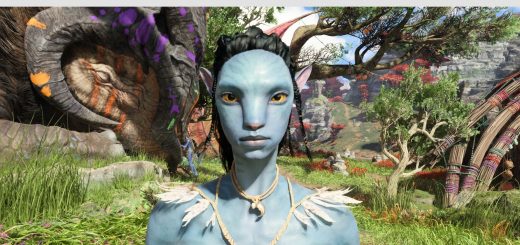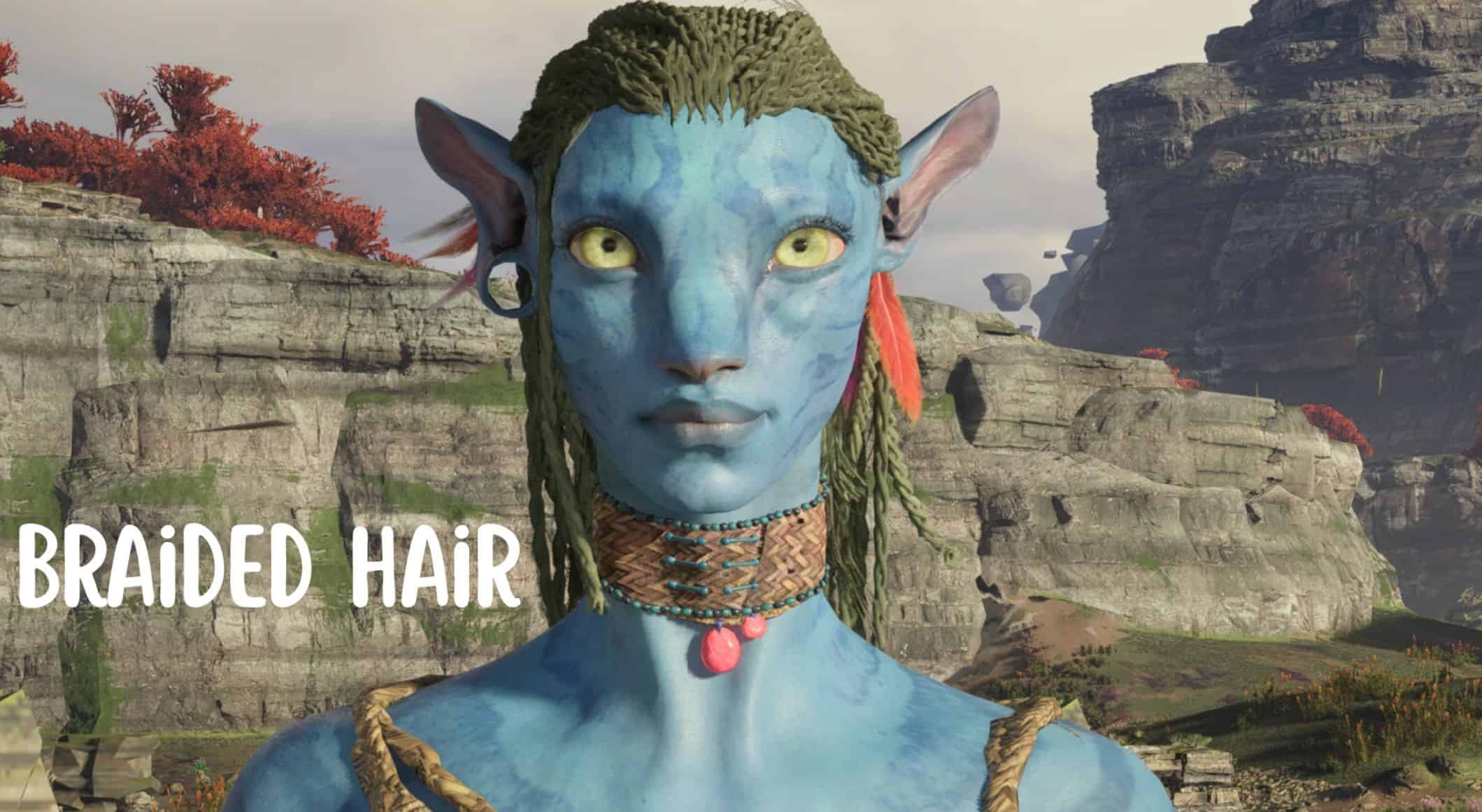
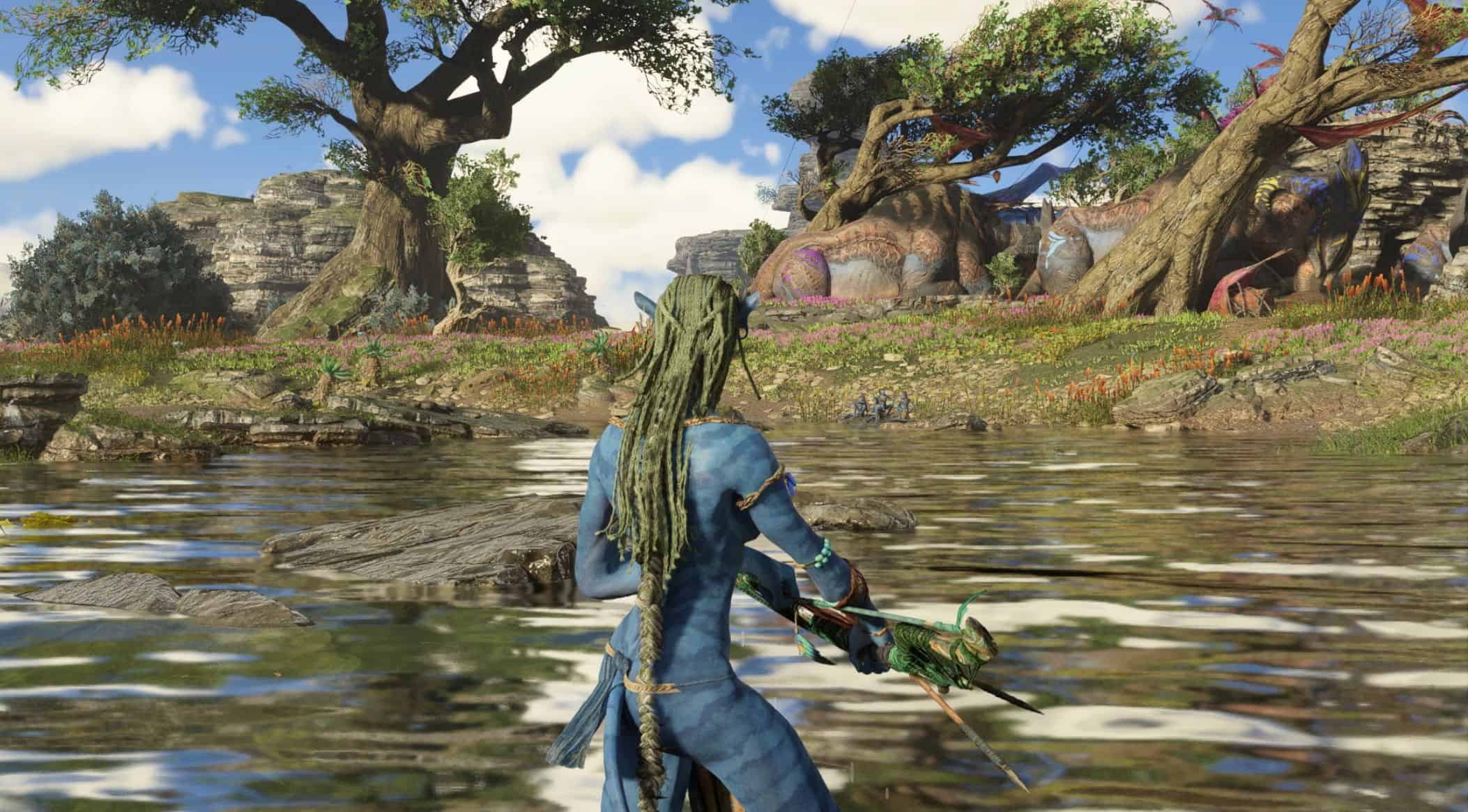
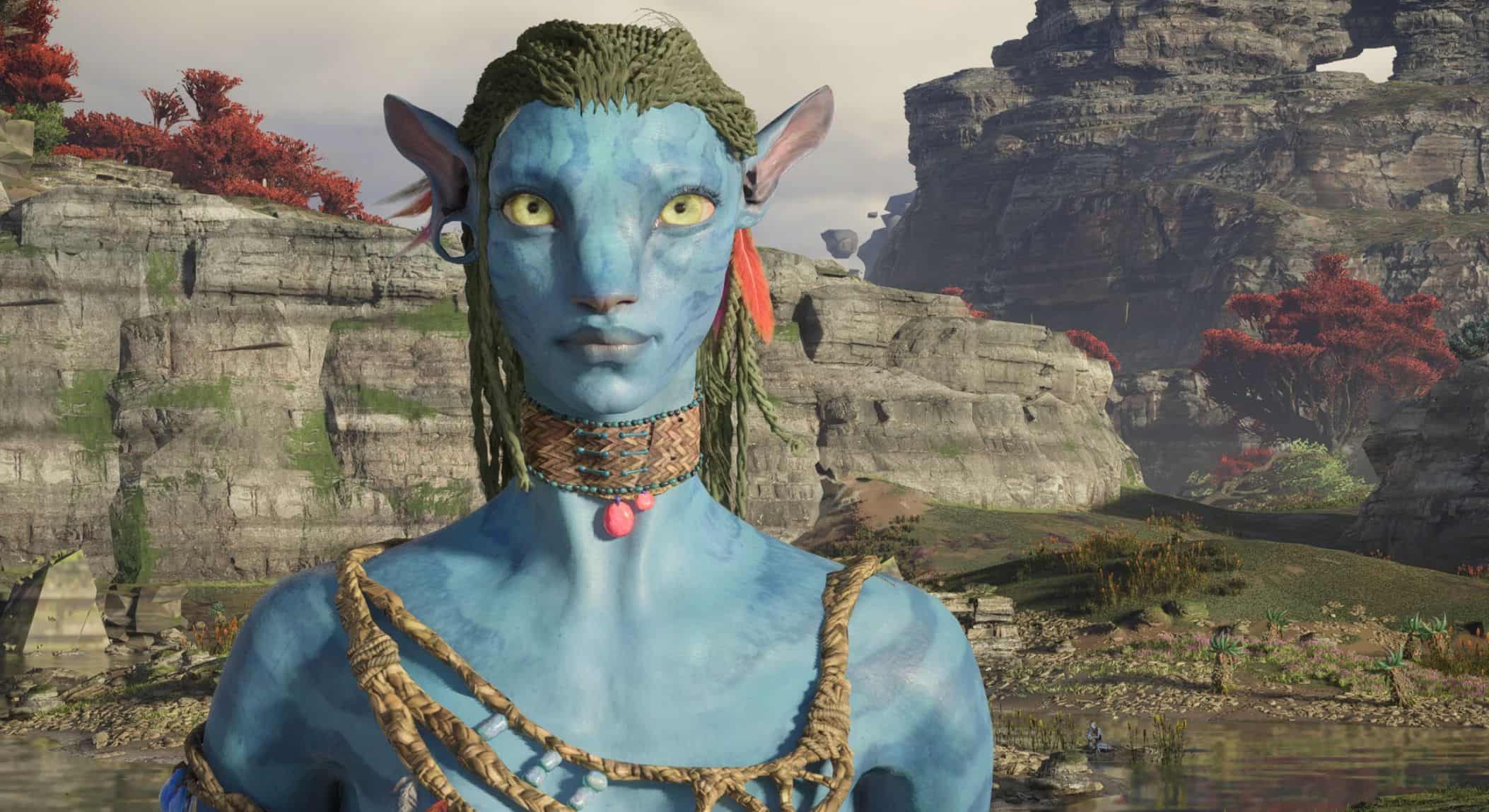
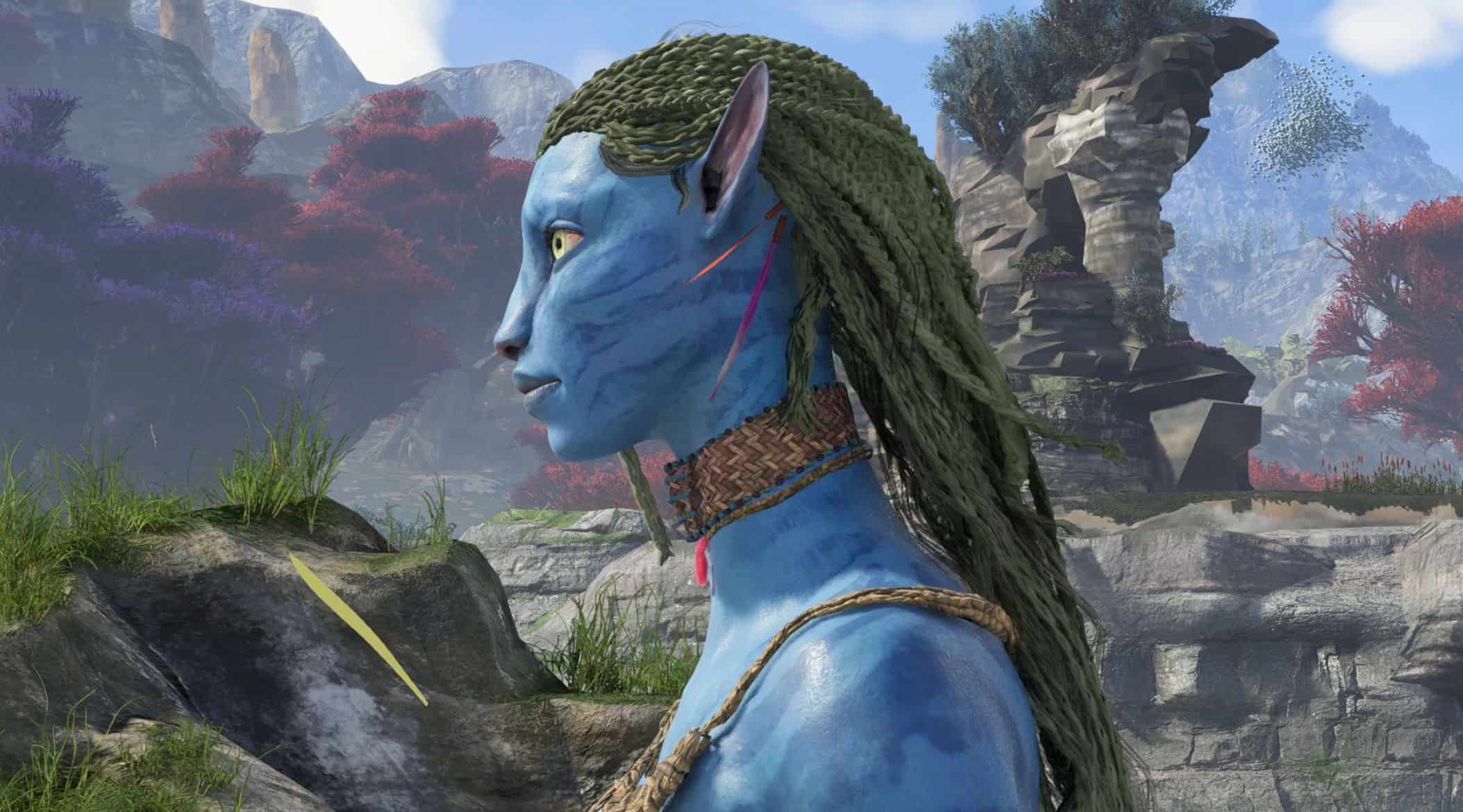
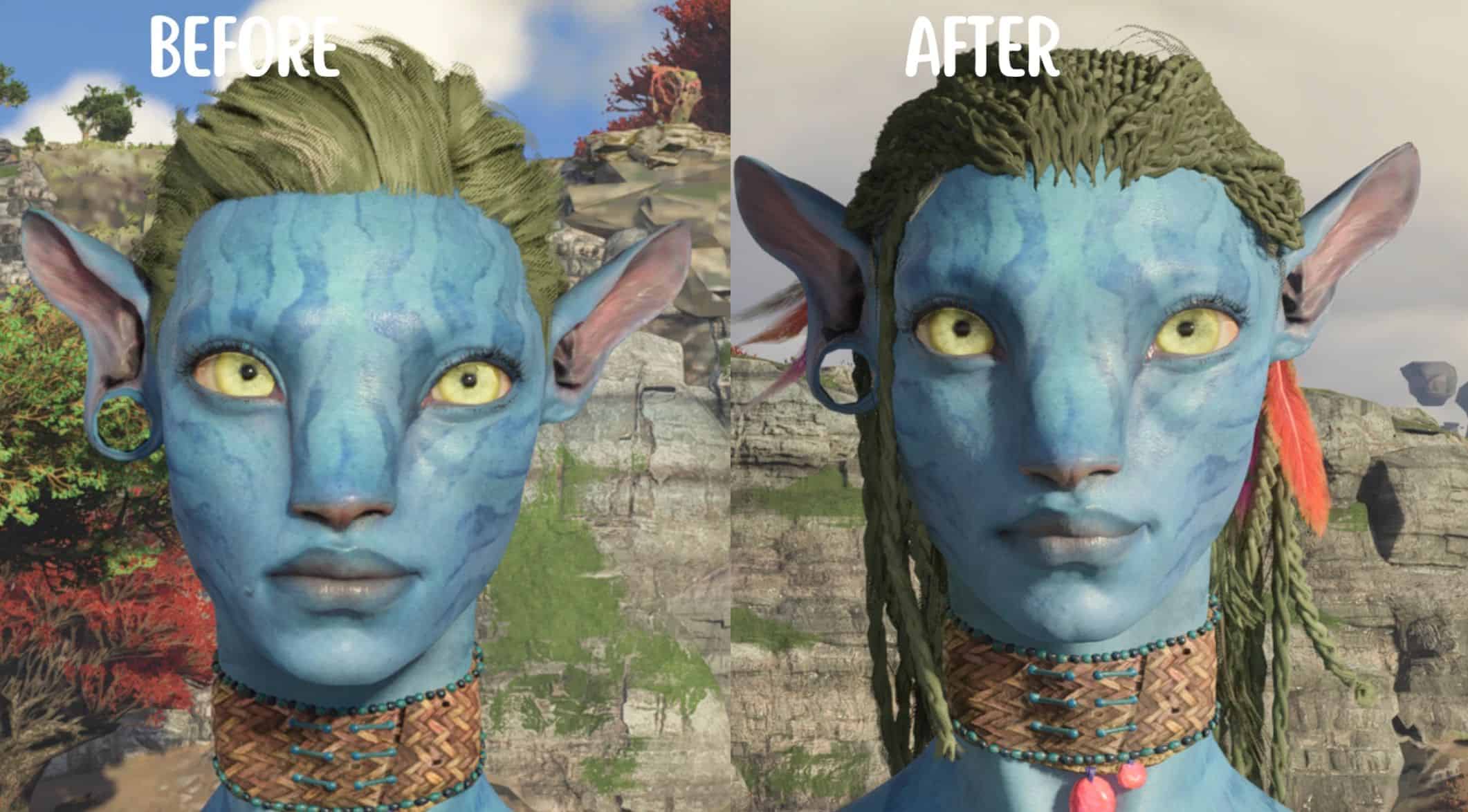
Plactelina Braided Hair v1
Adds a new hair.
IMPORTANT
This hair isn’t perfect
It may have some minor deformities , but nothing that affects gameplay
Installation
1. Unzip the folder, open it and then move the folder ‘blue’ to this path:
Ubisoft users: Ubisoft\Ubisoft Game Launcher\games\AFOP
Steam users: Steam\steamapps\common\AFOP
If you already have a ‘blue’ folder, open up your existing blue folder and the mod’s blue folder, then move ‘baked’ into your existing blue folder. If you already have ‘baked’, repeat the same thing and move ‘characterart’ – repeat until you find a folder you don’t already have.
Same process for the ‘graph objects’ folder.
To find the Ubisoft folder:
1. Go to your library and right click AFOP – select ‘manage’ > ‘properties’
2. Select installation in the list on the left – Installation directory is where your folder is, you can ‘open folder’ here too.
To find the Steam folder:
1. Go to your library and right click AFOP – select ‘properties’
2. Select ‘installed files’ in the list on the left
3. Click ‘browse’, it will open up your directory