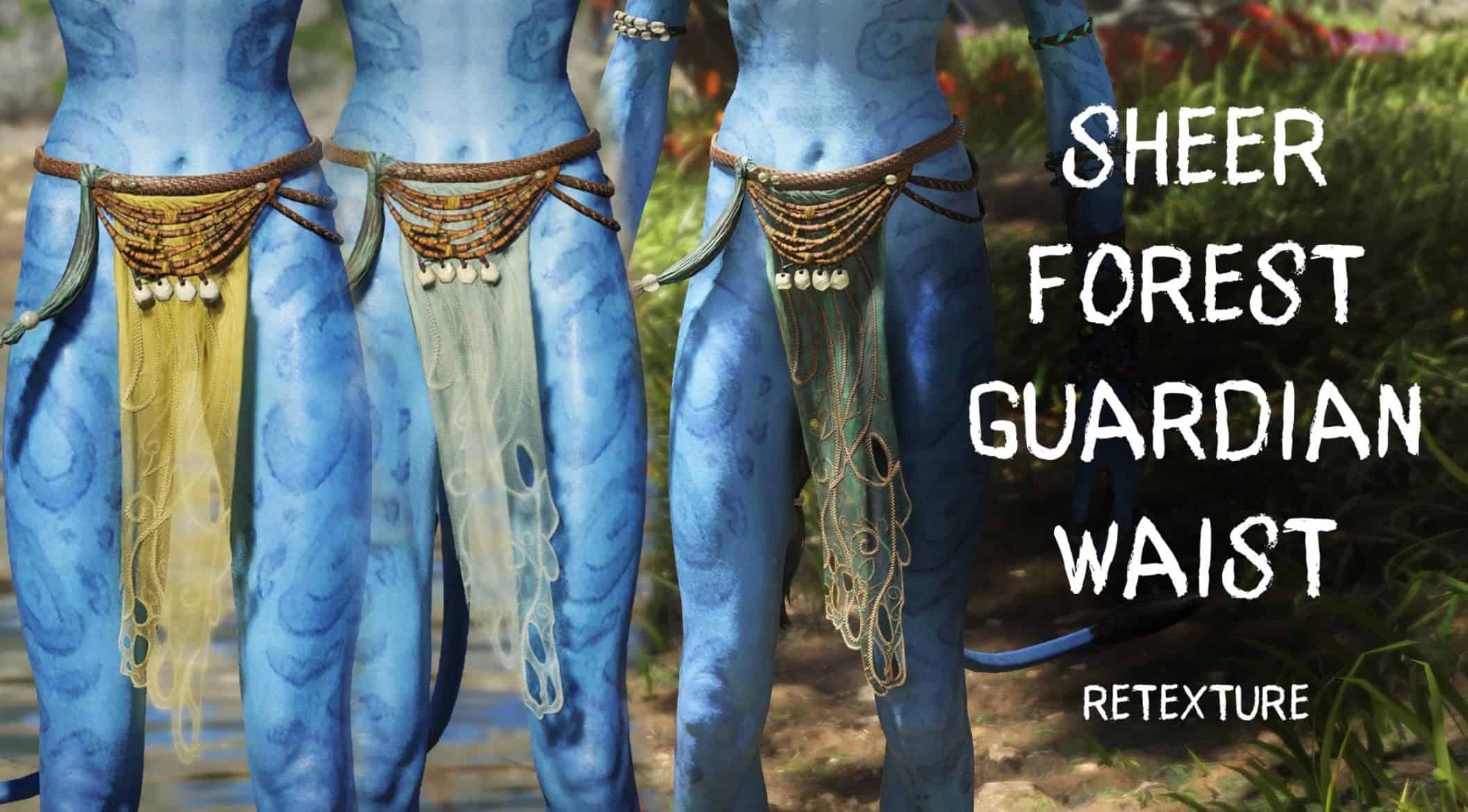
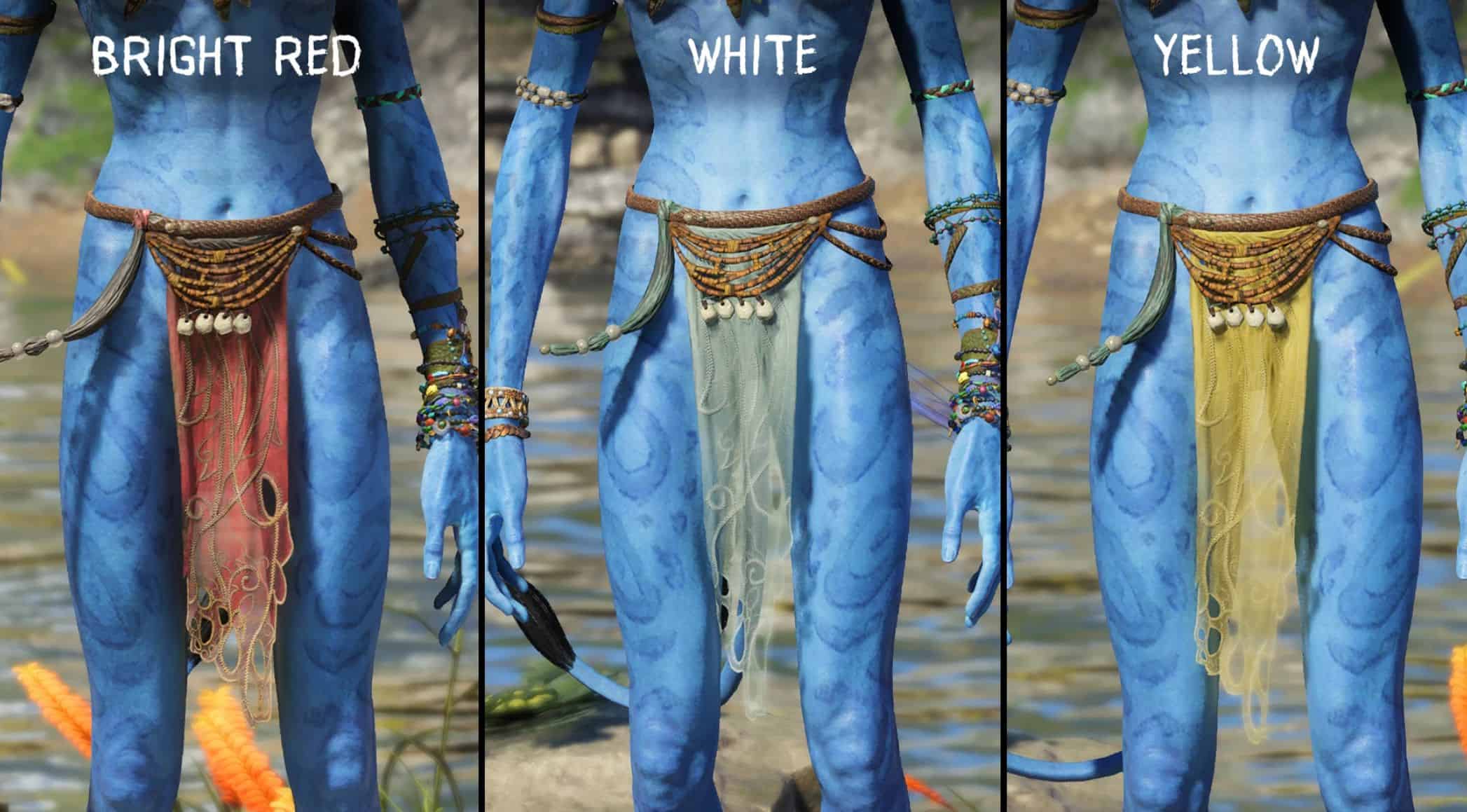
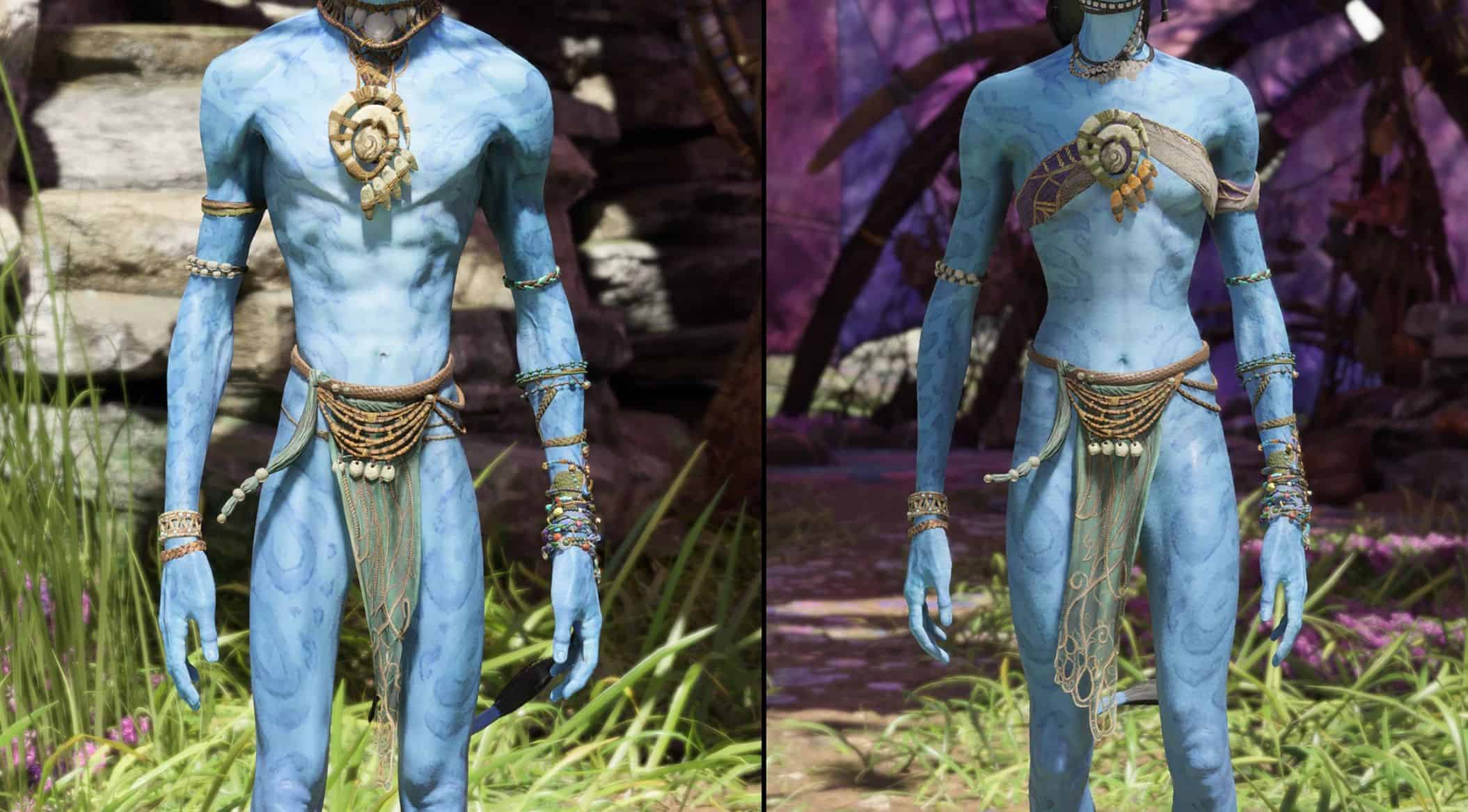
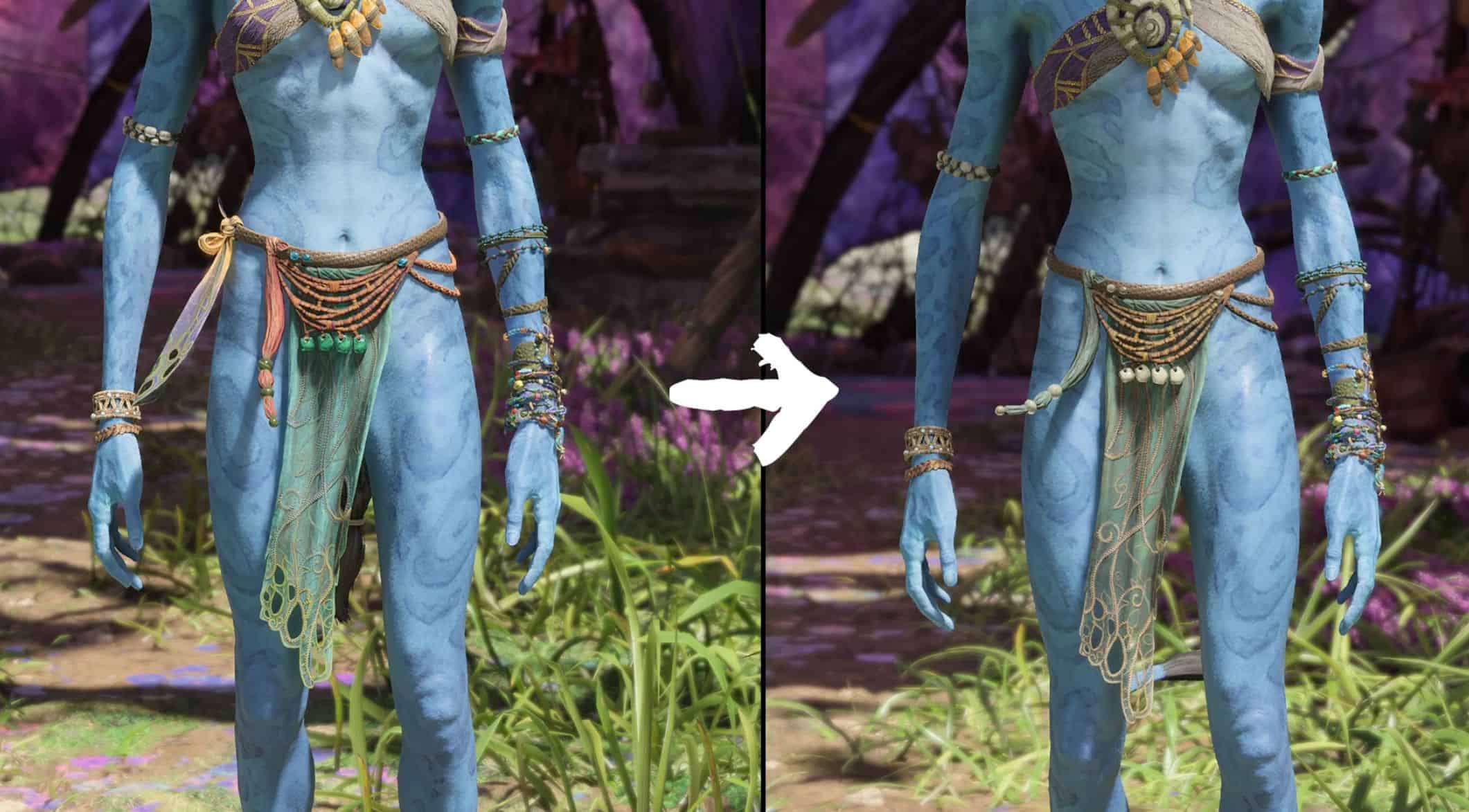
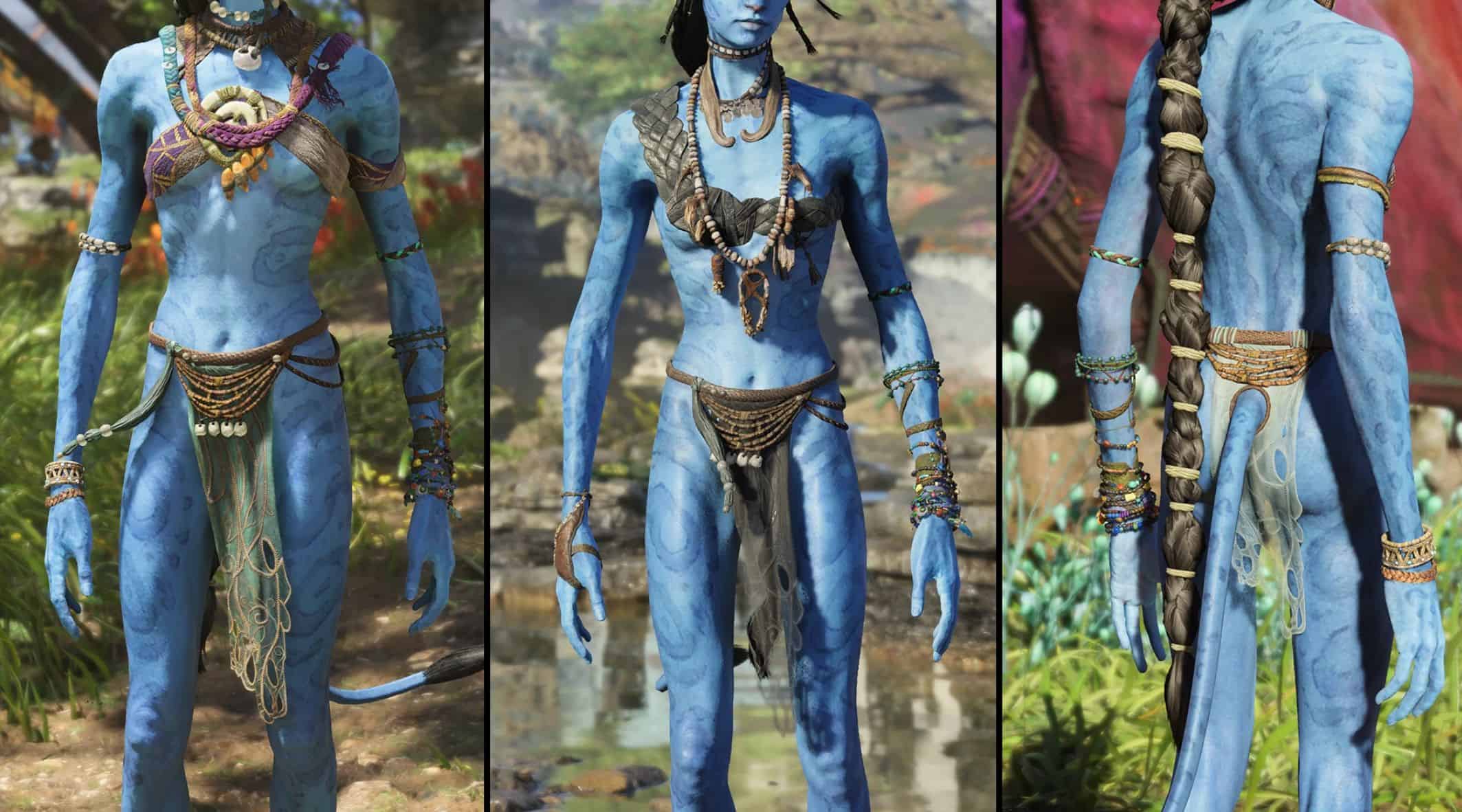
Sheer Forest Guardian Waist Retexture (9 colors) v1.0
Required:
– Universal Snowdrop Modloader
A sheer Forest Guardian Waist available through Ubisoft Rewards; inspired by some Aranahe concept art to give it a lighter look, available in 9 different colors to choose from.
To Install:
Unzip and move the “blue” folder to the following path:
if launching the game through Ubisoft Connect –> Ubisoft\Ubisoft Game Launcher\games\AFOP
if launching the game through Steam –> Steam\steamapps\common\AFOP
To use different colors:
1) install the mod
2) open the texture directory (click folders in order):
blue\baked\characterart\gear\player\mtx\waist\mtx_g_rnf_waist_skin_connect_01\textures
3) rename the file with no brackets to something else (it is the “default” texture)
4) choose the color you want to use and delete the brackets (leaving just the texture name ending at “…_d”)