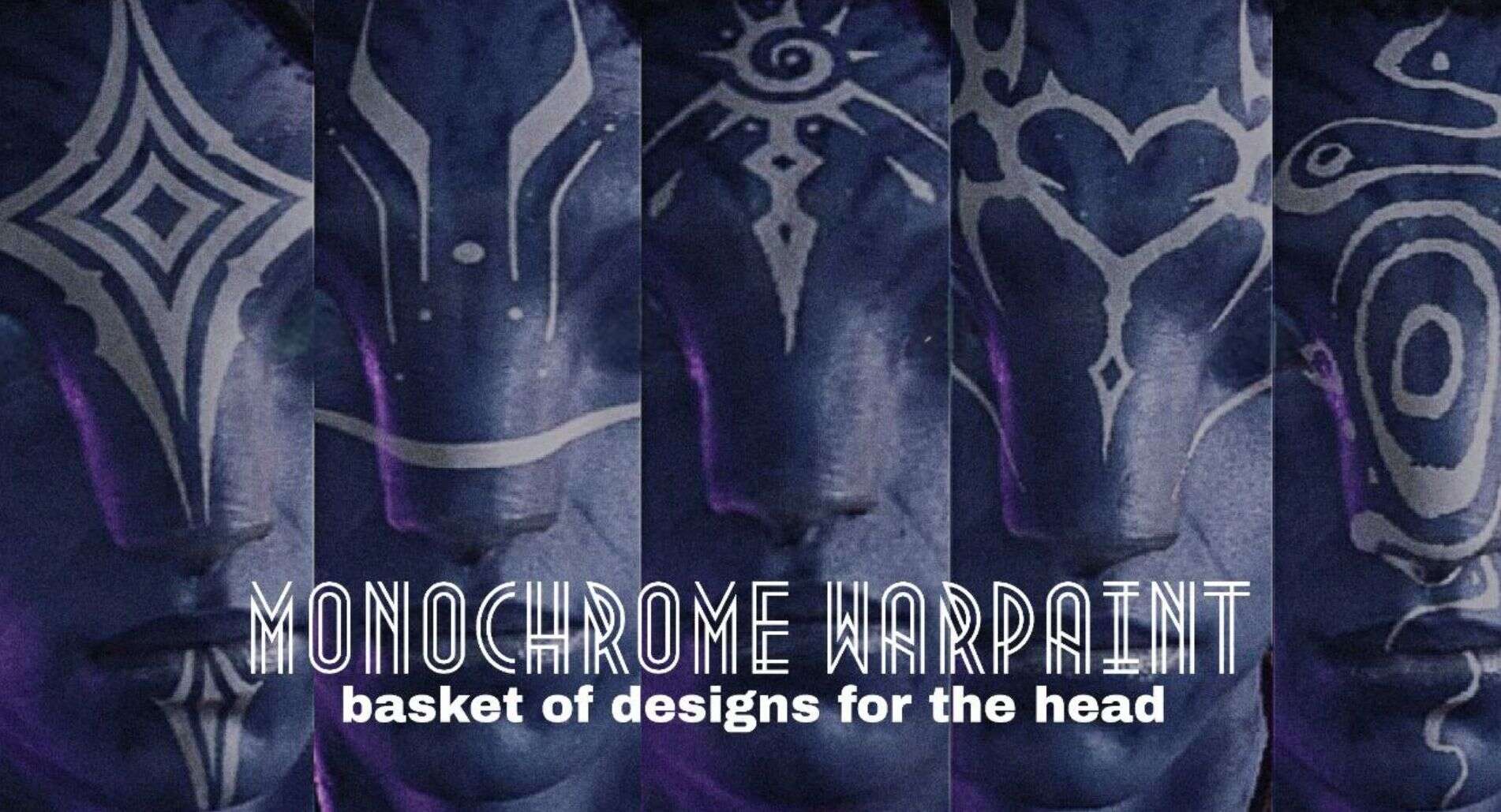
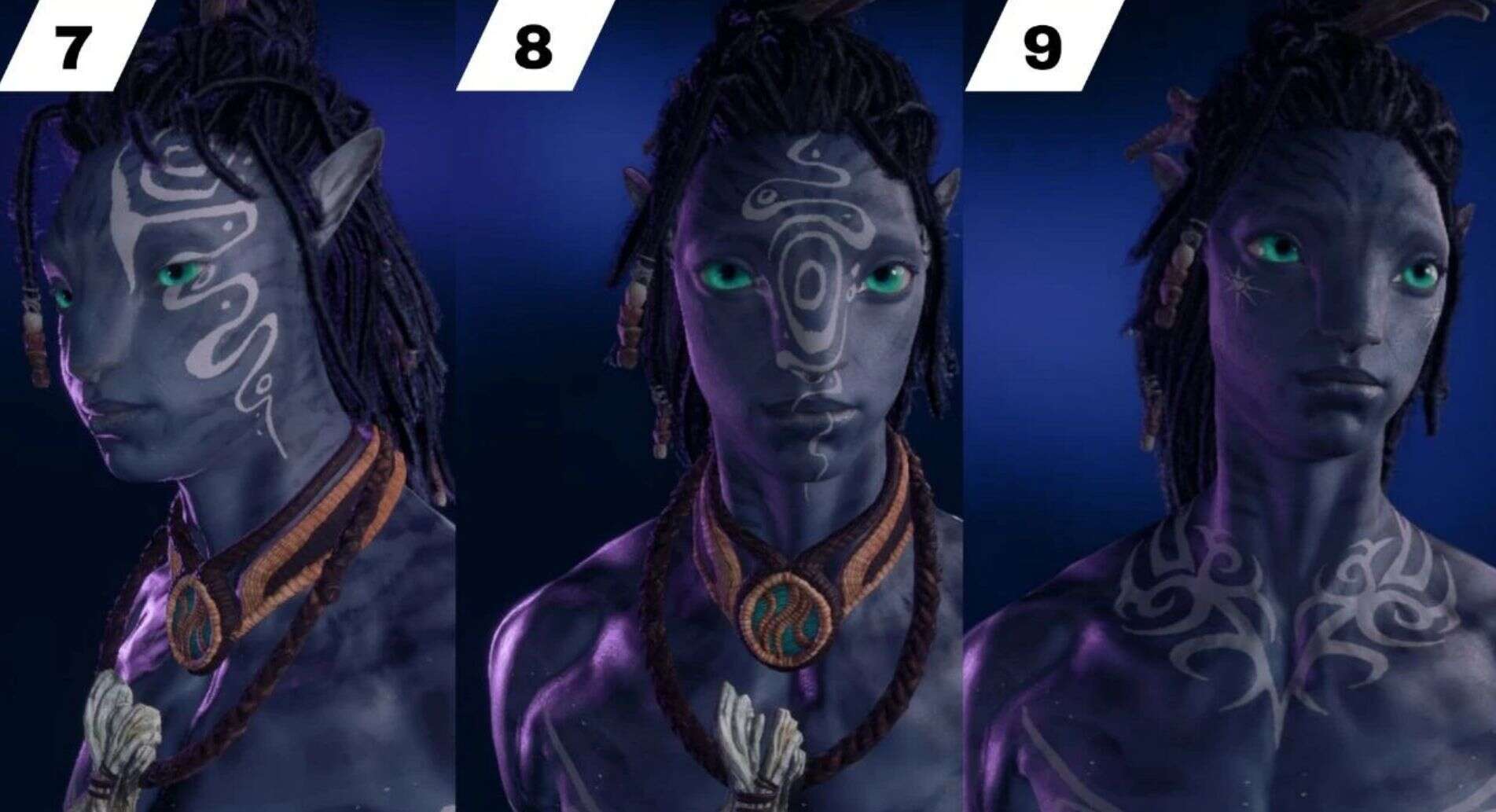
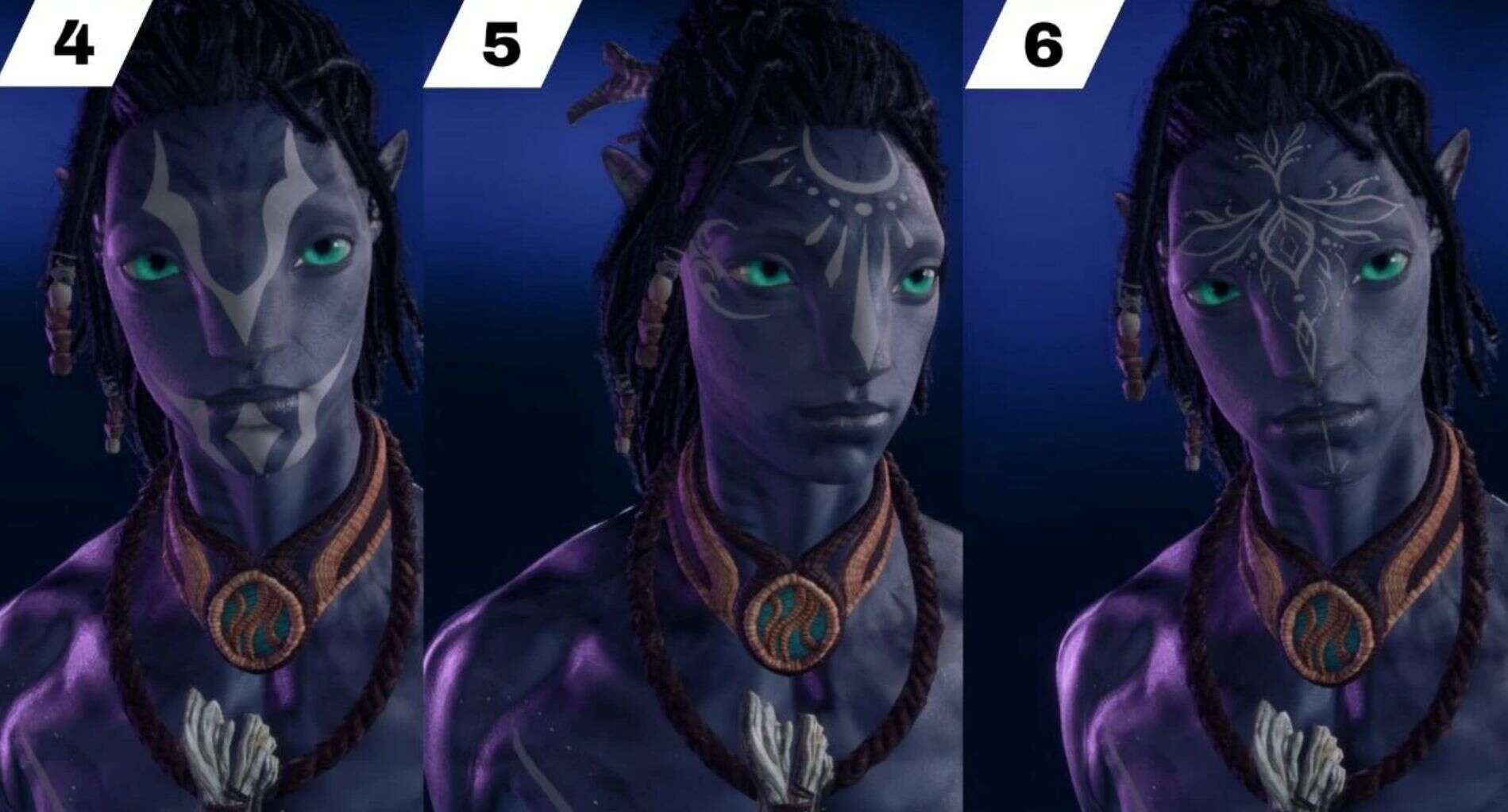
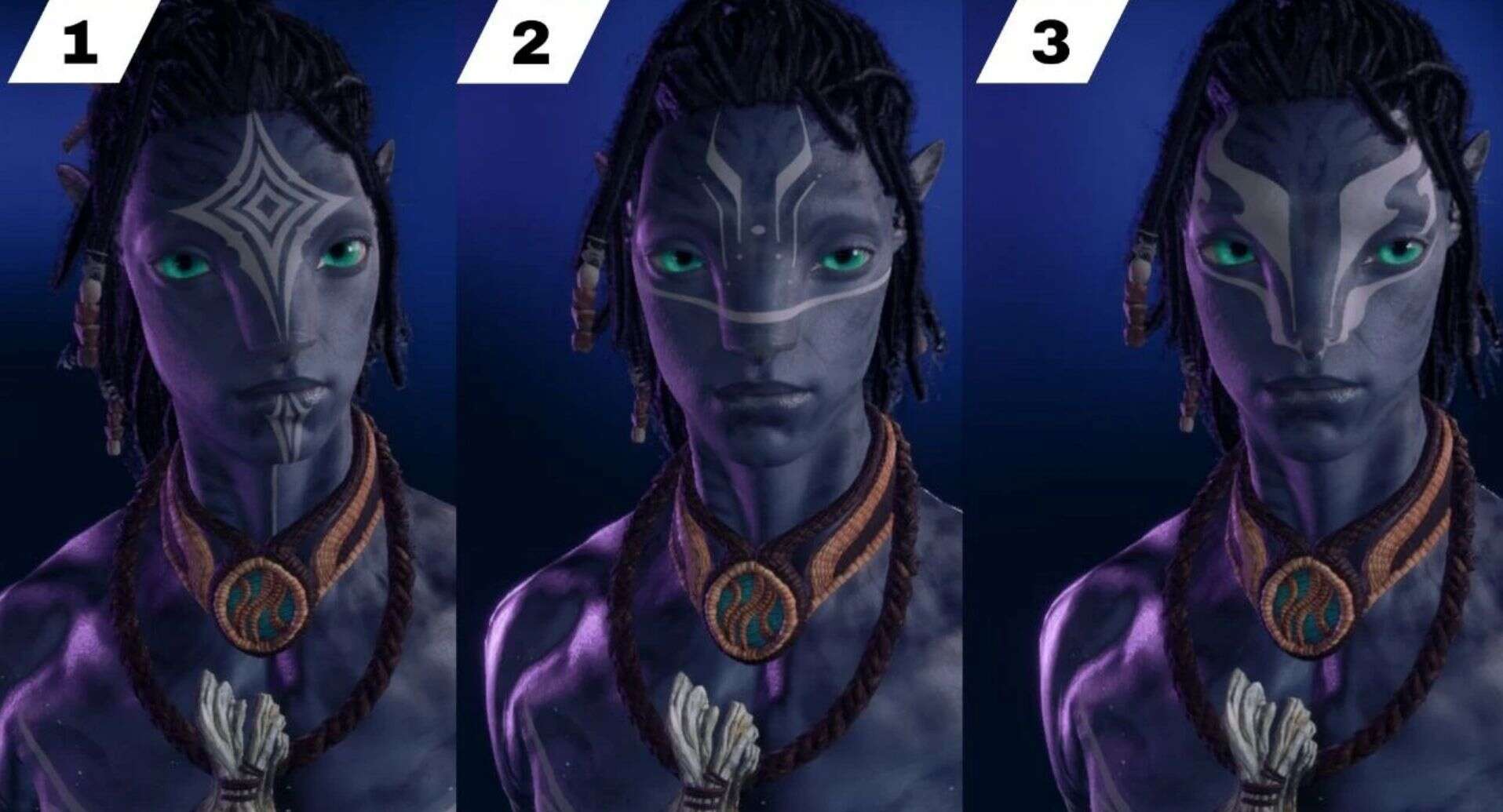
Monochrome warpaint v1.1
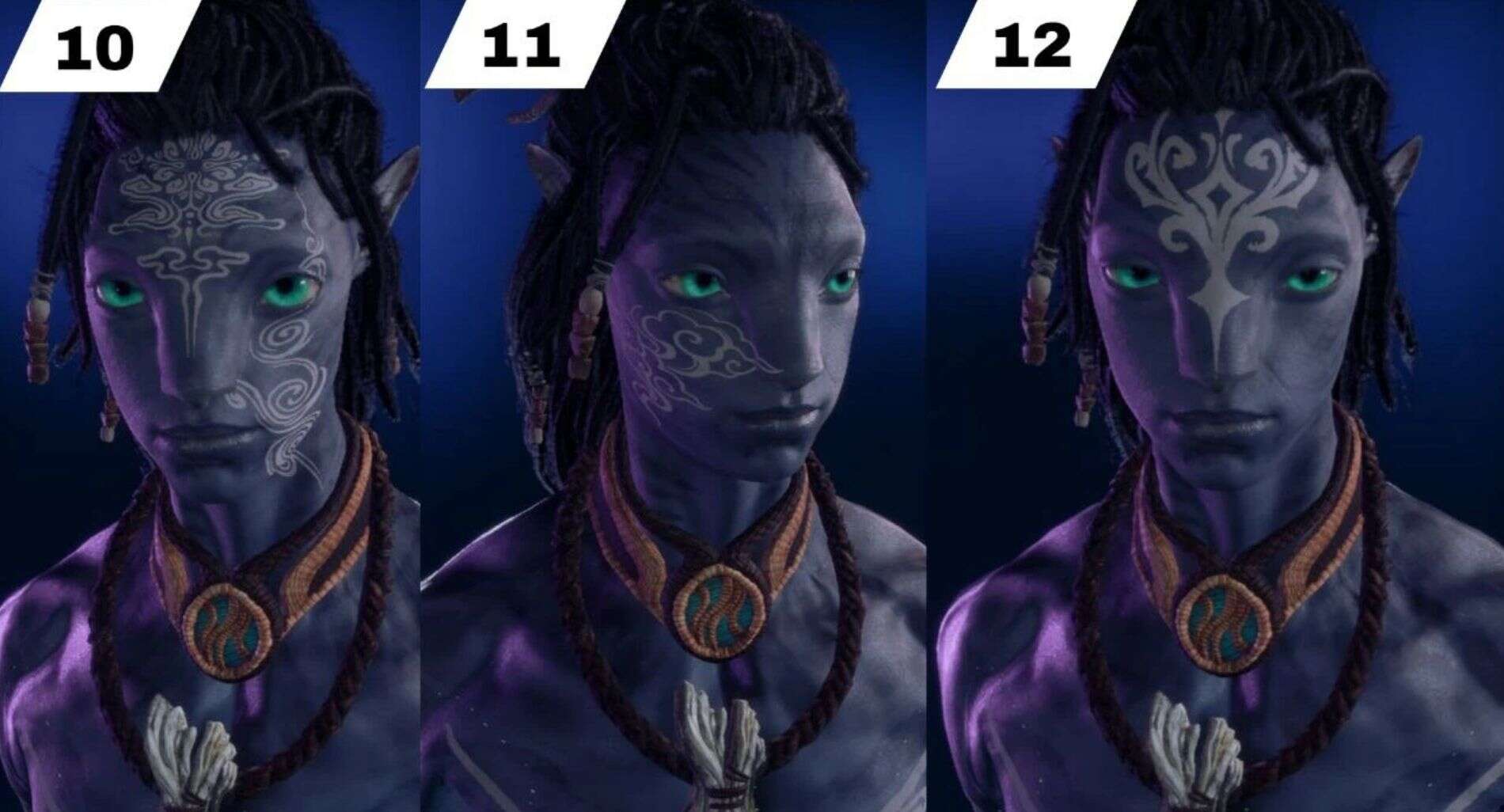
A basket of 21 different paints for the face and neck.
Required:
–Universal Snowdrop Modloader
Plain-coloured face paint options. The design replaces warpaint for head 02.How to install the mod1. Download the zip archive and open it.2. Move the blue folder inside the archive to the AFOP folder on your PC.You can go to the path …\AFOP\blue\baked\characterart\player\head\shared\paintand replace the number at the end of the paint name p_vlt_head_paint_02_mwith another number (01_m/03_m/etc.) In this case, the mod will apply to another head paint with the corresponding number. This way, you can install several different paints from this basket or keep another mod/original paint 02.