
Eye color mod – More eye colors v1.0
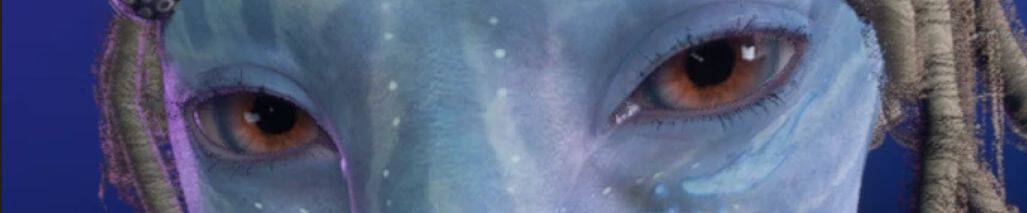
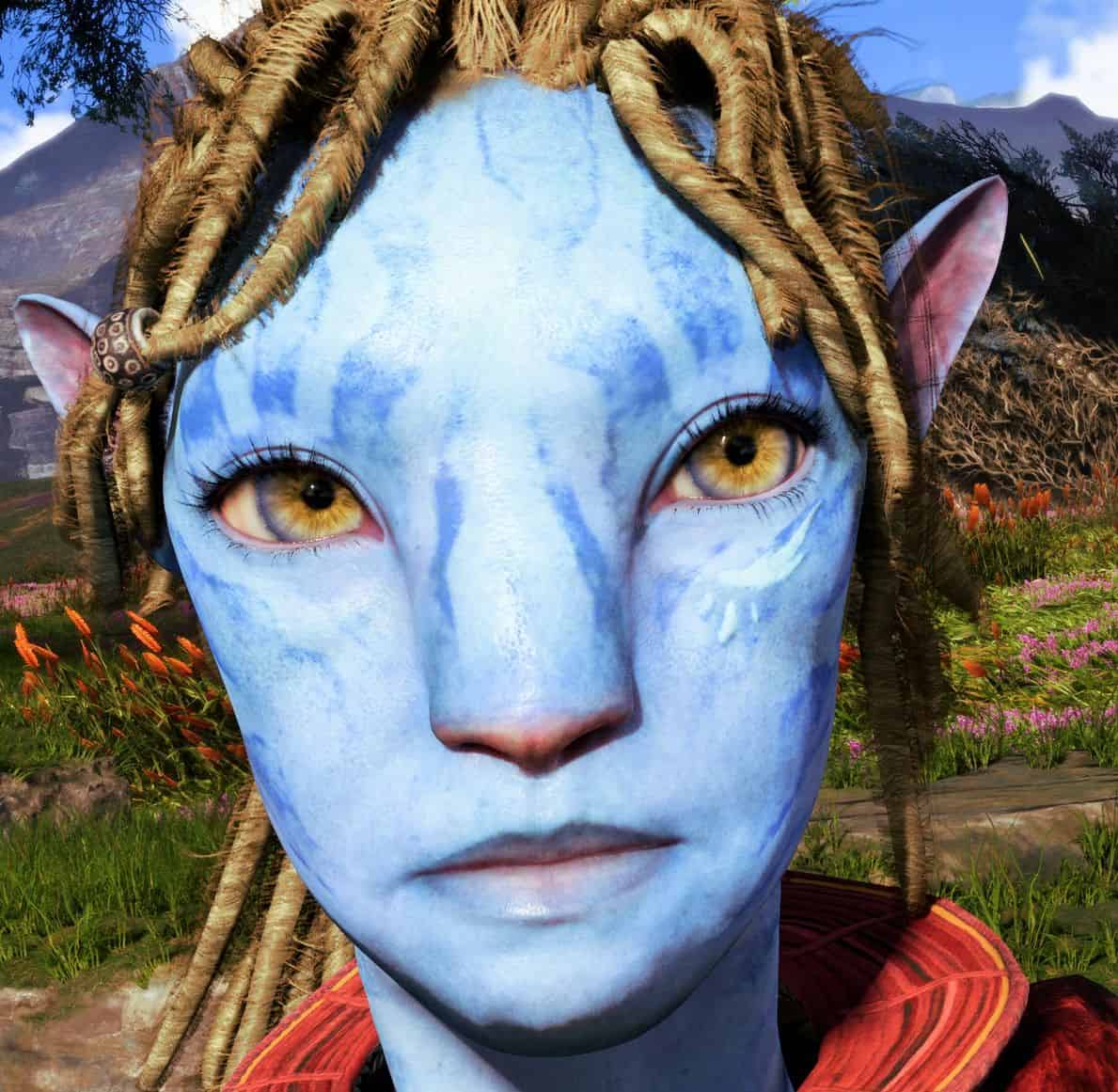
More eye color options for your Na’vi!
Required:
Universal Snowdrop Modloader
More Eye Colors!
Fun and colorful eye colors for our Sarentu!
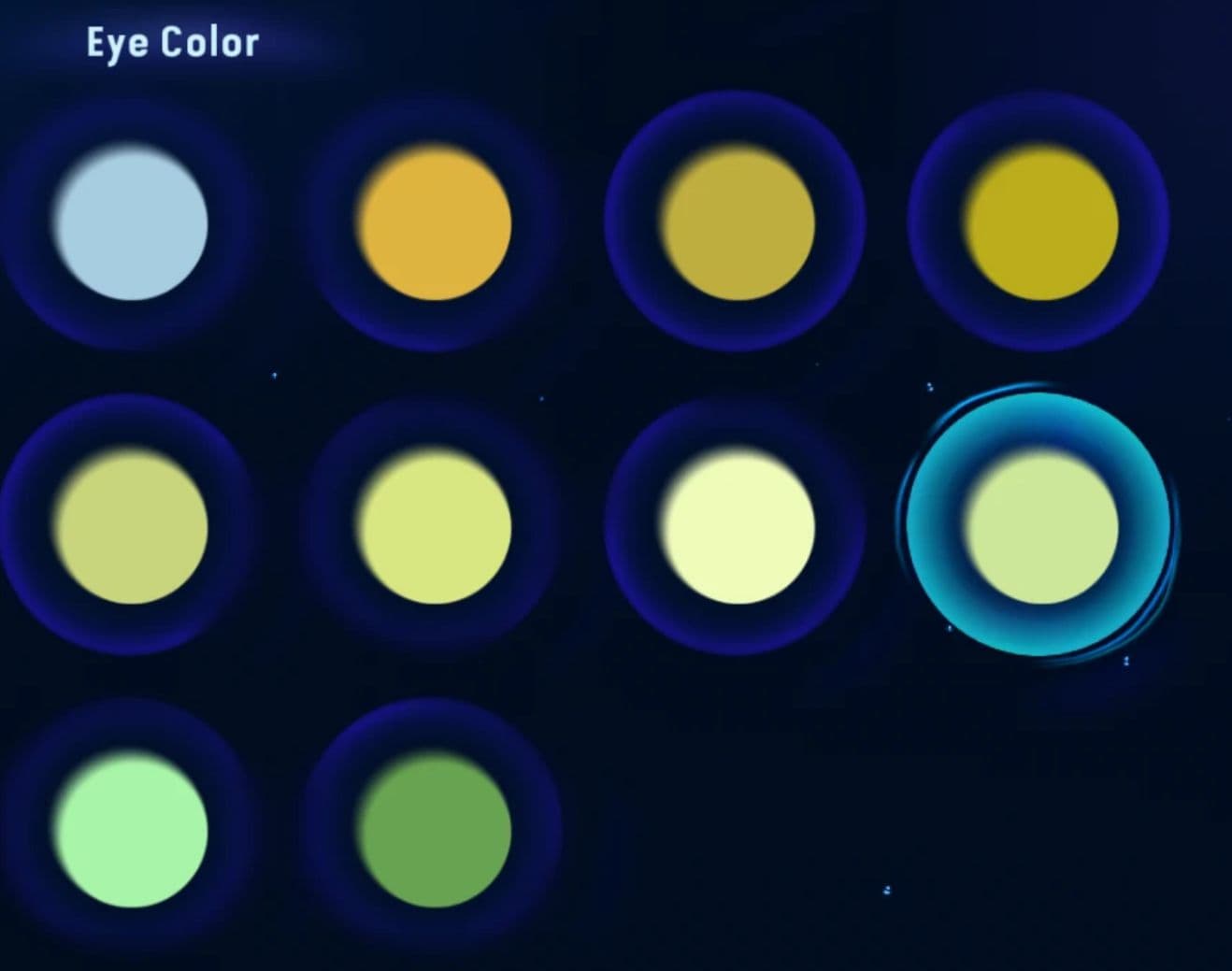
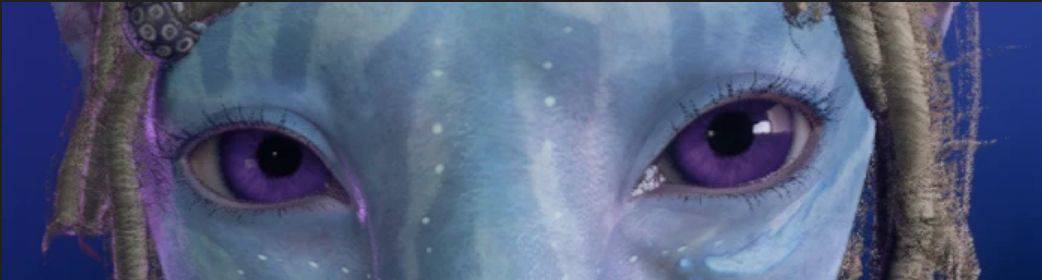
The eye colors that get replaced are:
Eye color 1
Eye color 2
Eye color 4
Eye color 5
Eye color 6
Eye color 7
Eye color 8
Eye color 9
Eye color 10
The images attached for the mod also show what’s getting replaced
Note: Because eye colors are recycled for NPCs, some of these eye colors will appear on some of the NPCs
How to Install:
– Extract the file, then you can either move the “blue” file directly, or copy and past it into this directory:
– Ubisoft: Ubisoft/Ubisoft Game Launcher/games/AFOP
– Steam: Steam/steamapps/common/AFOP
Steam:
– Two ways to find the AFOP directory:
– Local Disk (C:) > Program Files (x86) > Steam > steamapps > common > AFOP
– Open Steam app > go to your library > click on Avatar: Frontiers of Pandora > find and click on the settings/gear icon > under “manage”, click “browse local files”
Ubisoft:
– Two ways to find the AFOP directory:
– Launch Ubisoft Connect PC and log in your Ubisoft account > Go to the “Library” tab > Select the game you want to check > Choose “Manage” and then “Properties” > The location path of your game will be shown in the Installation directory section (If your game is installed through Epic Games or Steam, you can select “Locate installed game” to find the installation folder to be used in Ubisoft Connect PC)
– Local Disk (C:) > Program Files (x86) > Ubisoft > Ubisoft Game Launcher > games > AFOP