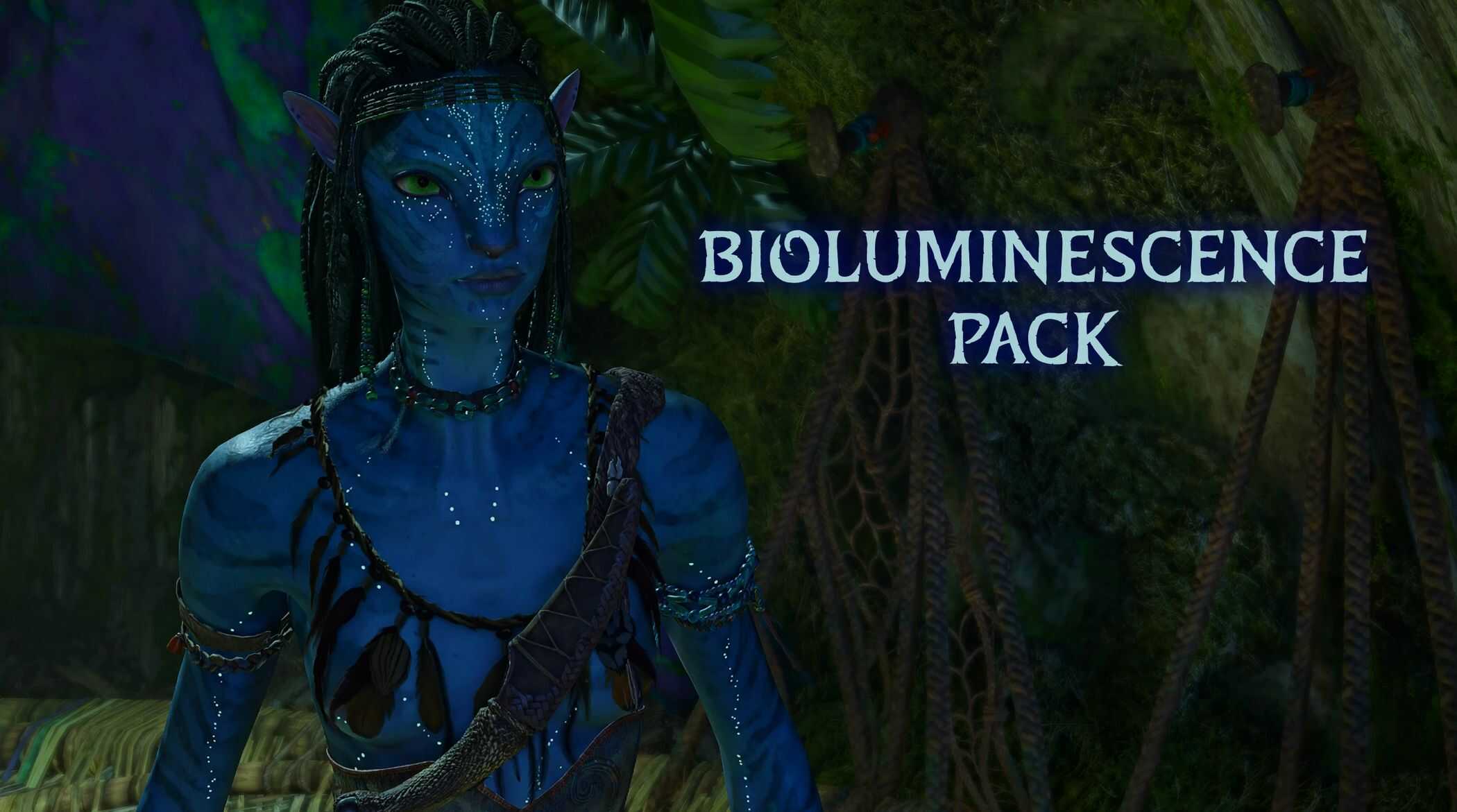
Bioluminescence pack v1
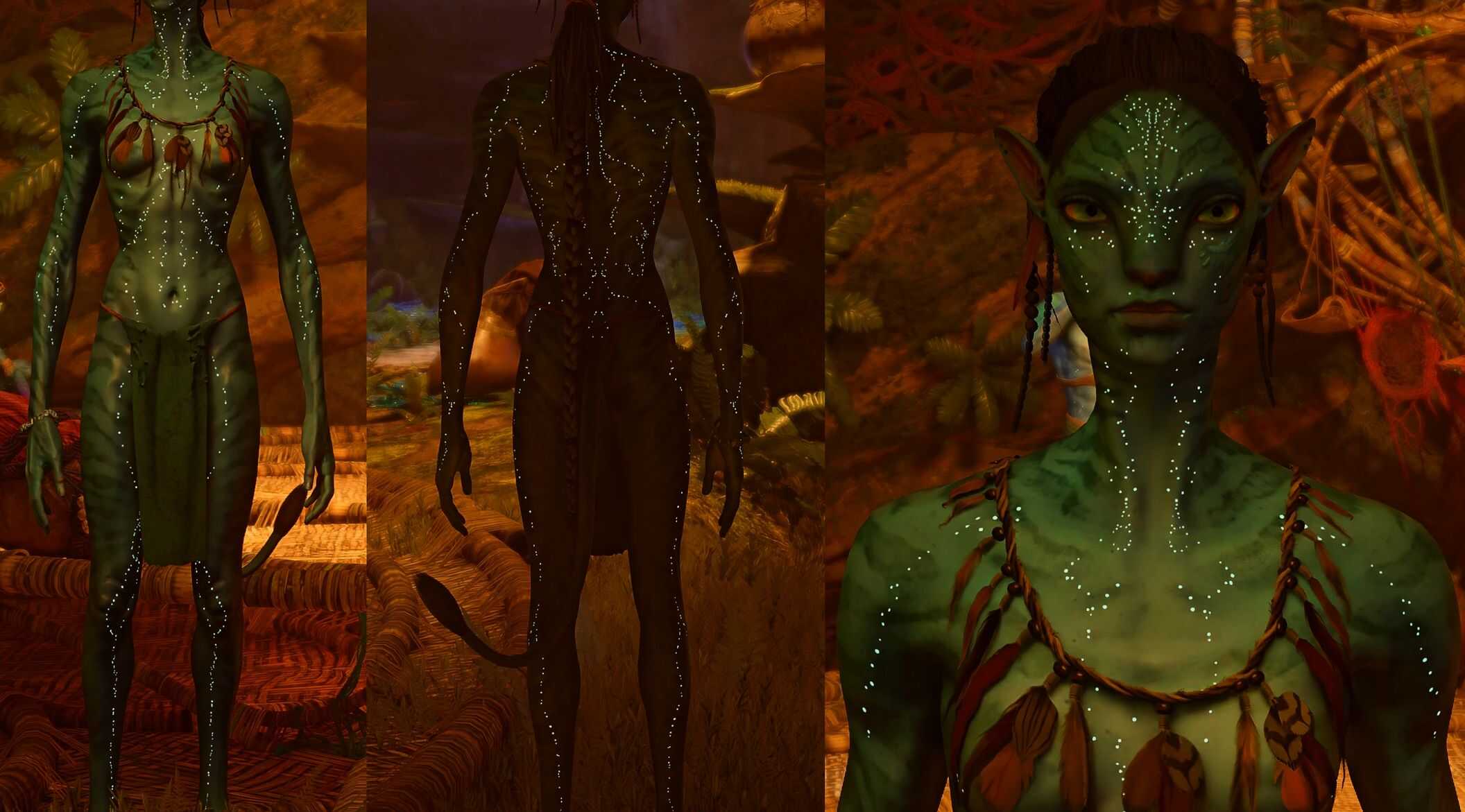
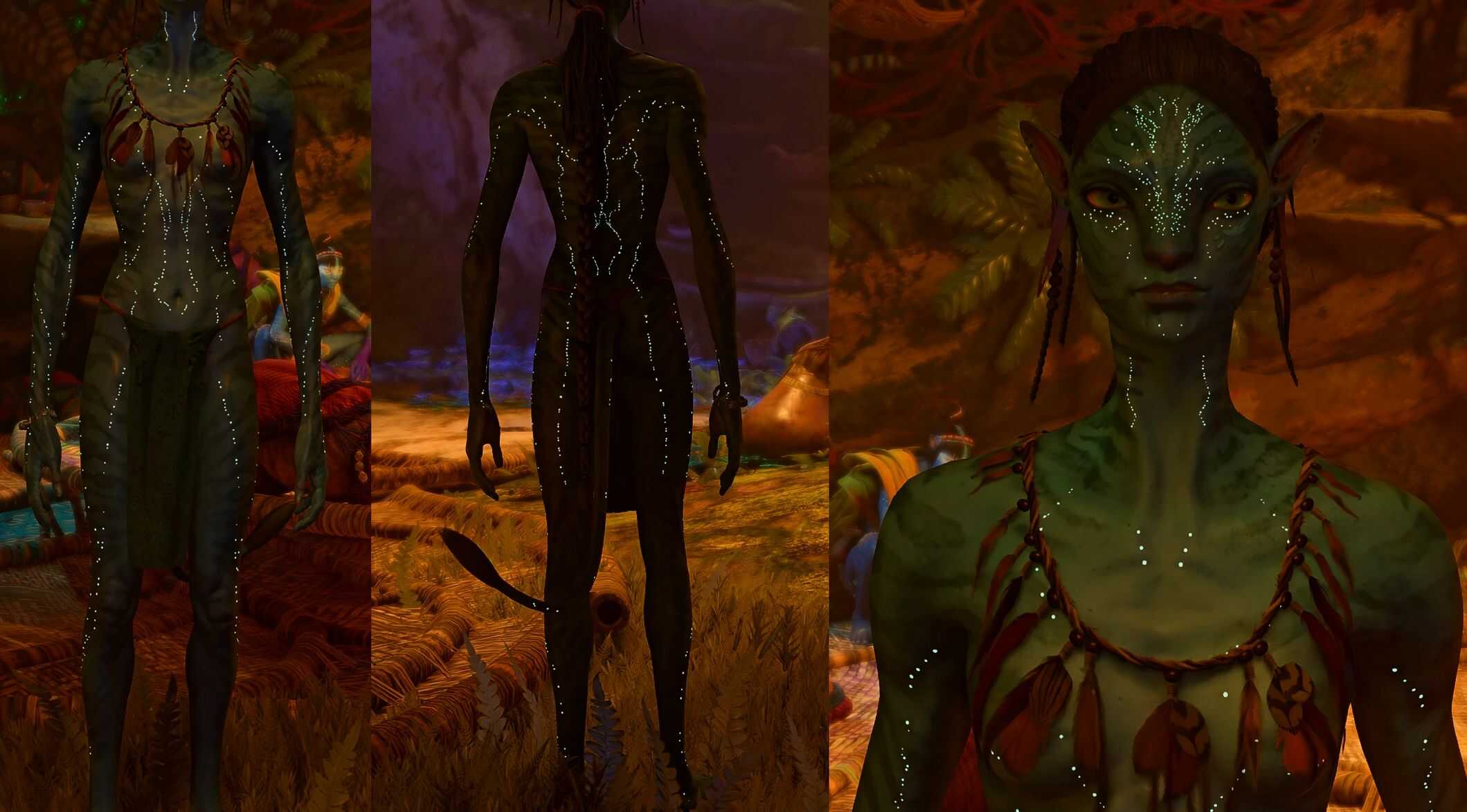
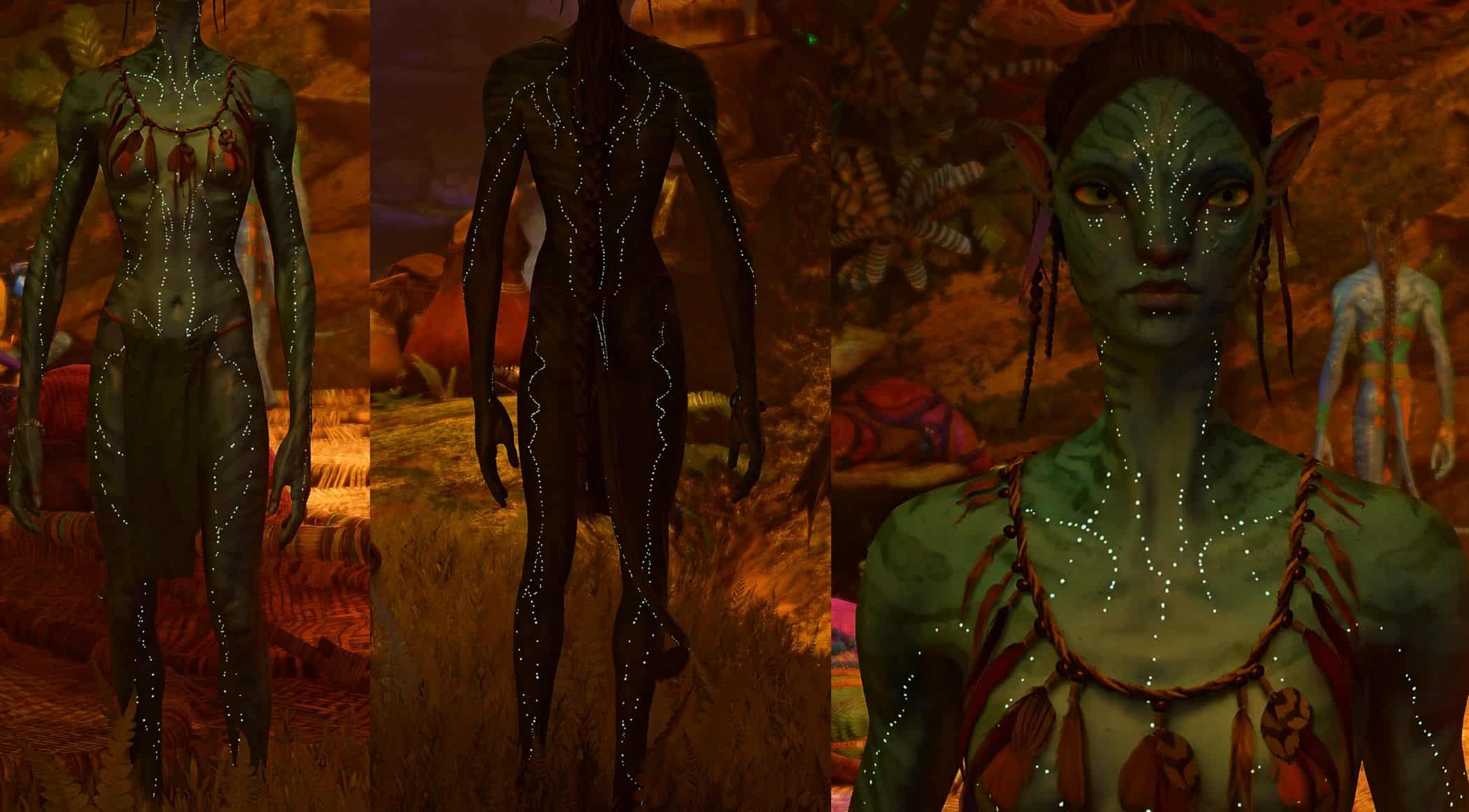
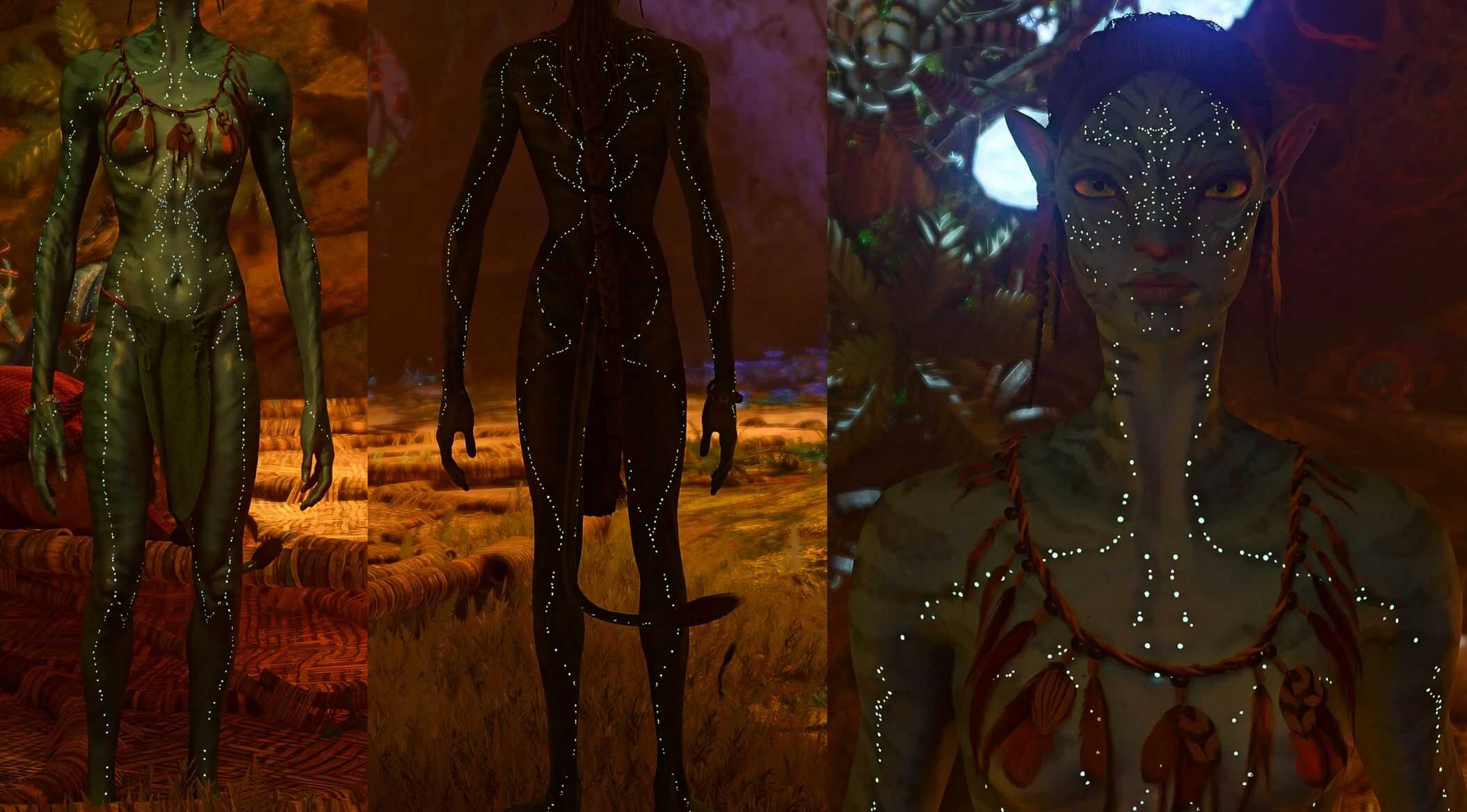
This mod retextures four of the bioluminescence patterns to movie patterns – this includes Jake’s, Neytiri’s, Kiri’s and Lo’aks.
Required:
Universal Snowdrop Modloader
Description
This mod retextures four of the bioluminescence patterns to movie patterns – this includes Jake’s, Neytiri’s, Kiri’s and Lo’aks. They replace the four that the Aranahe use.
Installation
1.Unzip the folder and then move ‘blue’ to this path:
Ubisoft users: Ubisoft\Ubisoft Game Launcher\games\AFOP
Steam users: Steam\steamapps\common\AFOP
If you already have a ‘blue’ folder, open up your existing blue folder and the mod’s blue folder, then move ‘baked’ into your existing blue folder. If you already have ‘baked’, repeat the same thing and move ‘characterart’ – repeat until you find a folder you don’t already have.
To find the Ubisoft folder:
1. Go to your library and right click AFOP – select ‘manage’ > ‘properties’
2. Select installation in the list on the left – Installation directory is where your folder is, you can ‘open folder’ here too.
To find the Steam folder:
1. Go to your library and right click AFOP – select ‘properties’
2. Select ‘installed files’ in the list on the left
3. Click ‘browse’, it will open up your directory
Known Issues
In a few cutscenes (not all) the bioluminescence spots appear black – I have no idea what causes this so i’m not sure there is a fix.