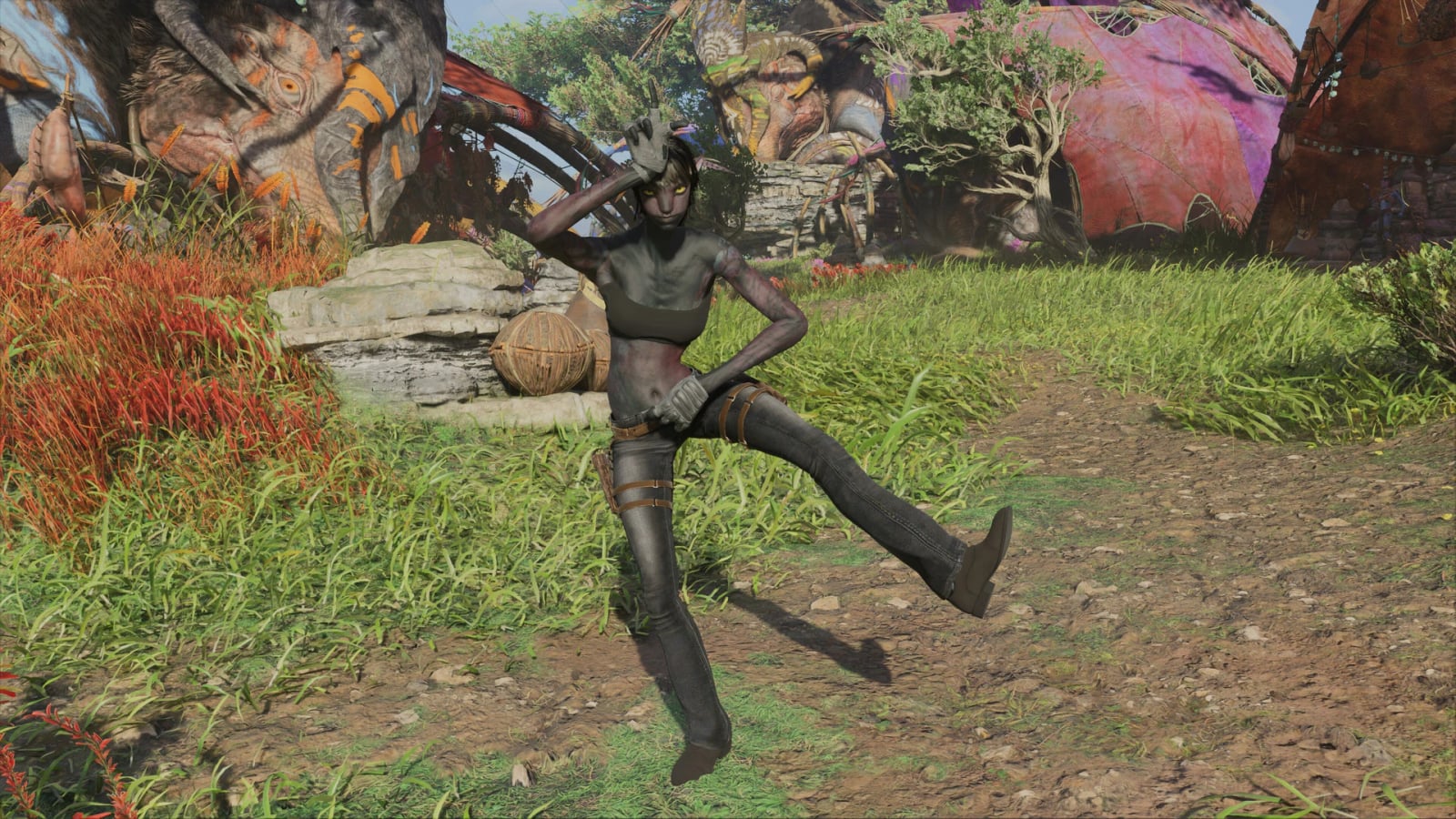
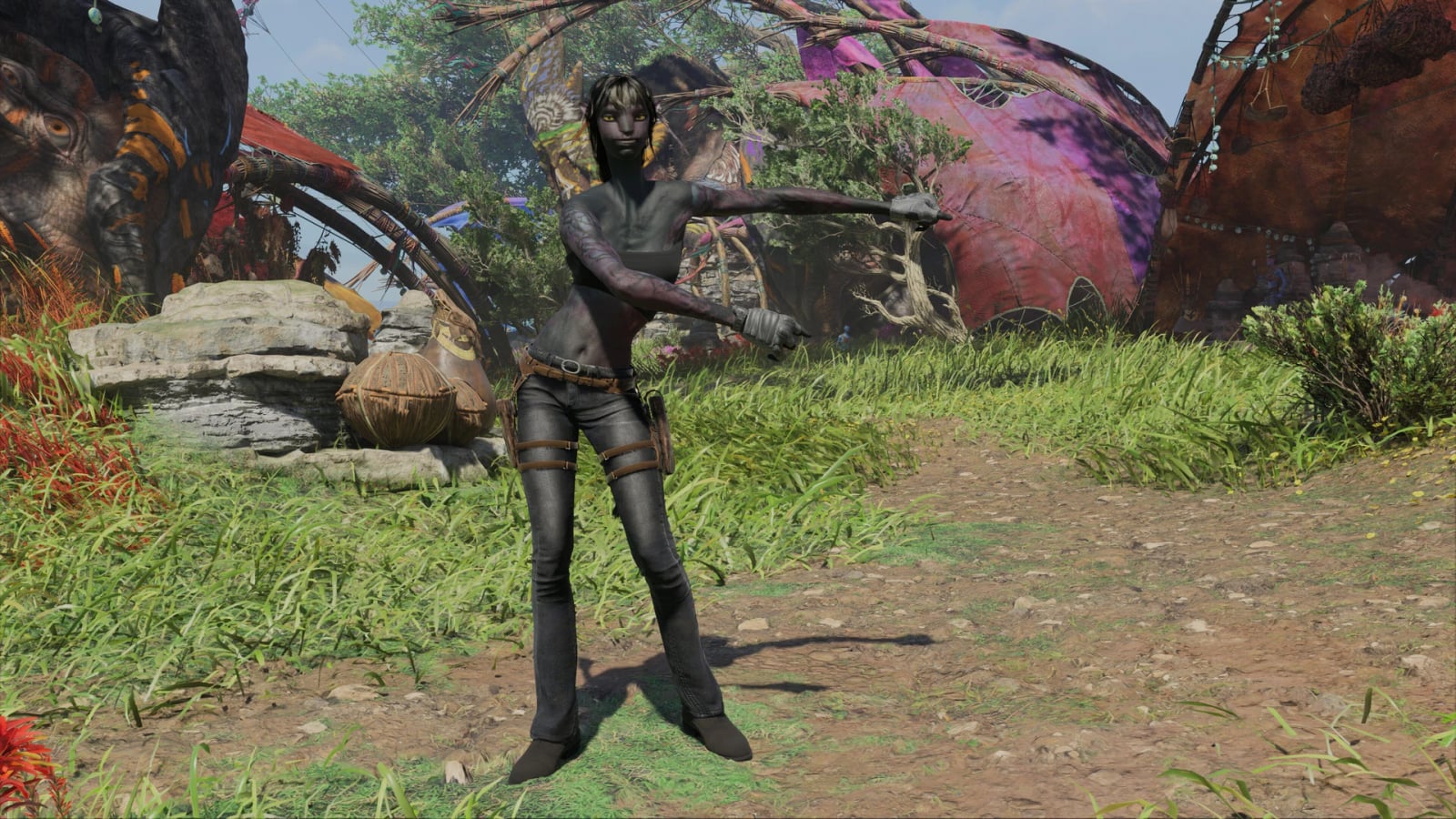
Onge’s Emote Suite v1
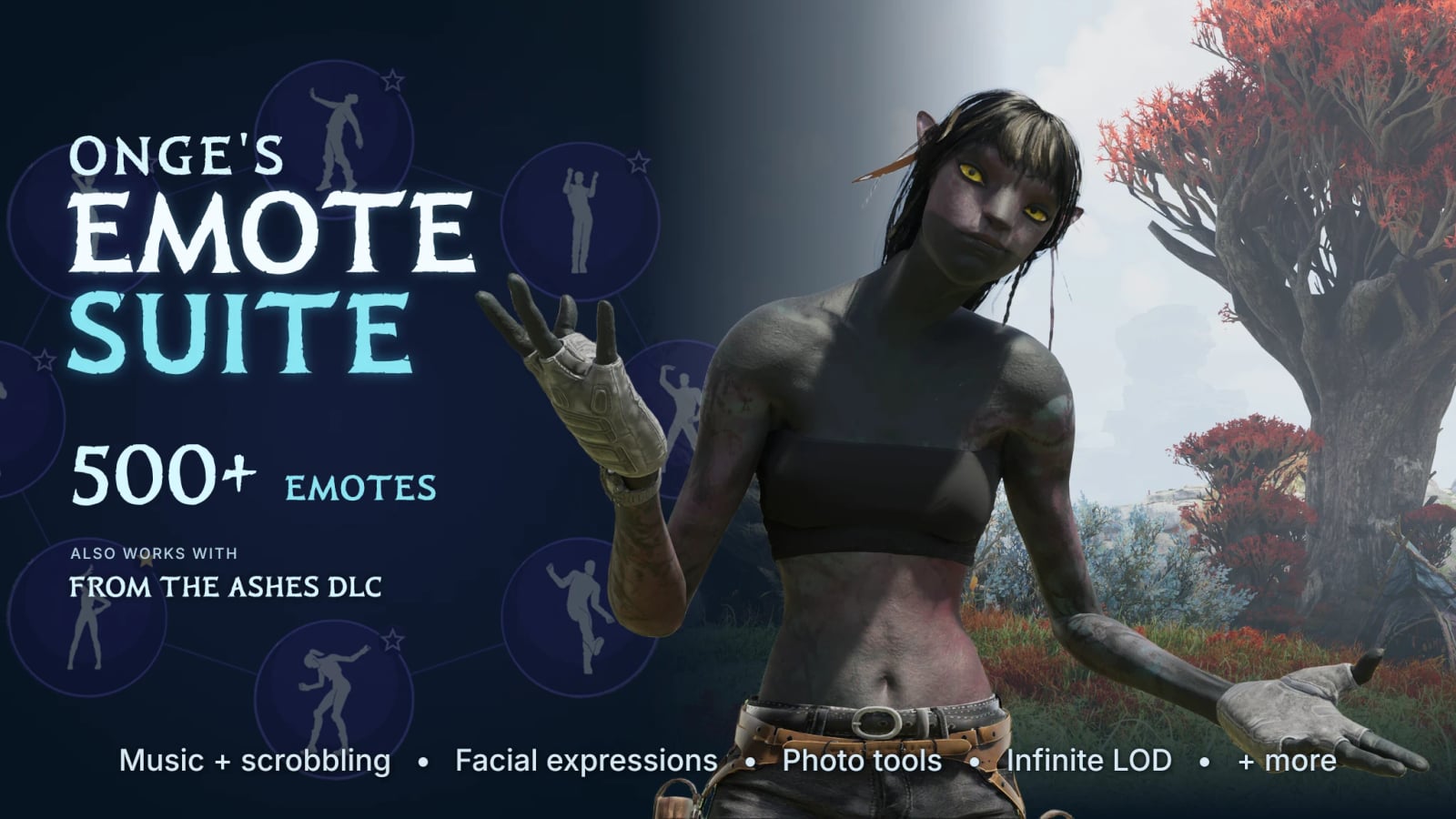
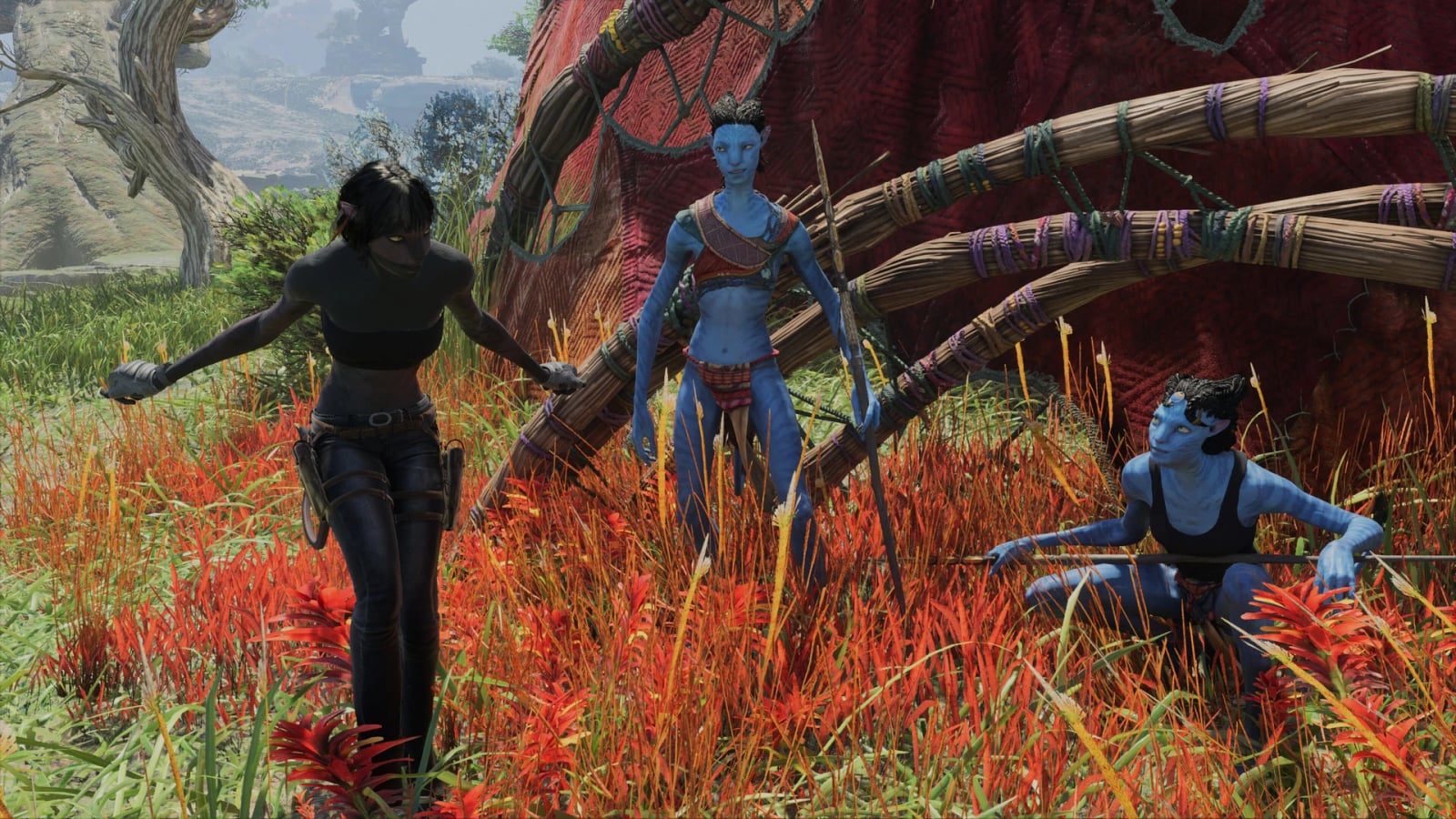
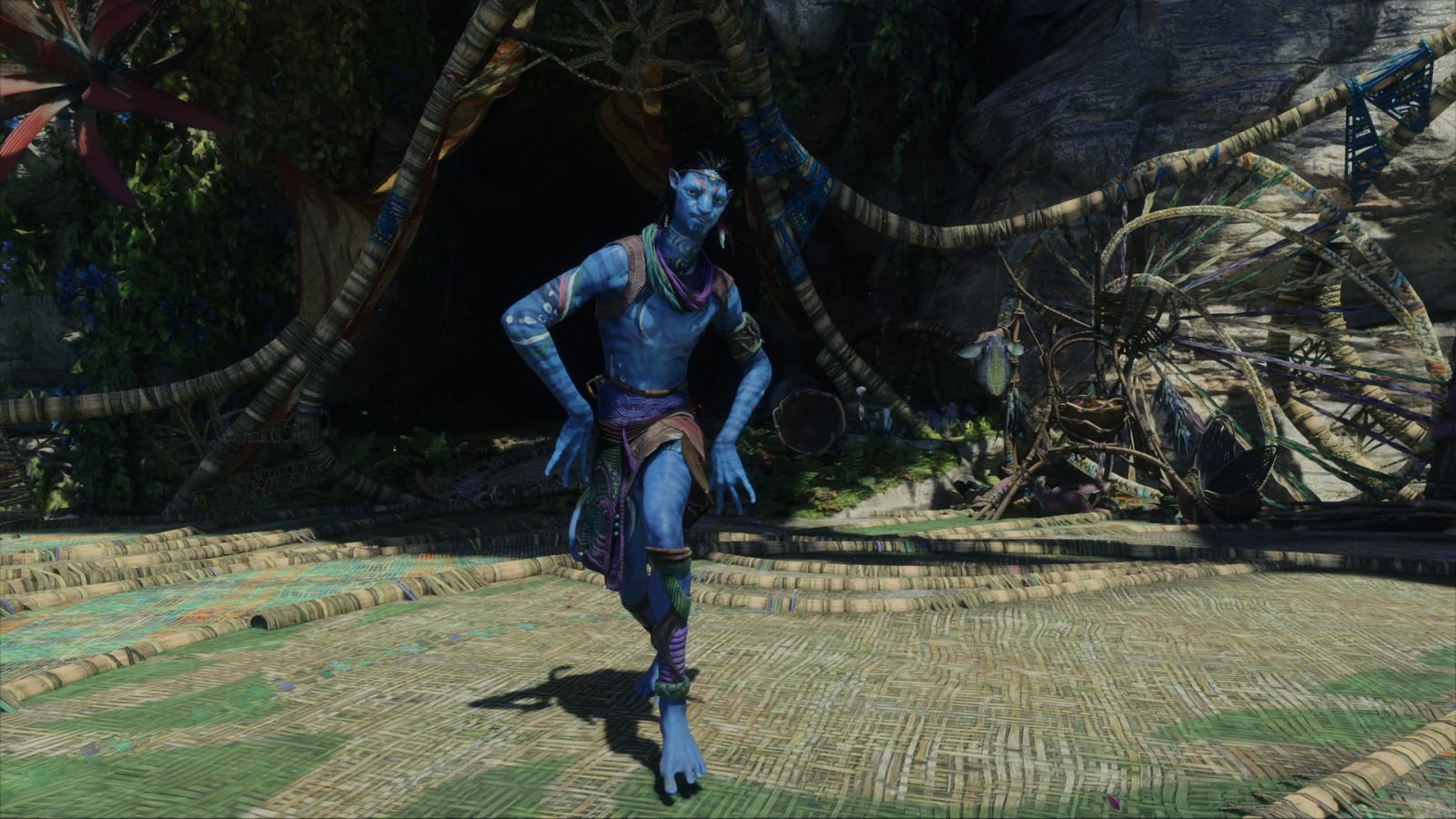
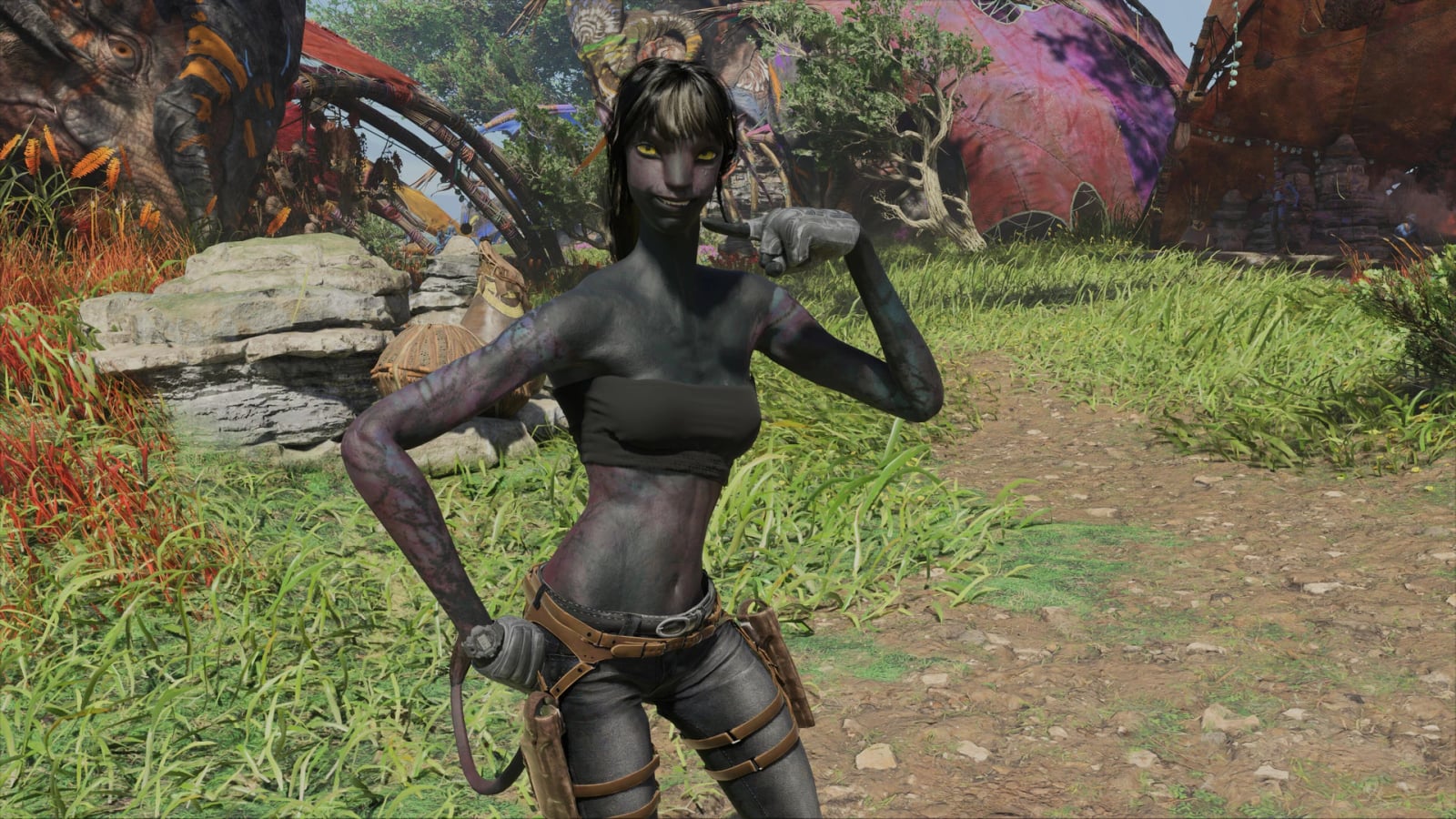
Onge’s Emote Suite adds 450+ emotes and poses for AFOP, with music, timeline scrubbing, facial expressions, cosmetics, photo tools, infinite character LOD, and more. It is compatible with the From the Ashes DLC.
Required mods: Raindrop mod loader
Features
- 450+ Fortnite emotes and Mixamo poses.
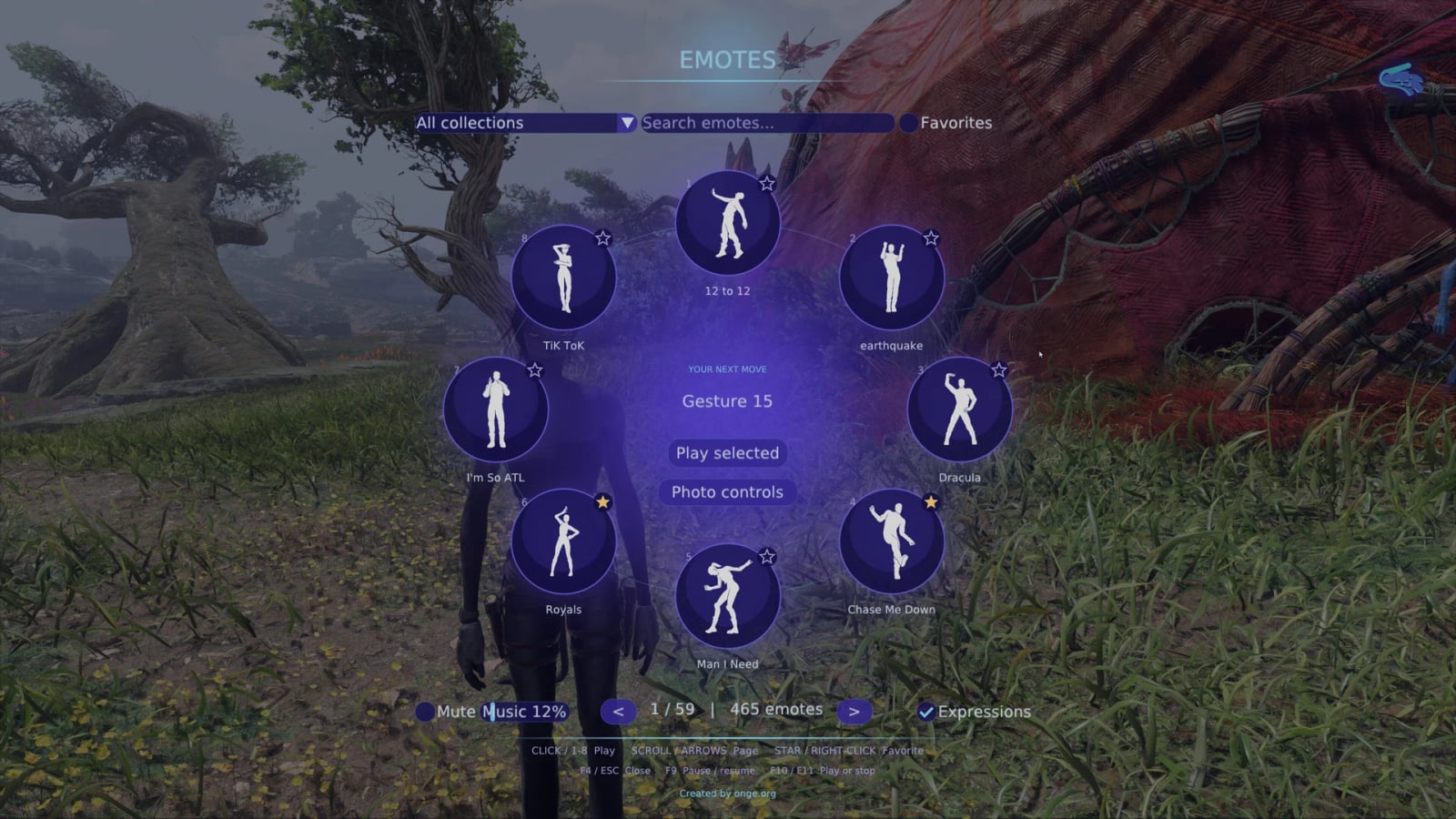
- Integrated in-game emote wheel, no manual animation swaps.
- Music playback, pause, and timeline scrubbing.
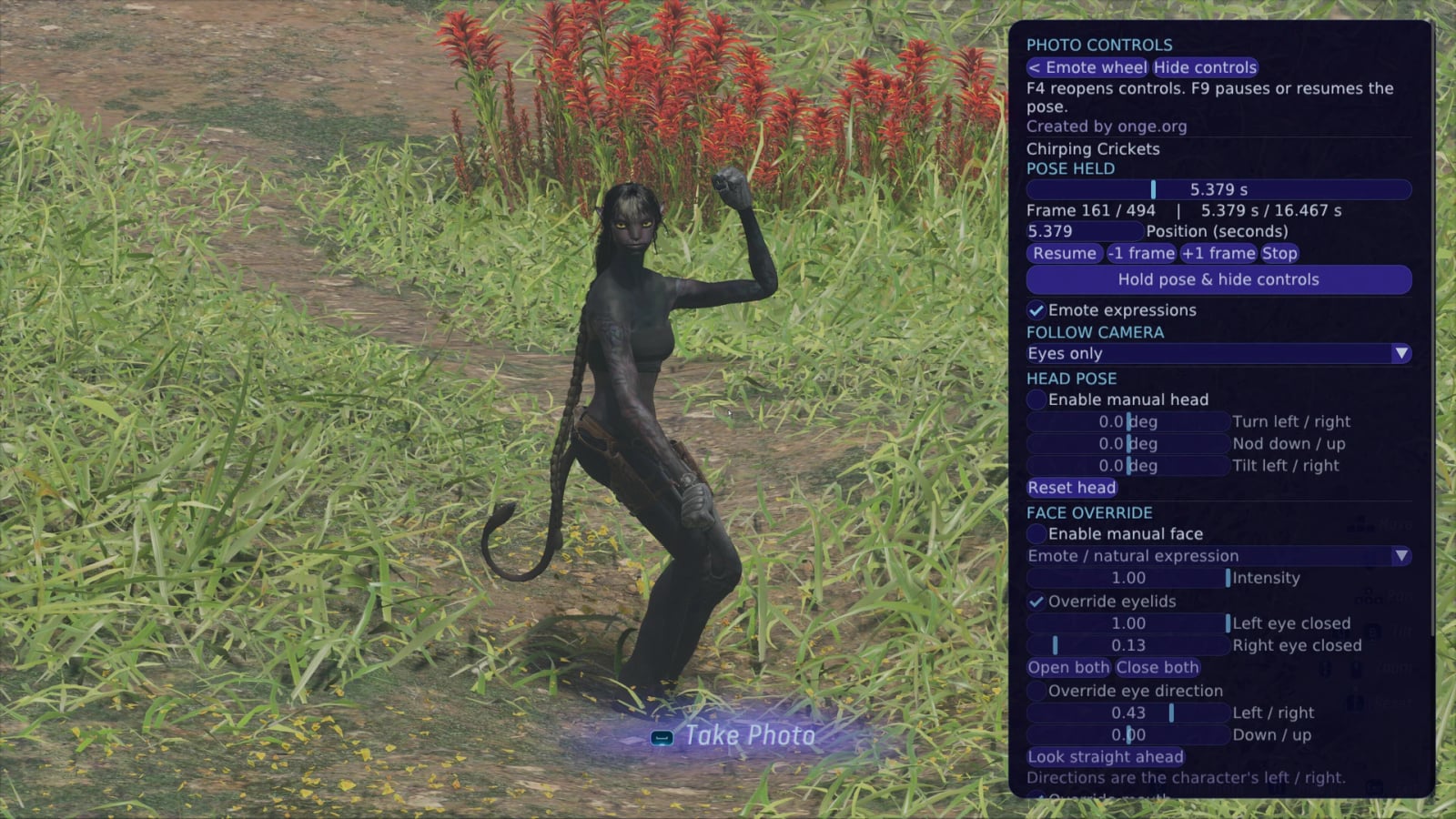
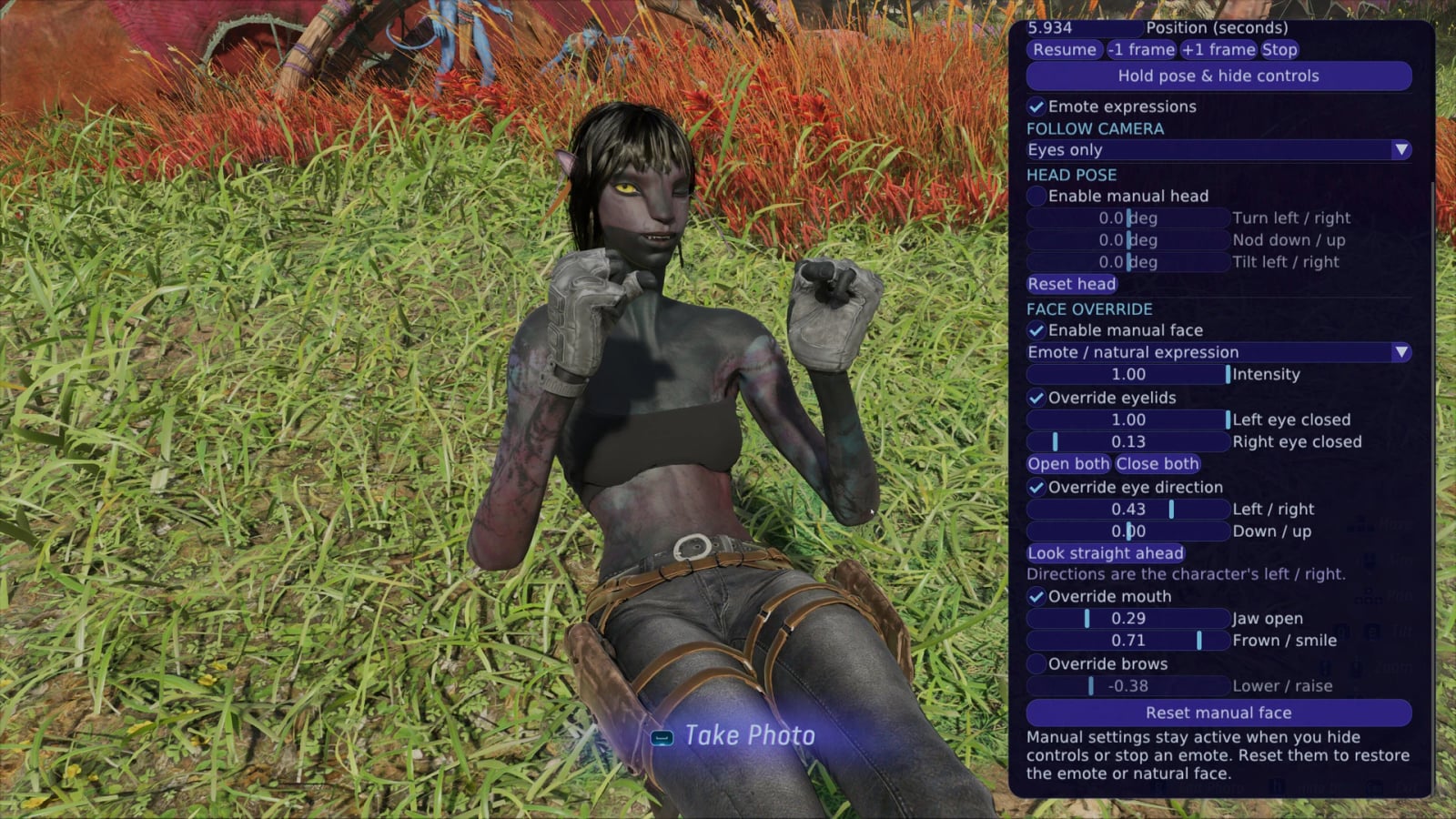
- Facial expressions and facial controls.
- Custom cosmetics system.
- Toggleable animated objects on supported emotes.
- Photo tools and infinite character LOD for screenshots.
- Compatible with the From the Ashes DLC.
- Supports Windows and Linux through Proton.
Installation
- Unpack the ZIP into your AFOP folder.
How to use
- Press N in-game to open the emote wheel.
- F5 opens cosmetics.
- F3 opens Pose & Photo tools.
- You can change the emote menu key in
ongeemotesuite/controls.ini; restart the game afterward.
Requirements
Install one of these modloaders:
- Universal Snowdrop Modloader, recommended
- Raindrop, latest version with ASI support
Modloaders are not included with the suite.
Changelog
5.39.0
- Fixed cloth flickering at custom character sizes
- Fixed native mod visibility: cosmetics stay visible when using Hide Hair, Hide Chest Gear, and similar toggles.
- Native texture styles: matching color alternatives, such as
_d (Blue).dds, appear as selectable styles under the native mod if they are in the textures folder. - Automatic native mod thumbnails, which can be replaced with an
icon.pngin the folder - Expanded cosmetic organization: folders, subfolders, favorites, hidden items, drag and drop organization, and saved custom layouts.
- New folder for cosmetics in the AFOP directory: You can put mods under the cosmetics folder in AFOP, so
AFOP/cosmeticsinstead ofafop/ongeemotesuite/cosmetics. - Added DLC character presets, with portraits and DLC filtering.
- NPC clothing controls: hide individual outfit pieces in NPCs in the clothing menu.
- NPC weapon attachments
- Group selection: move several selected characters together.
- Improved multi-bone posing: now you can move multiple selected IK bones in the viewport.
- Color Suite integration: now you can edit selected NPC’s skin and eyes under clothing if you have the latest version of Color Suite installed.
- F5 character preview had some corrections and now can be disabled in the .ini file under AFOP.
- Rendering and interface fixes: improved first-person skin and arm overlays and So’Lek cosmetic support in cinematics