Slof’s Hair Colours v1
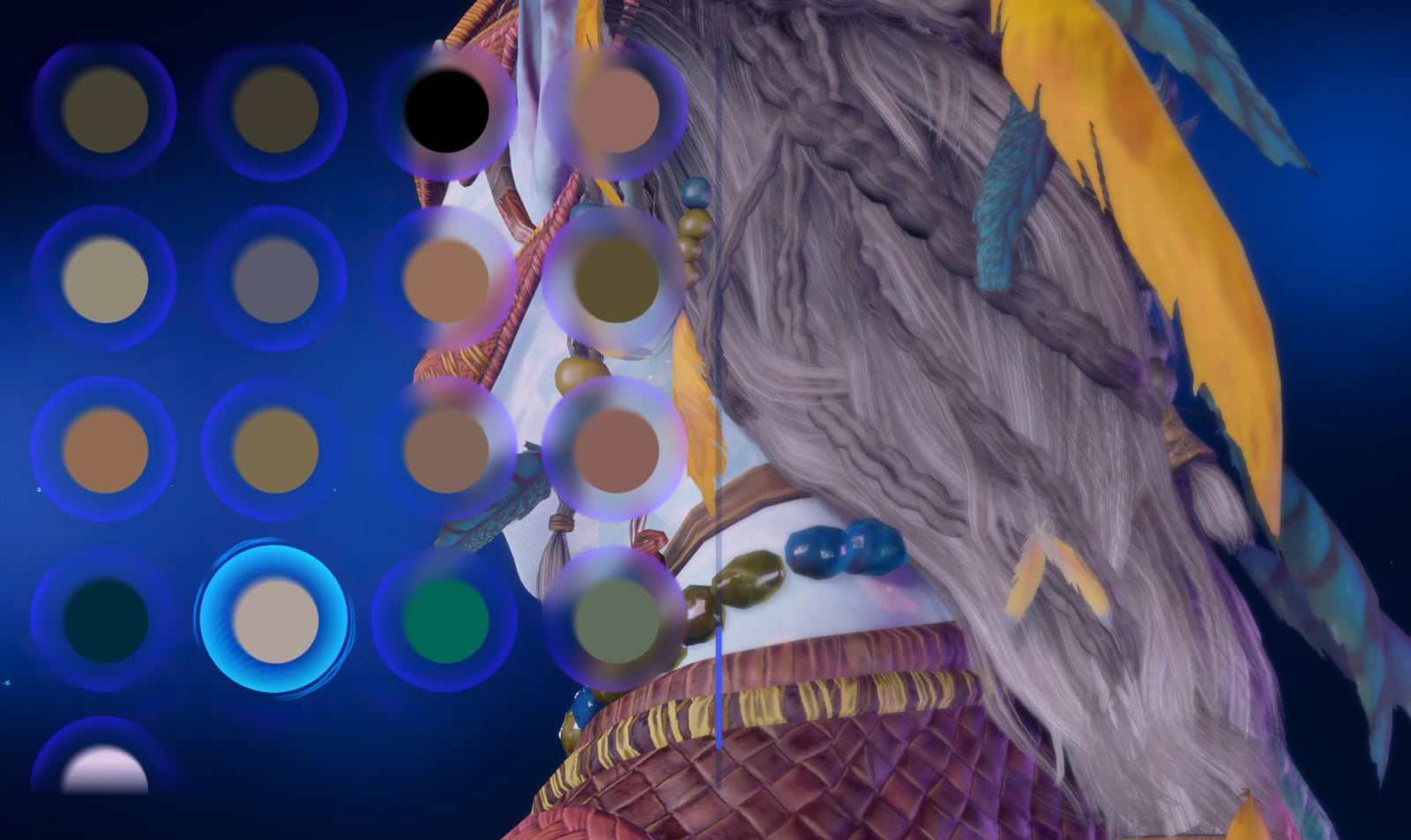
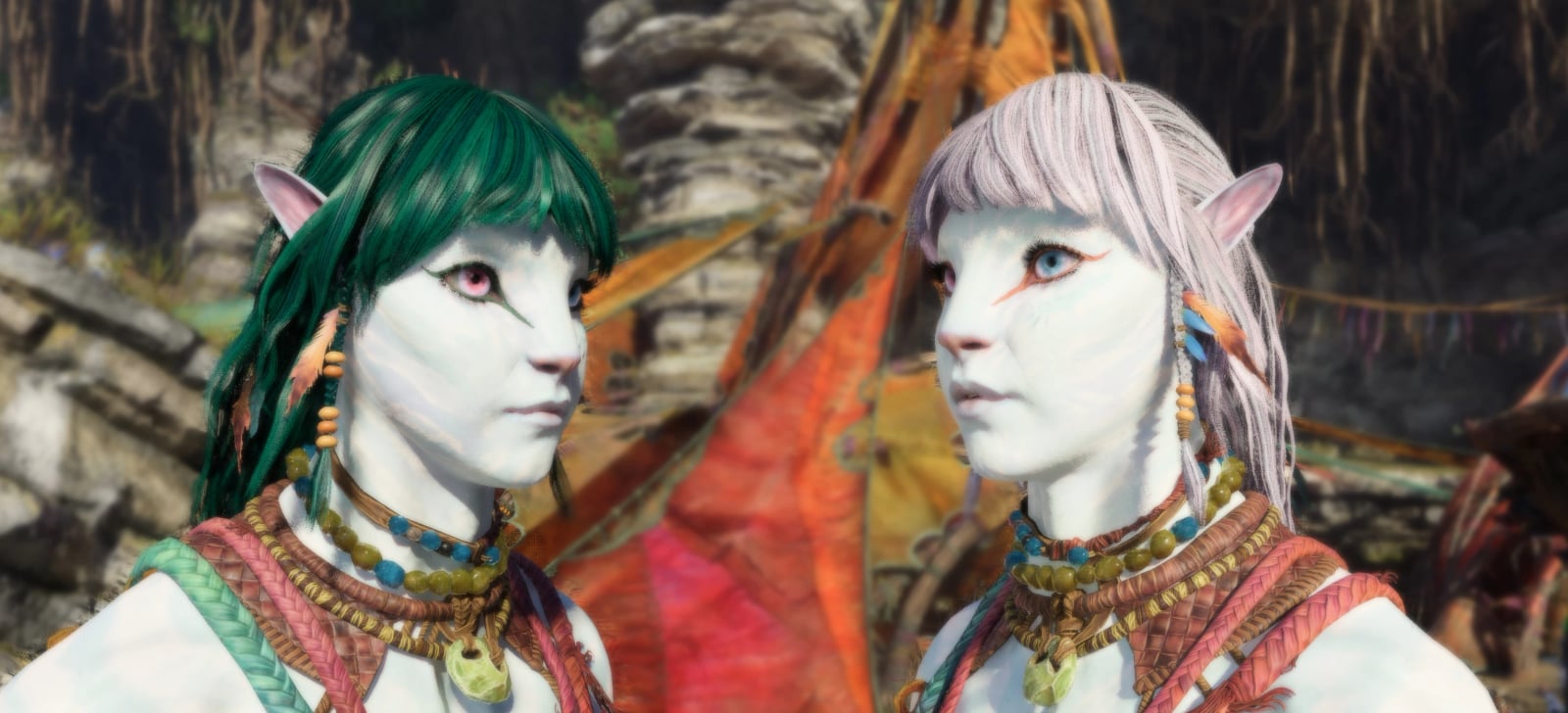
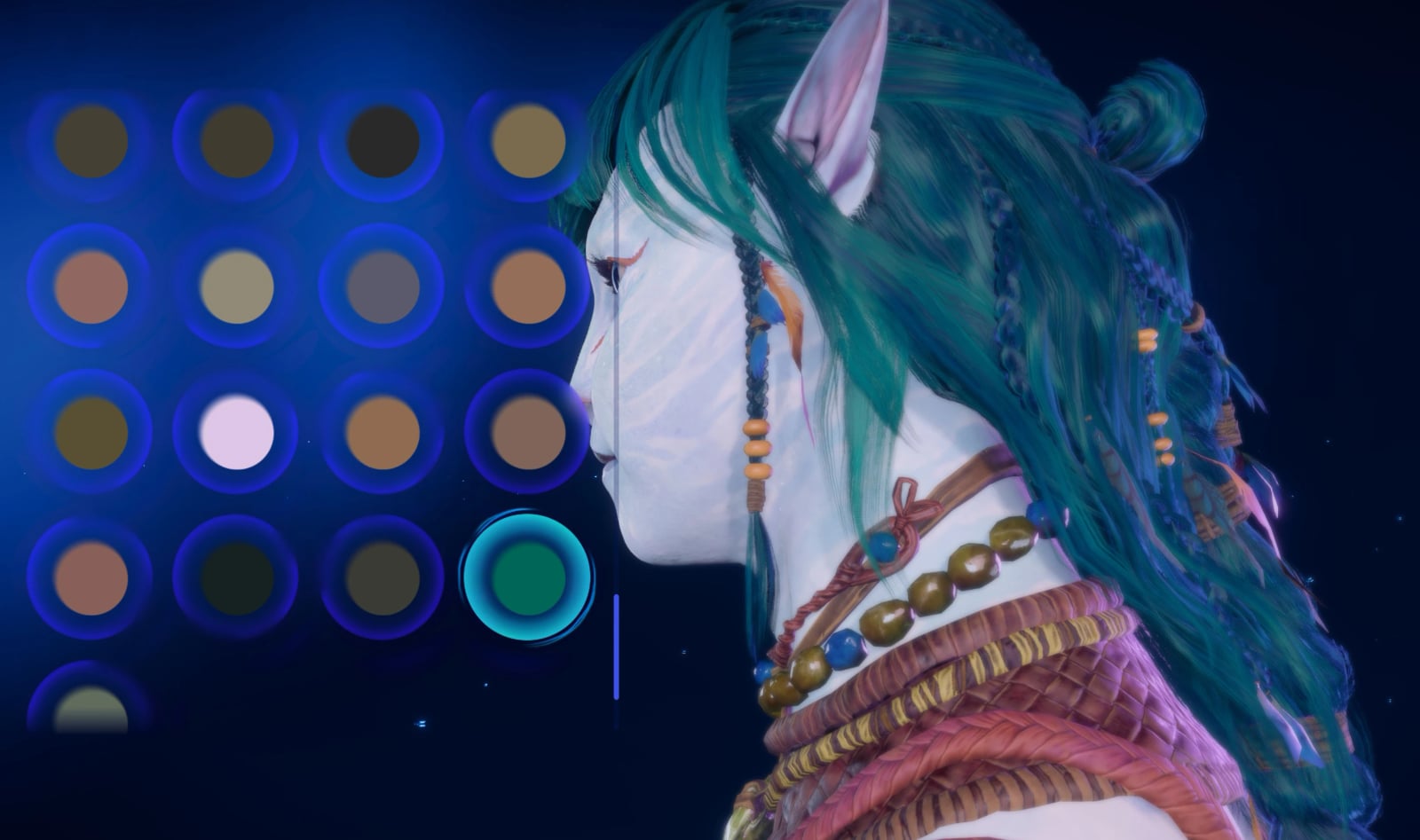
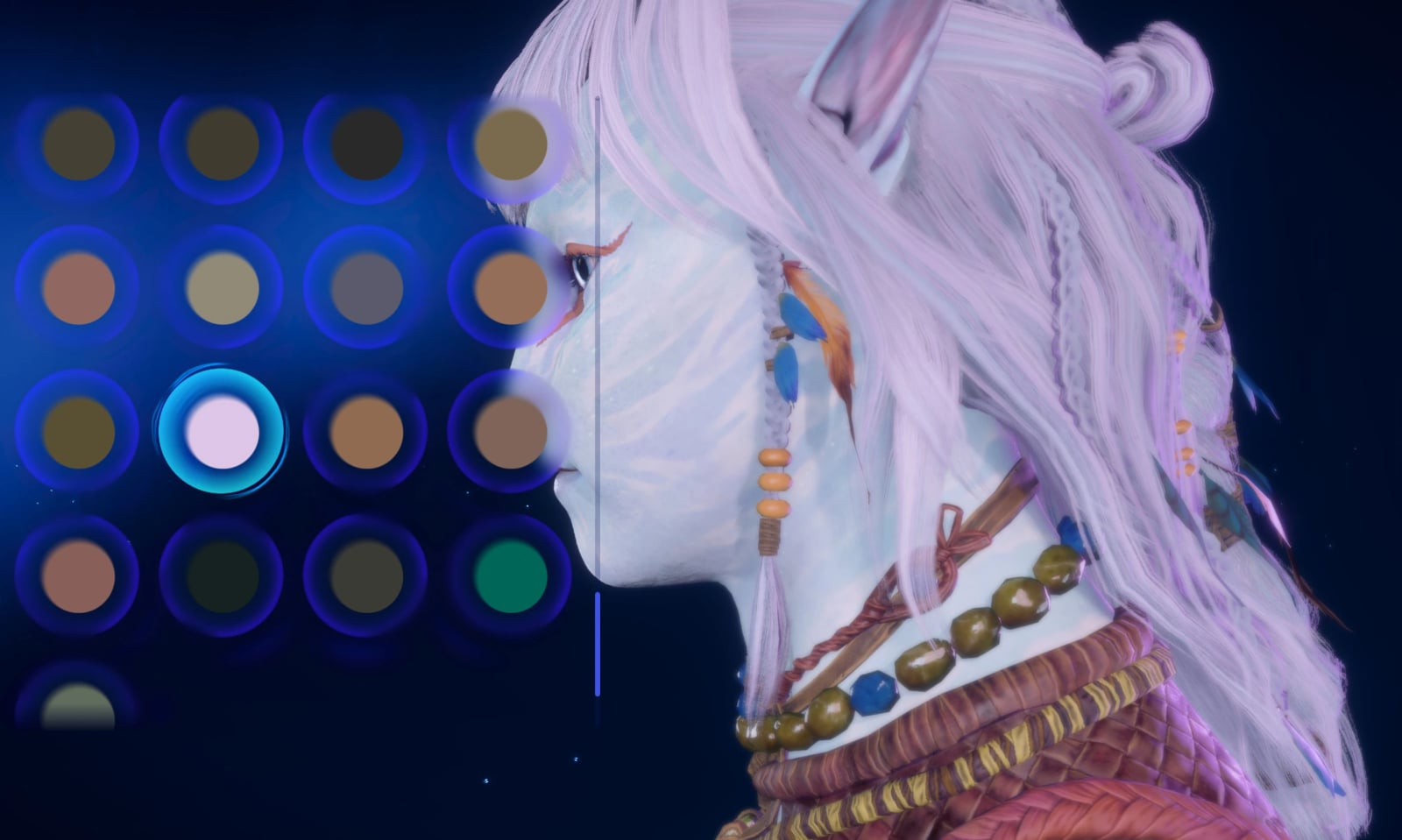
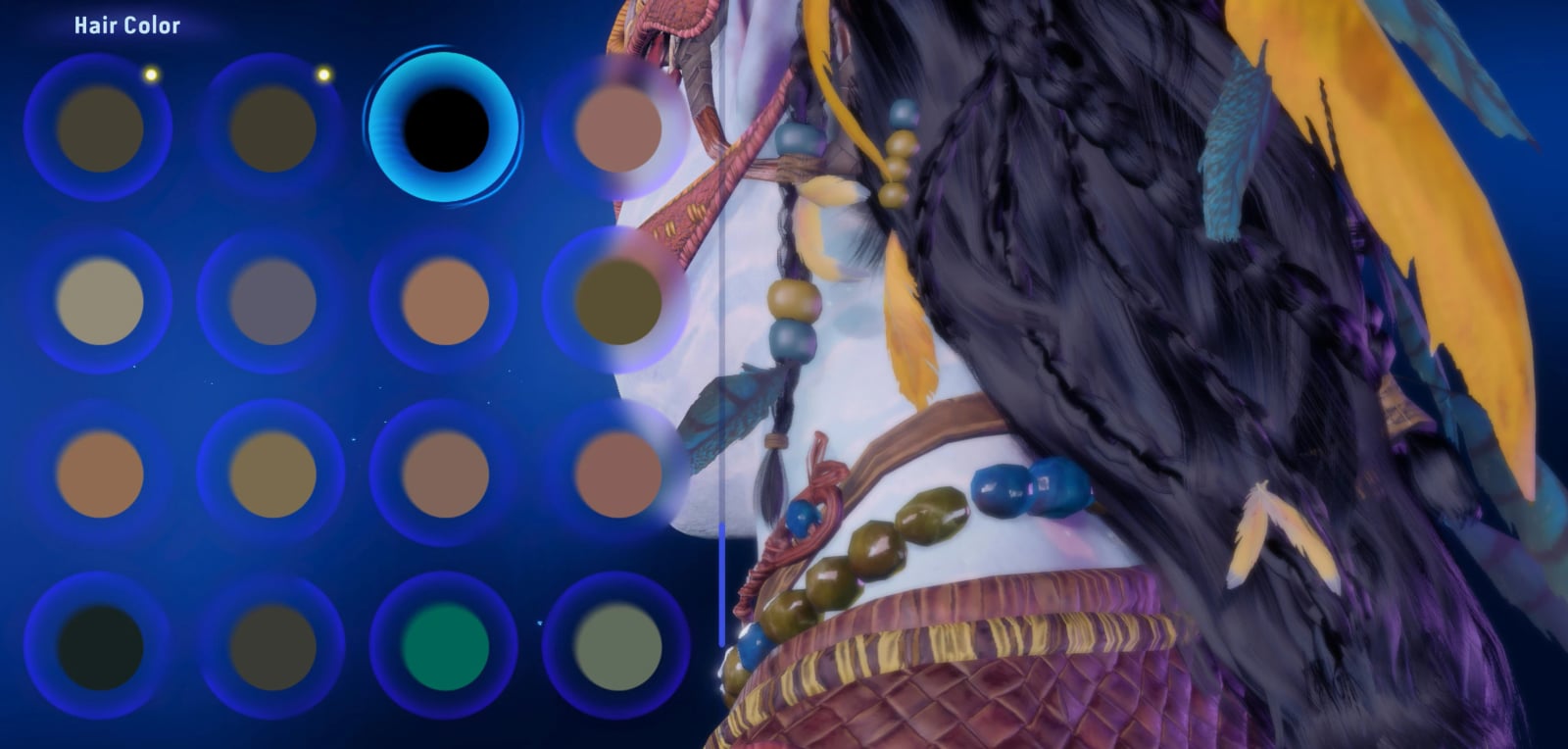
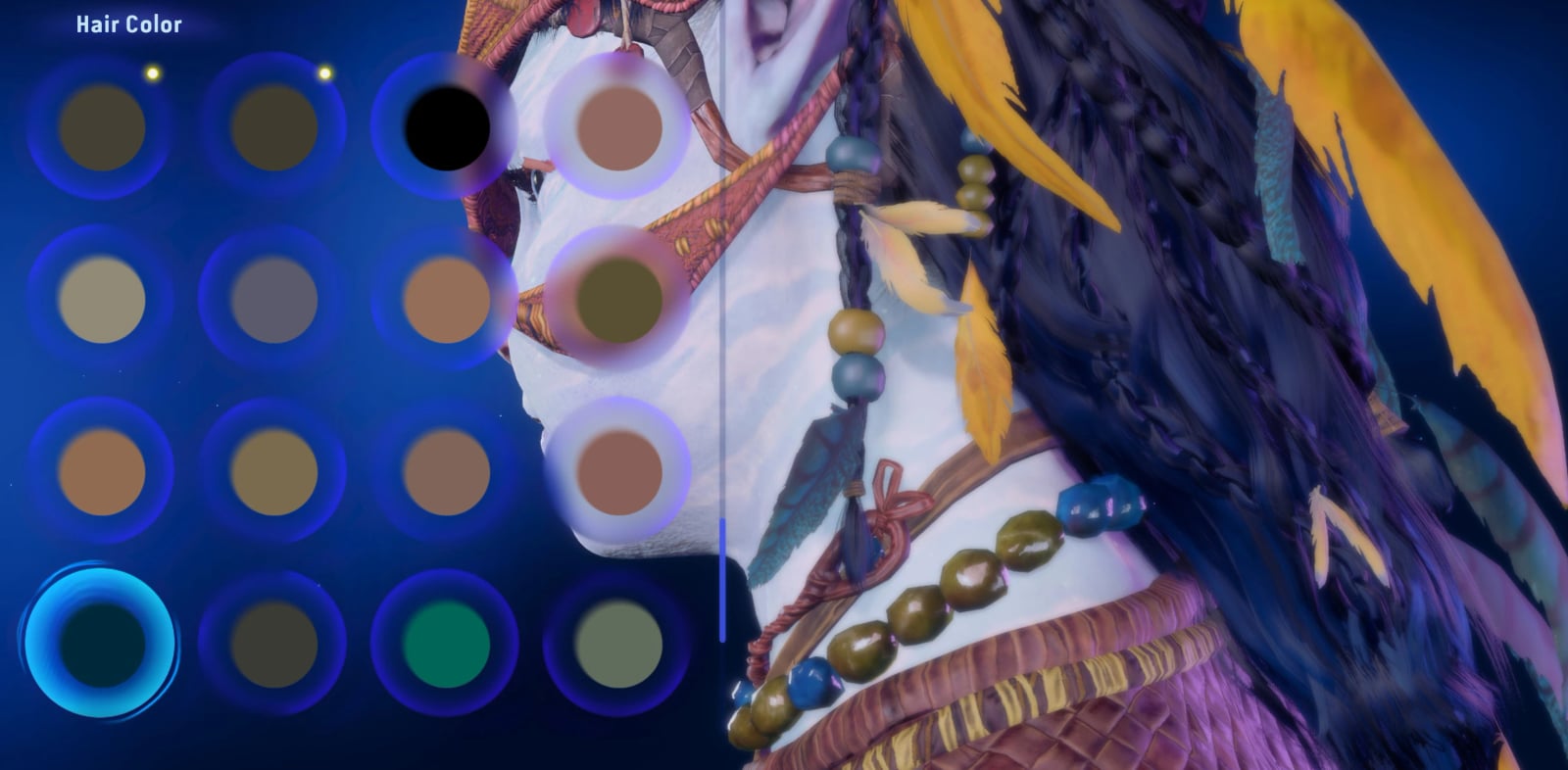
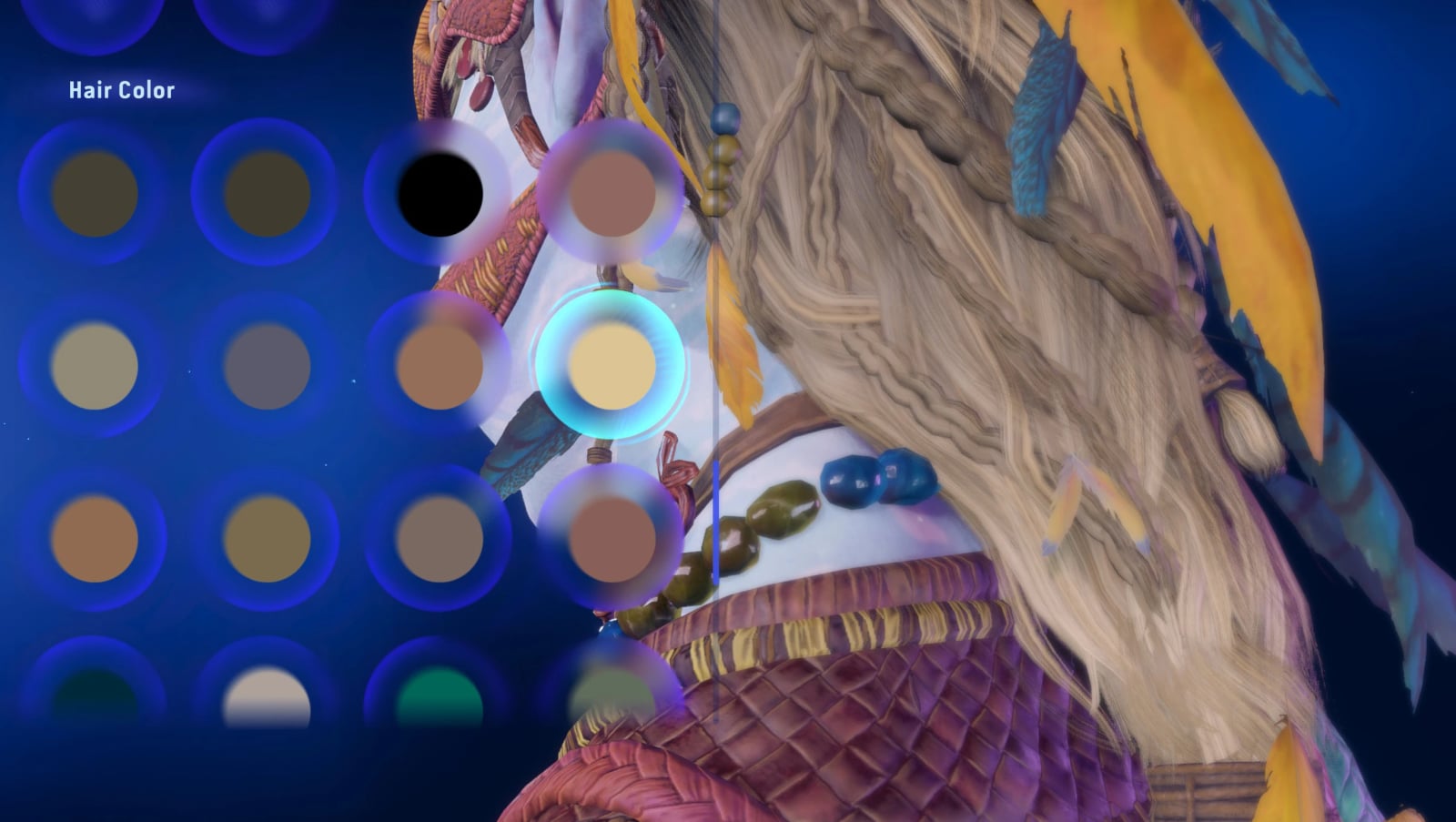
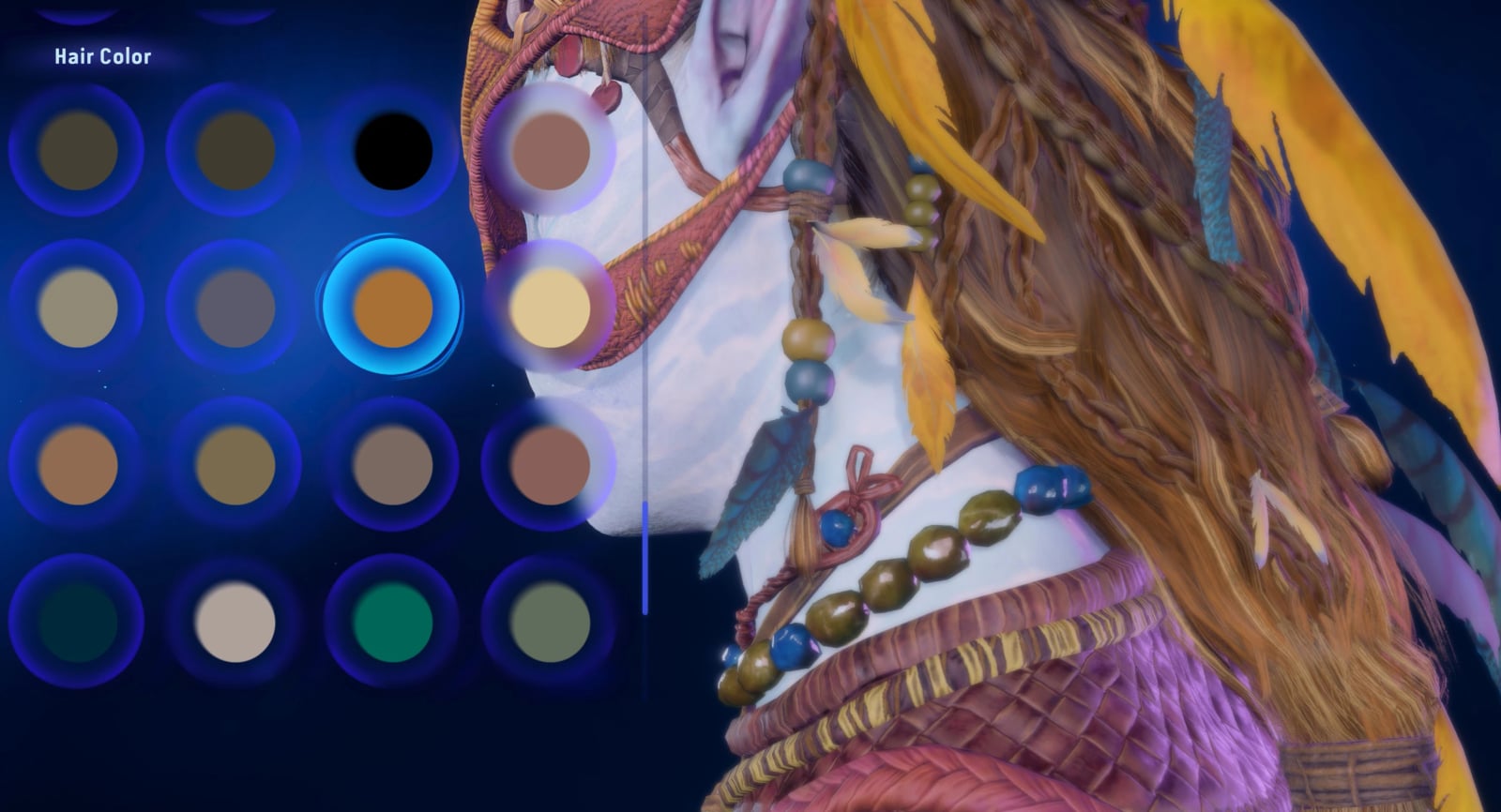
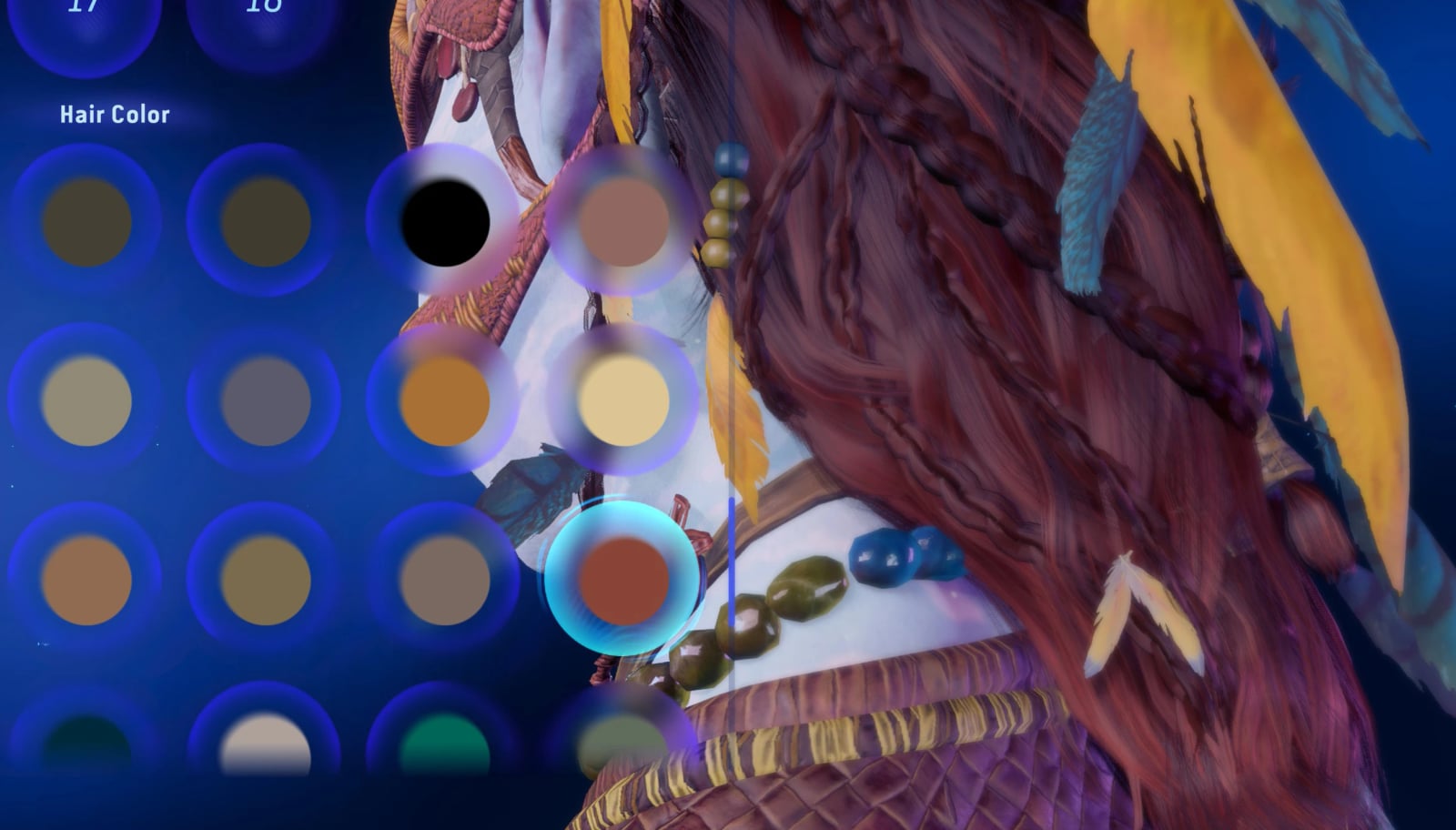
A small project to give the game’s hair colours more variety while keeping them aligned with their basic in-game descriptions. The colours are available as separate files for mixing and matching, or as a single bundle.
Features
- Many colours must be earned through gameplay through clan contributions at certain Na’vi camps in the base game.
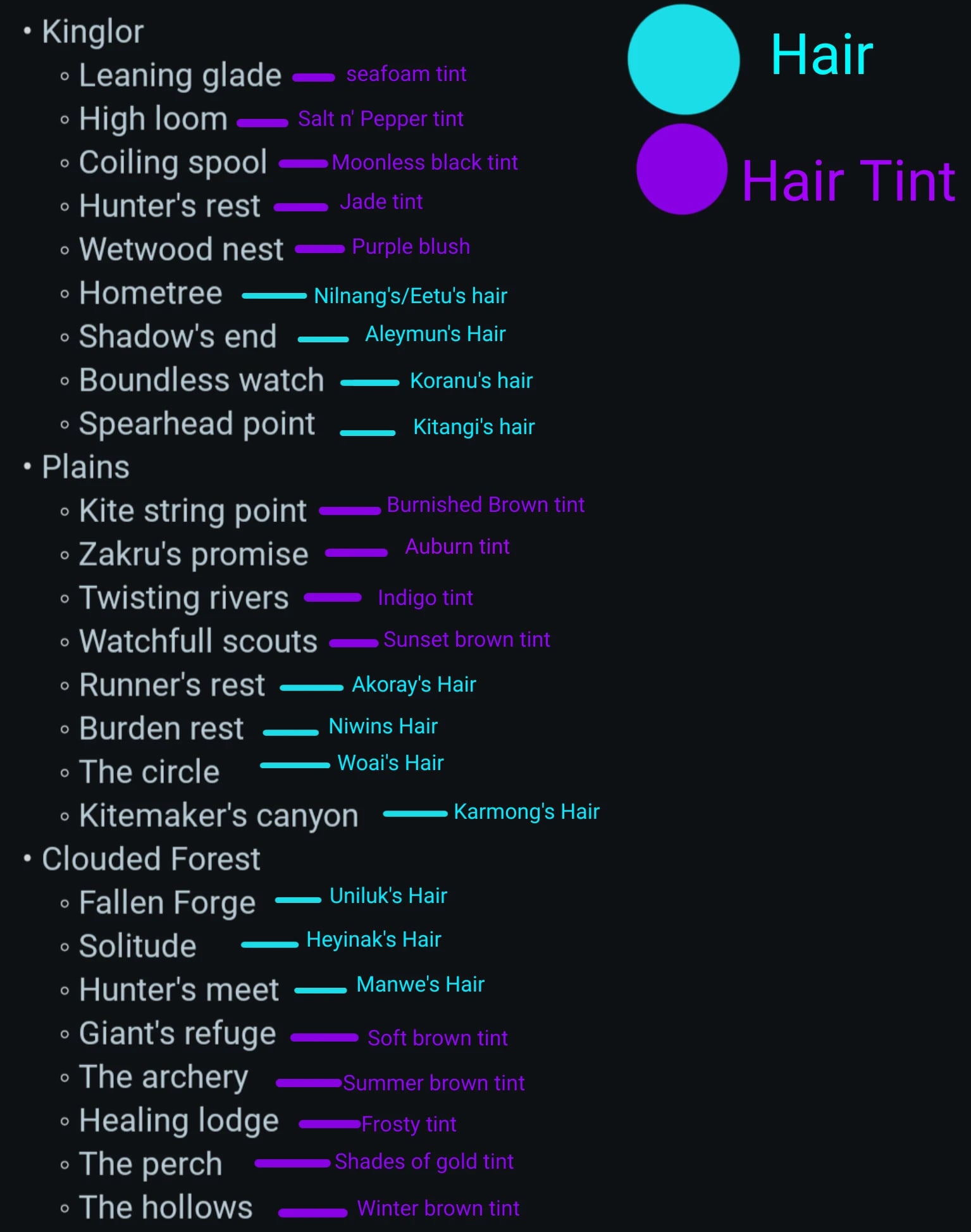
- An image shows where to pick up the hair styles and hair colours.
- The colours are designed to more accurately match their names, so colours such as sunny brown and golden brown have an obvious difference.
- The mod also affects NPC’s. Using just one file will reduce this effect.
- More colours will be added over time.
Specifications
- File numbers correspond with which hair is in the list 1 – 18.
- There is no hair 8 or 19, which are believed to be NPC only.
Required mods: Raindrop Modloader (Like Snowdrop but with more functionality. USE ONLY ONE)
Installation
- 1. Unzip the folder and then move the
bluefolder to this path:
Ubisoft users: UbisoftUbisoft Game LaunchergamesAFOP
Steam users: SteamsteamappscommonAFOP
* Just drop it in, it will put things in the correct place *
To find the Ubisoft folder:
- 1. Go to your library and right click AFOP – select ‘manage’ > ‘properties’
- 2. Select installation in the list on the left – Installation directory is where your folder is, you can ‘open folder’ here too.
To find the Steam folder:
- 1. Go to your library and right click AFOP – select ‘properties’
- 2. Select ‘installed files’ in the list on the left
- 3. Click ‘browse’, it will open up your directory
Mods used
- Albino Player Pack – this comes with extra hair colour options for more or less purple or pink
- anakinnzz – Mas Nueva Lashes from ‘Basket of Stuff’
- Eyeliner Face Paint