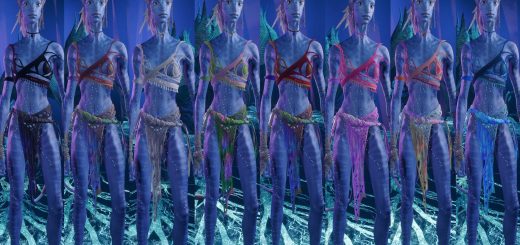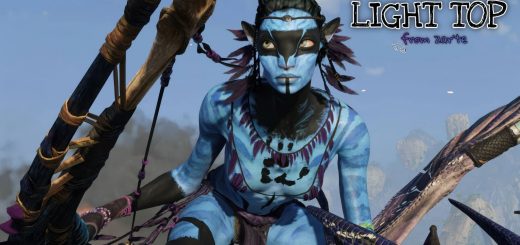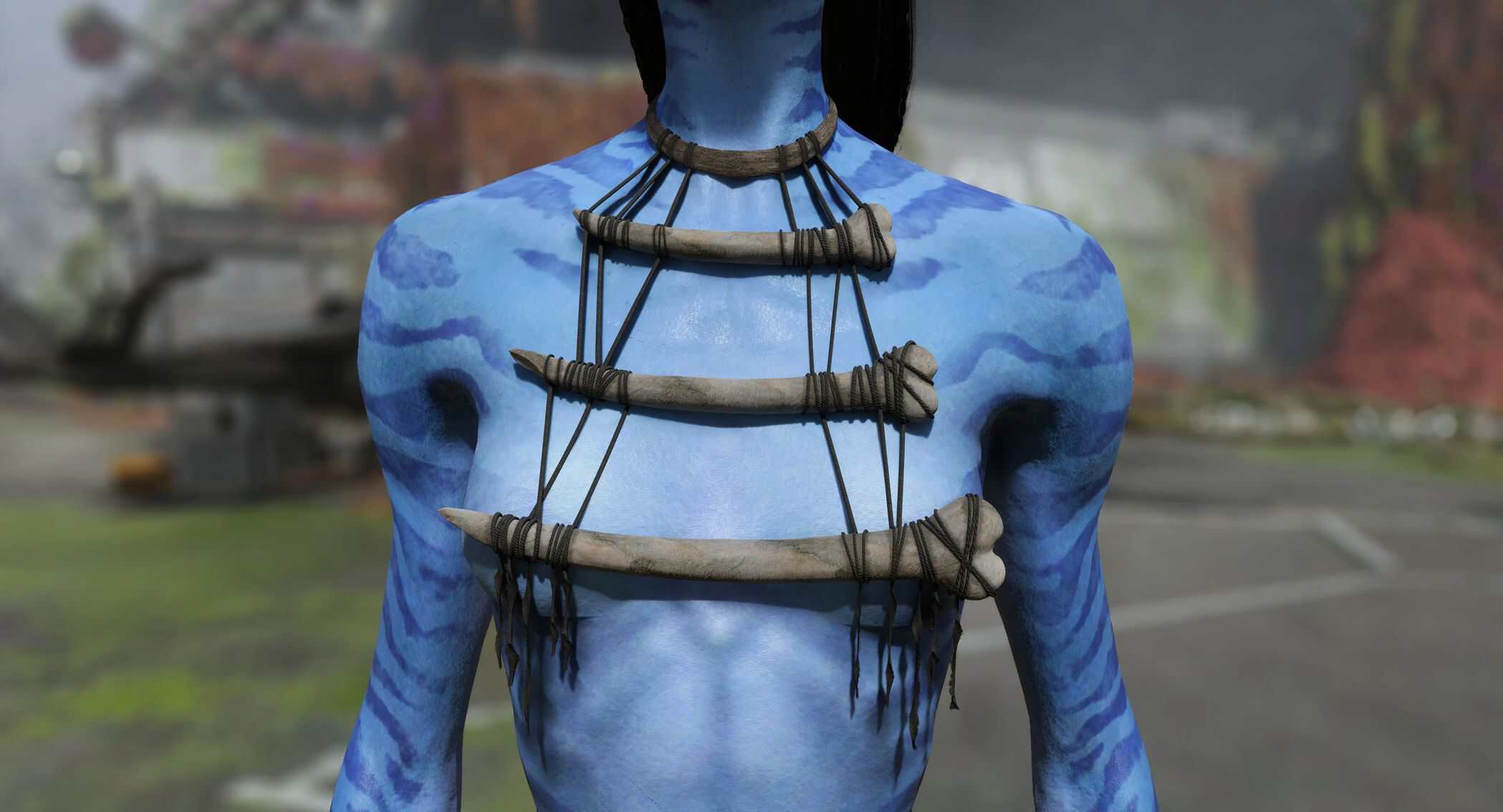
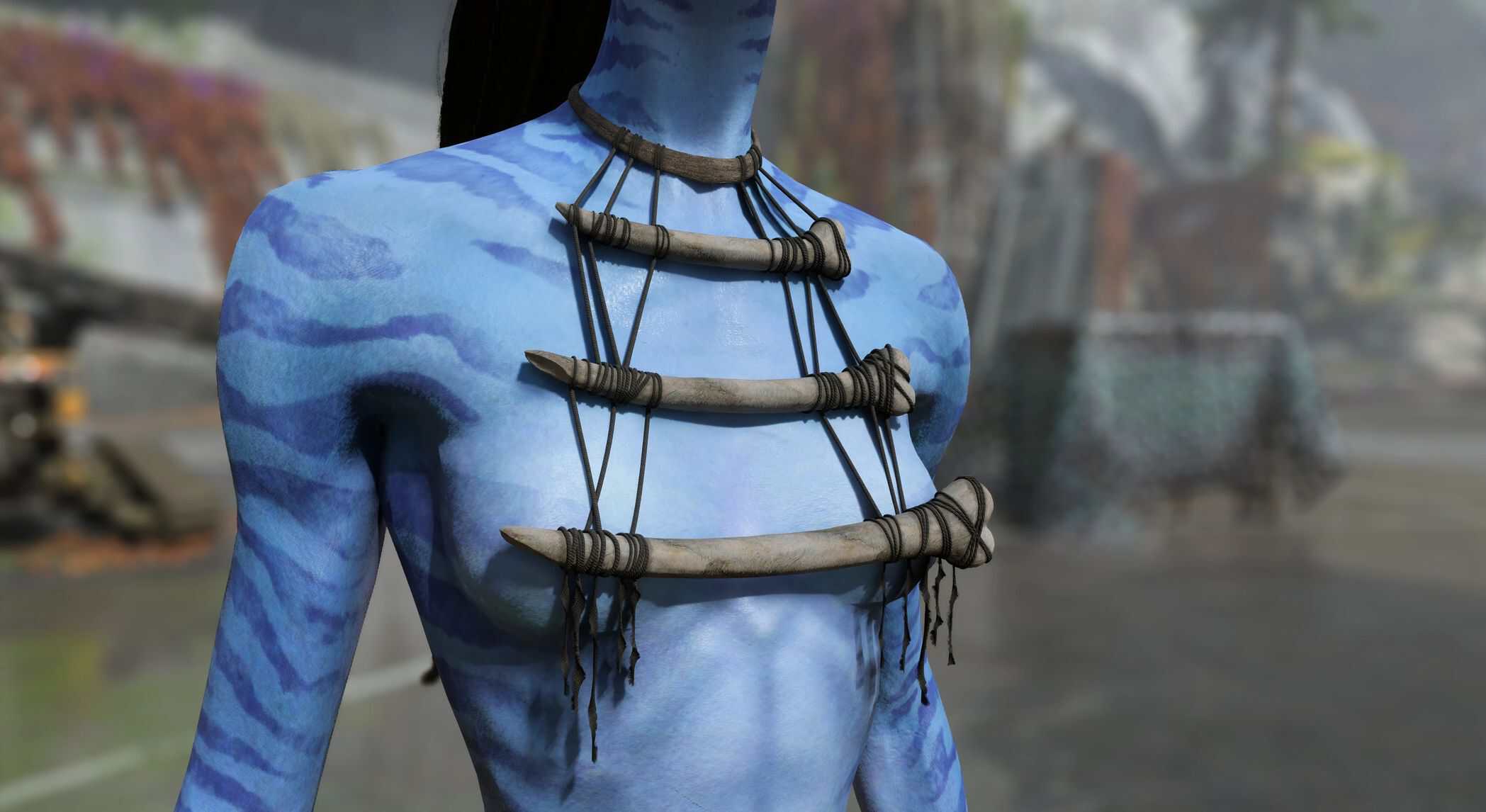
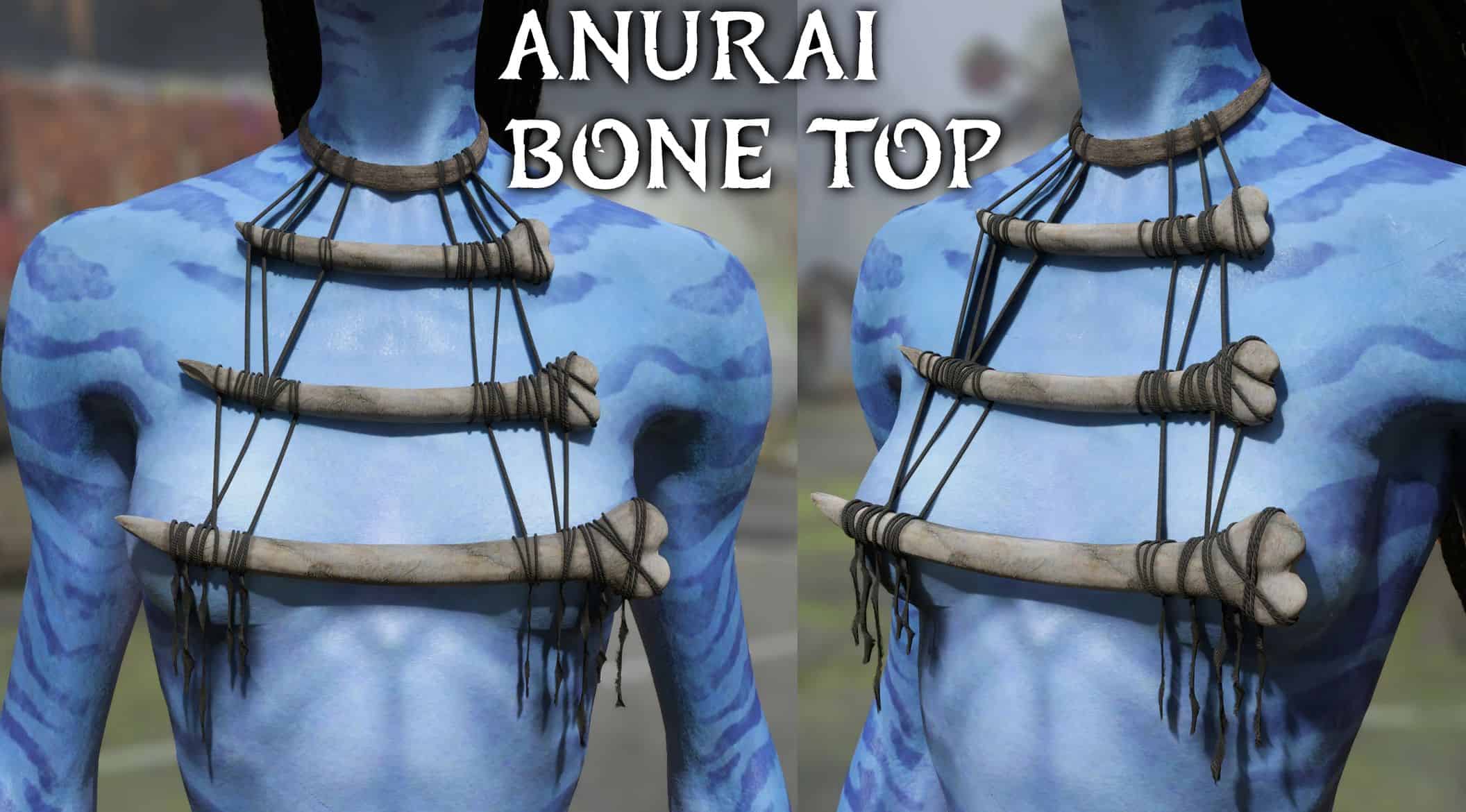
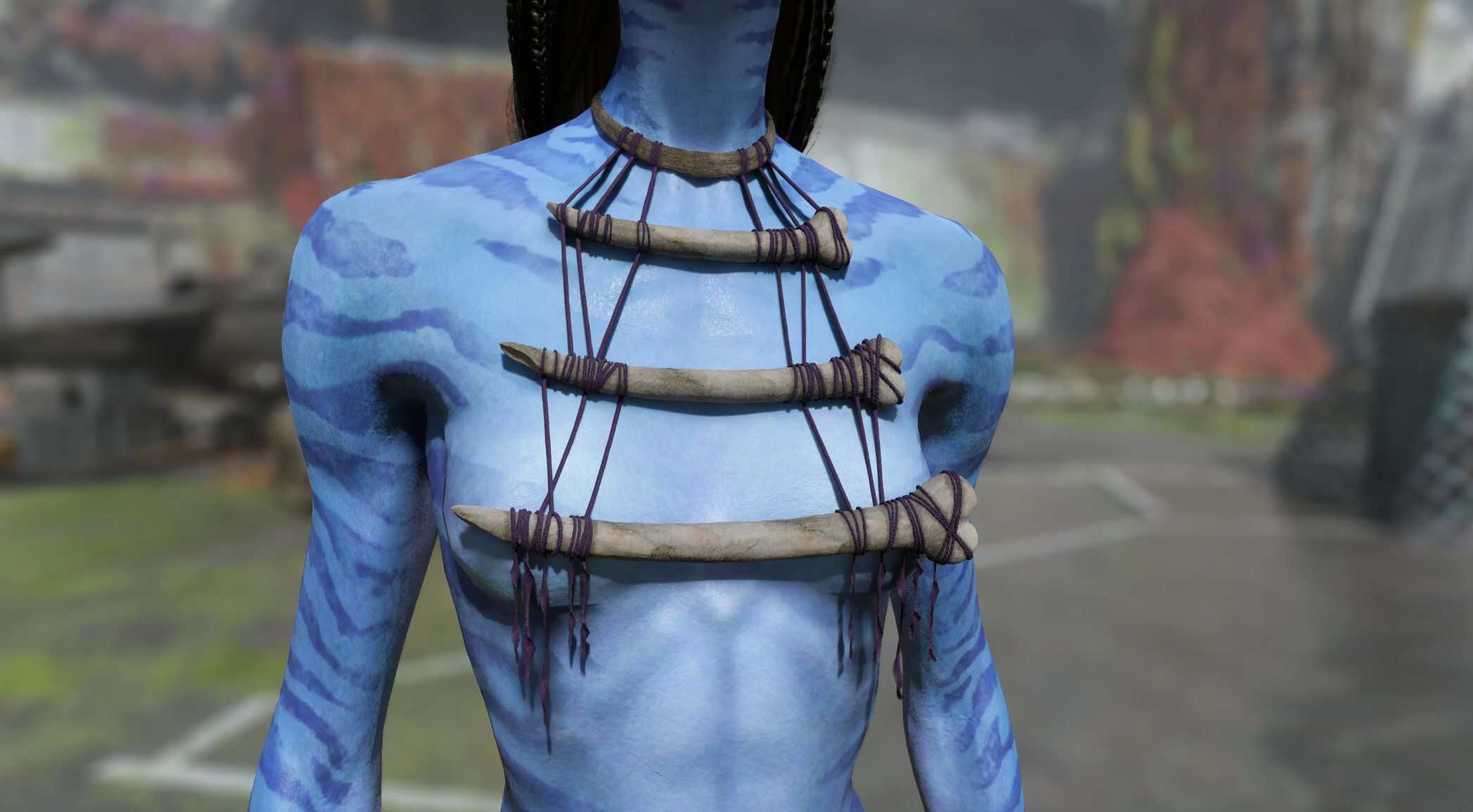
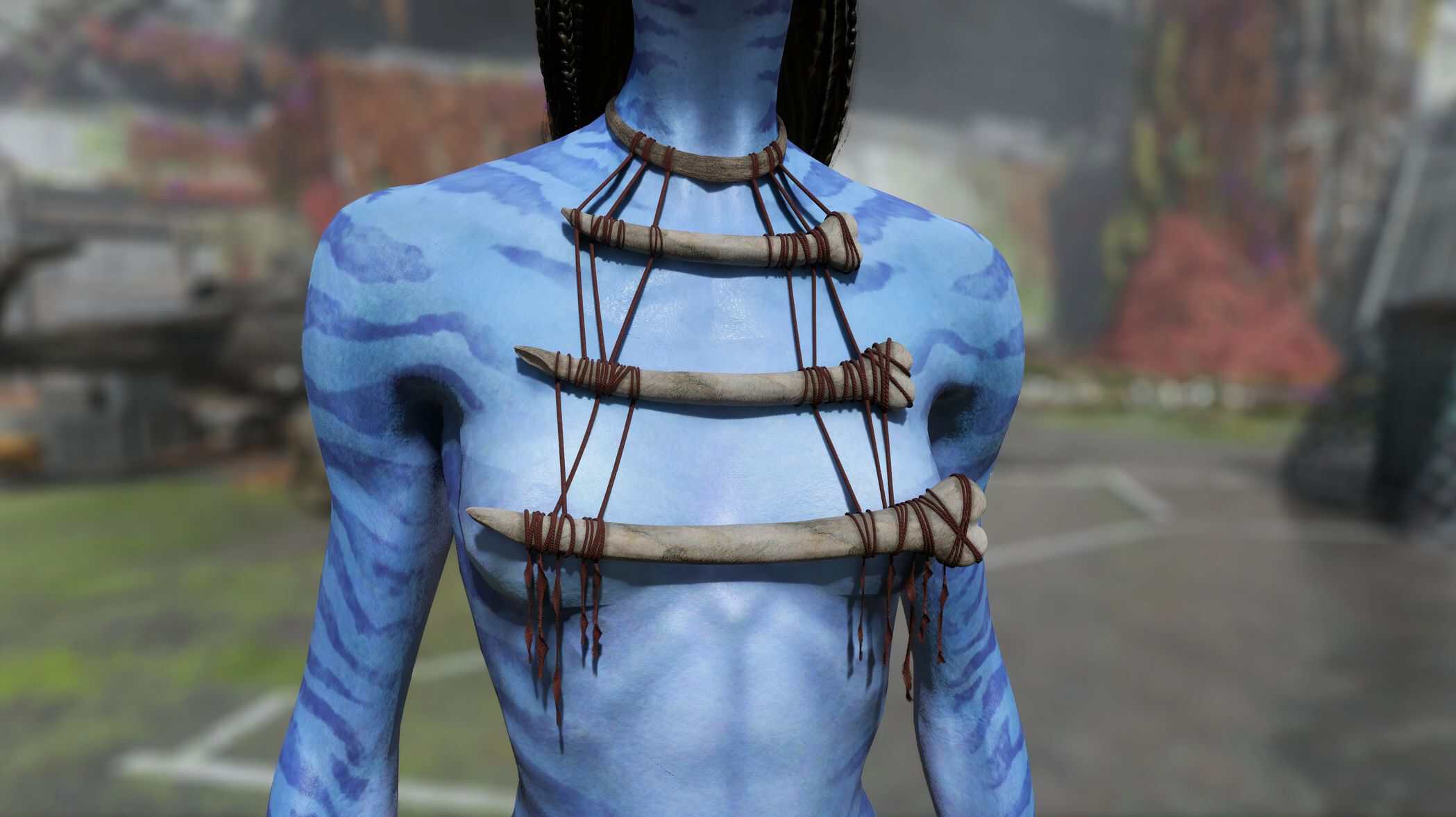
Anurai bone top v1
Anurai/Mangkwan inspired top. For default fem and male and ash bodies. Multiple recolors.
Updated:
fixed the bug where mod was not working for some people
Majority of files and filepaths of this mod were changed so if you have the previous version installed I suggest that you delete old files before installing the update (the mod should still work without doing that but it’s best to do it anyway, just in case). You can find filepaths for the old version in ‘old files’ section of the files tab
If you created any recolors for the old version of the mod and you installed the update, rename your recolor’s .dds file to via_bones_mangkwan_top_mod00_01_d.dds and place it in: blue\baked\characterart\gear\player\via\torso\via_bones_mangkwan_top_mod00_01\textures
Installing:
Install one of the main files first. Unzip the downloaded .zip, choose a replacement option, open that folder and copy “blue” folder – paste it in game’s directory – “AFOP” folder where afop.exe is located.
Recolors need to be installed after the main file, otherwise it will not work. Install them just like the main file