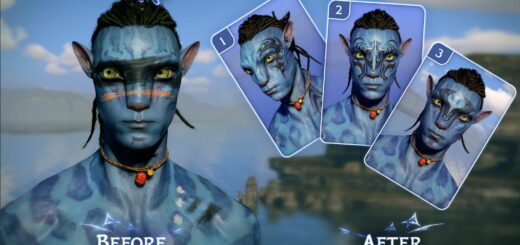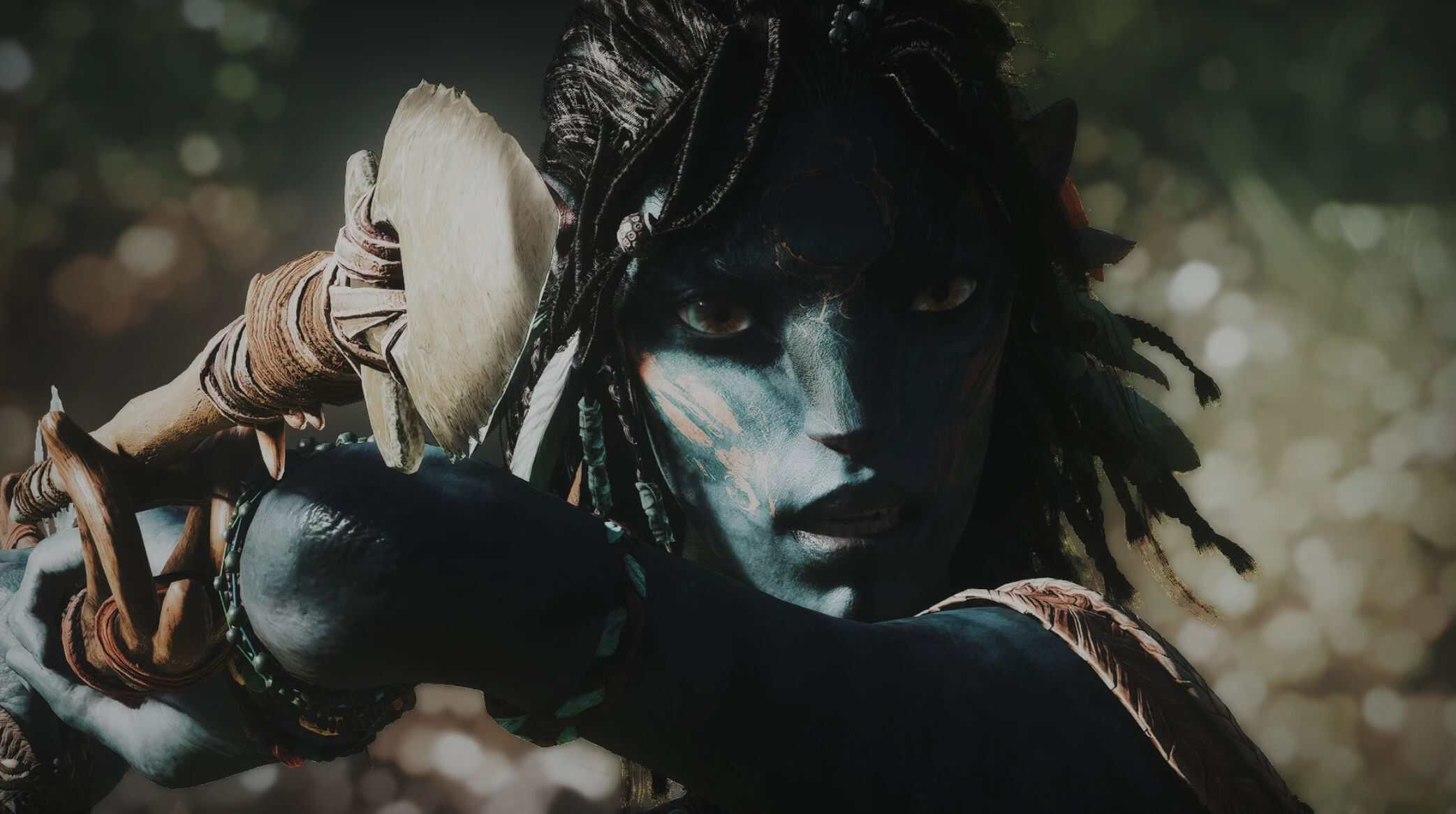
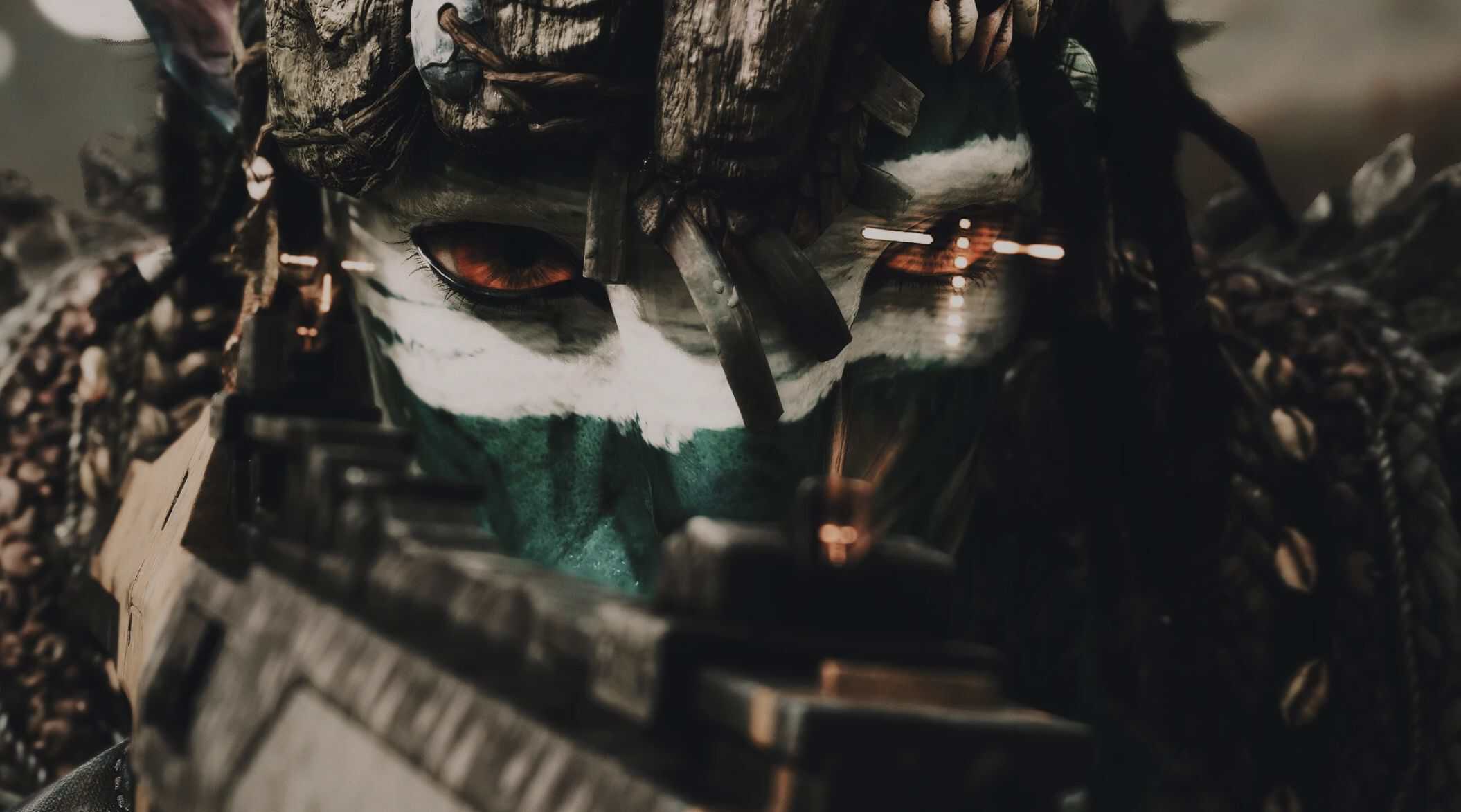
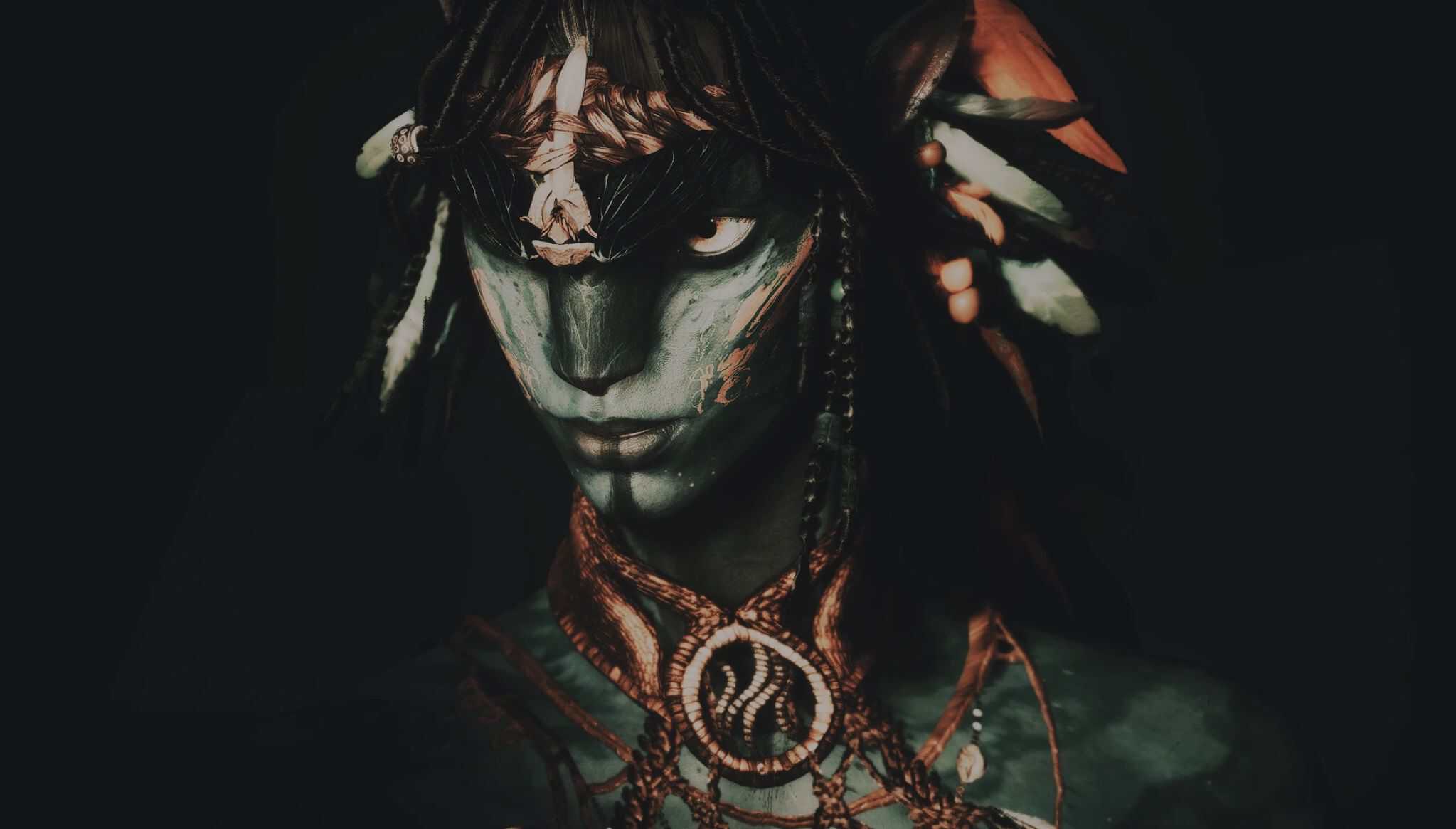
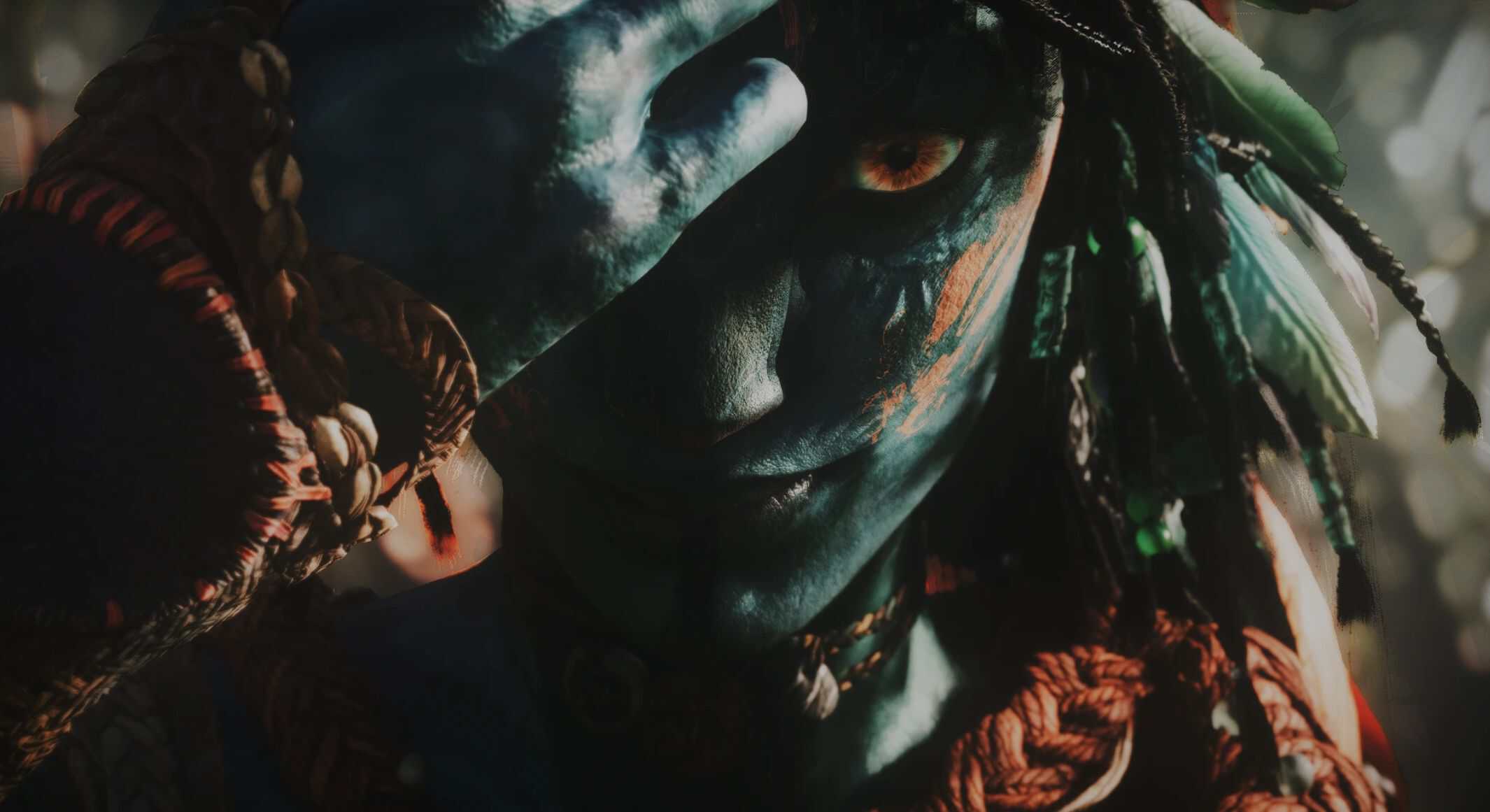
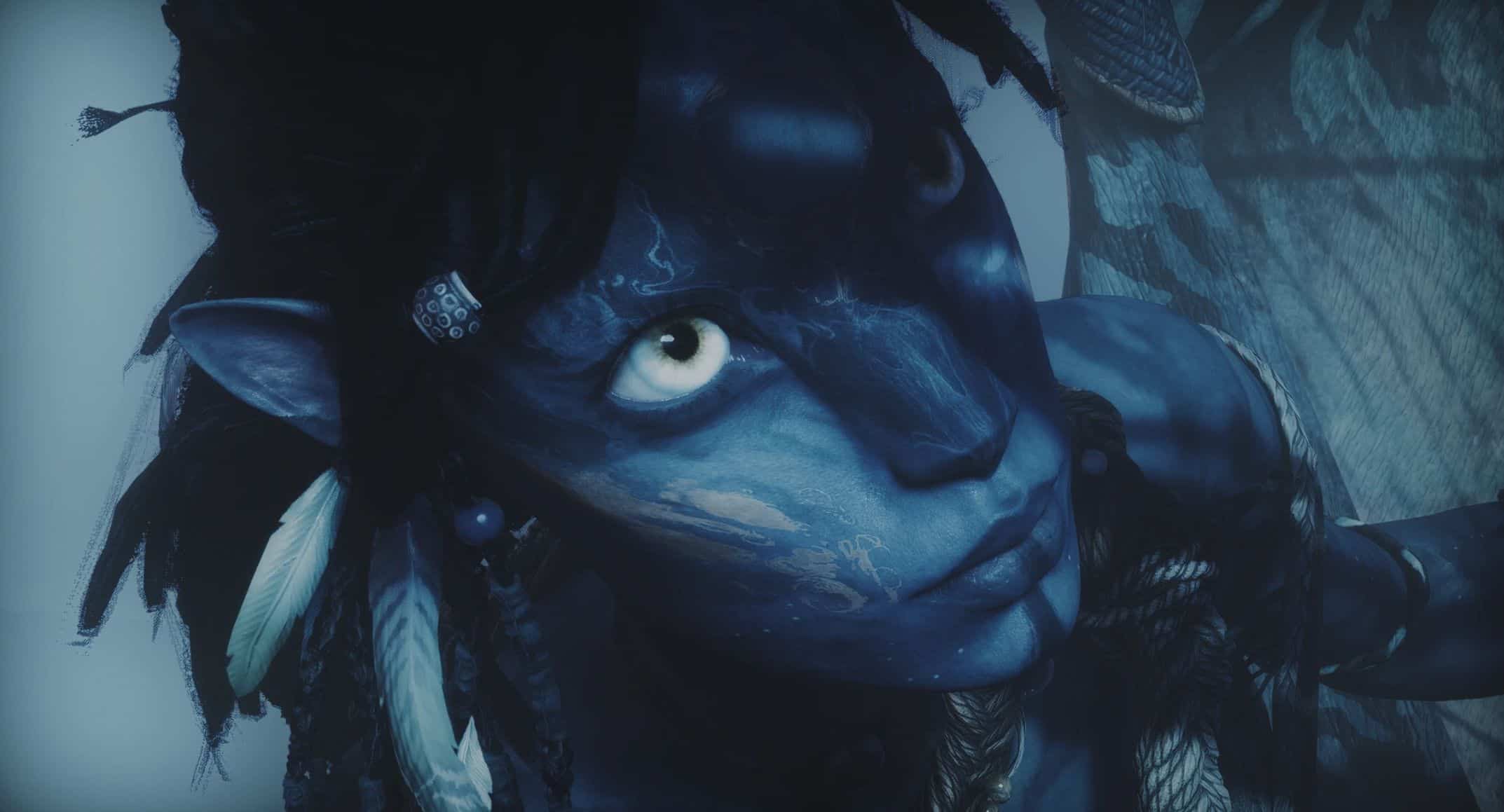
Avayora’s Reshade Presets v1.0
3 Reshade presets that add more cinematic and realistic flair to your photos.
Reshade presets that add more cinematic and realistic flair to your photos; desaturates tones, increases contrast. Perfect for high definition photos with sharper shadows/lighting.
INSTALLATION
This is a RESHADE preset! You must own Reshade in order to use these; there are many tutorials online to help with the installation process.
FILES
ENHANCED
– Preset designed for gameplay and for a more realistic environment. Requires little effect adjustment.
DEPTH OF FIELD ENHANCED
– Preset designed for close-up shots, including depth of field. Requires some effect adjustment.
CINEMATIC ENHANCED
– Preset designed for close-up shots of character for a more blender model-esque look, including depth of field and fog effects. Requires a lot of effect adjustment.
If editing effects is new to you, try the other presets first!
OPTIONAL EFFECTS
Mess around with effects to suit your needs; here are some additional ones I play around with.
ISSUES
Preset doesn’t look how you imagined? It’s likely an error on your end (reshade can be very weird)
– EFFECTS MISSING: Make sure you download all effects or the ones necessary for my presets. Updating reshade effects may fix any that show up as errors; you may have to do this several times.
– DEPTH OF FIELD: Some users experience no depth of field effect. Try editing your global preprocessor definitions to the shown numbers.