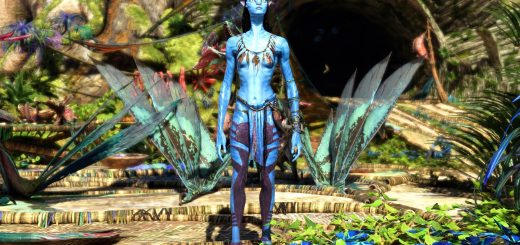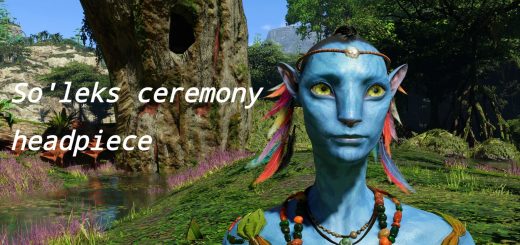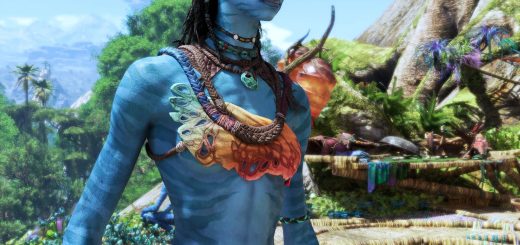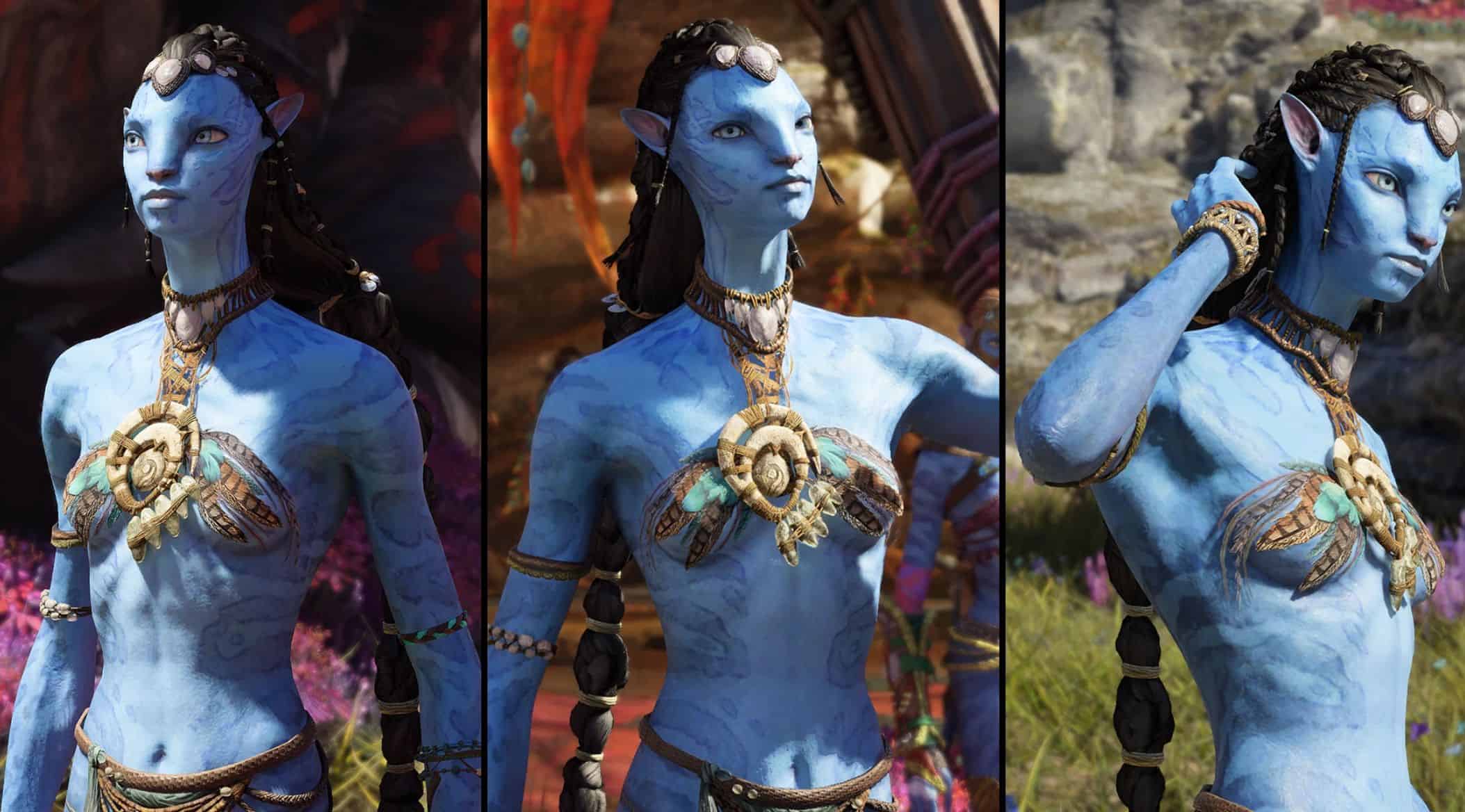
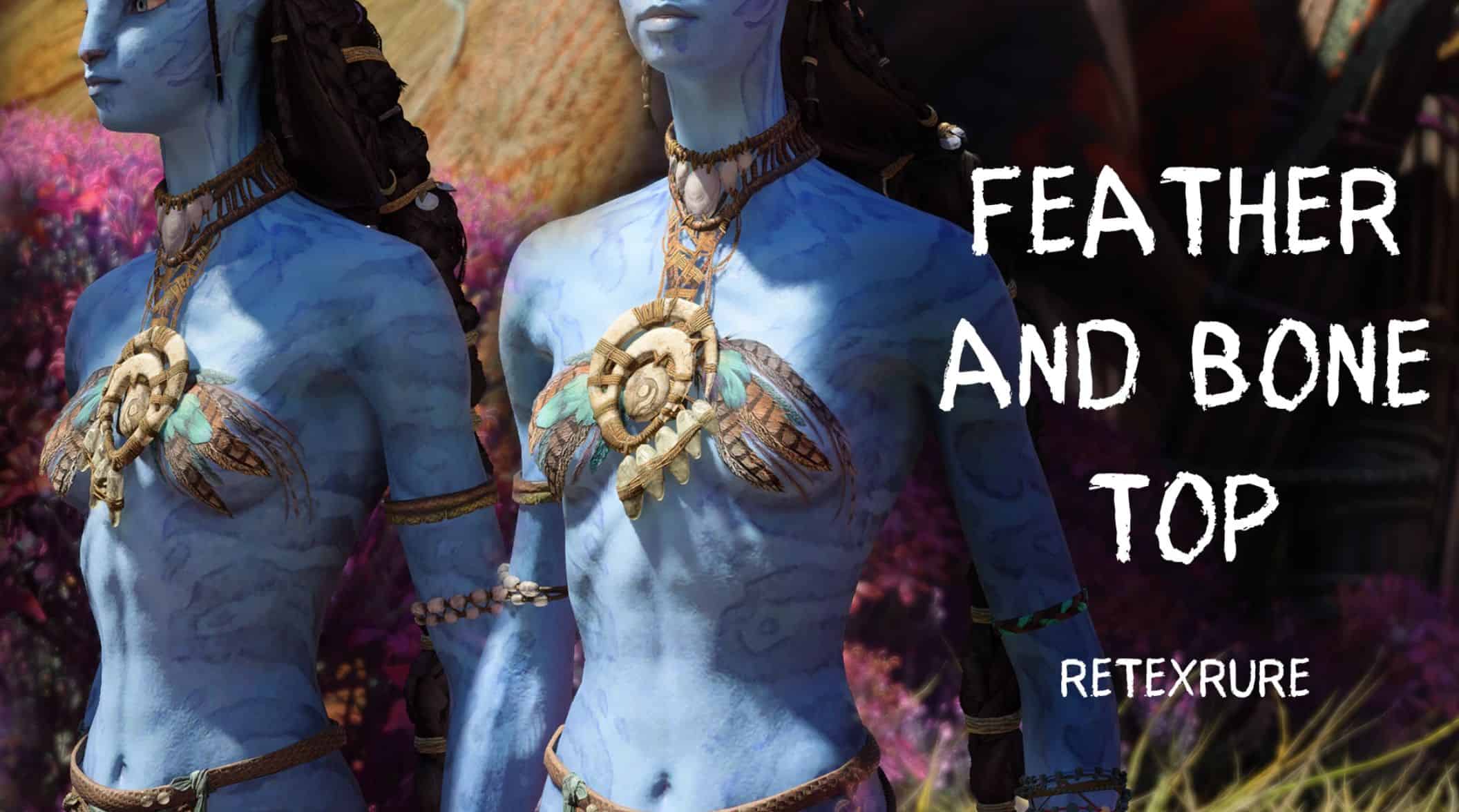
Feather and Bone Top v1.0
Required:
–Universal Snowdrop Modloader
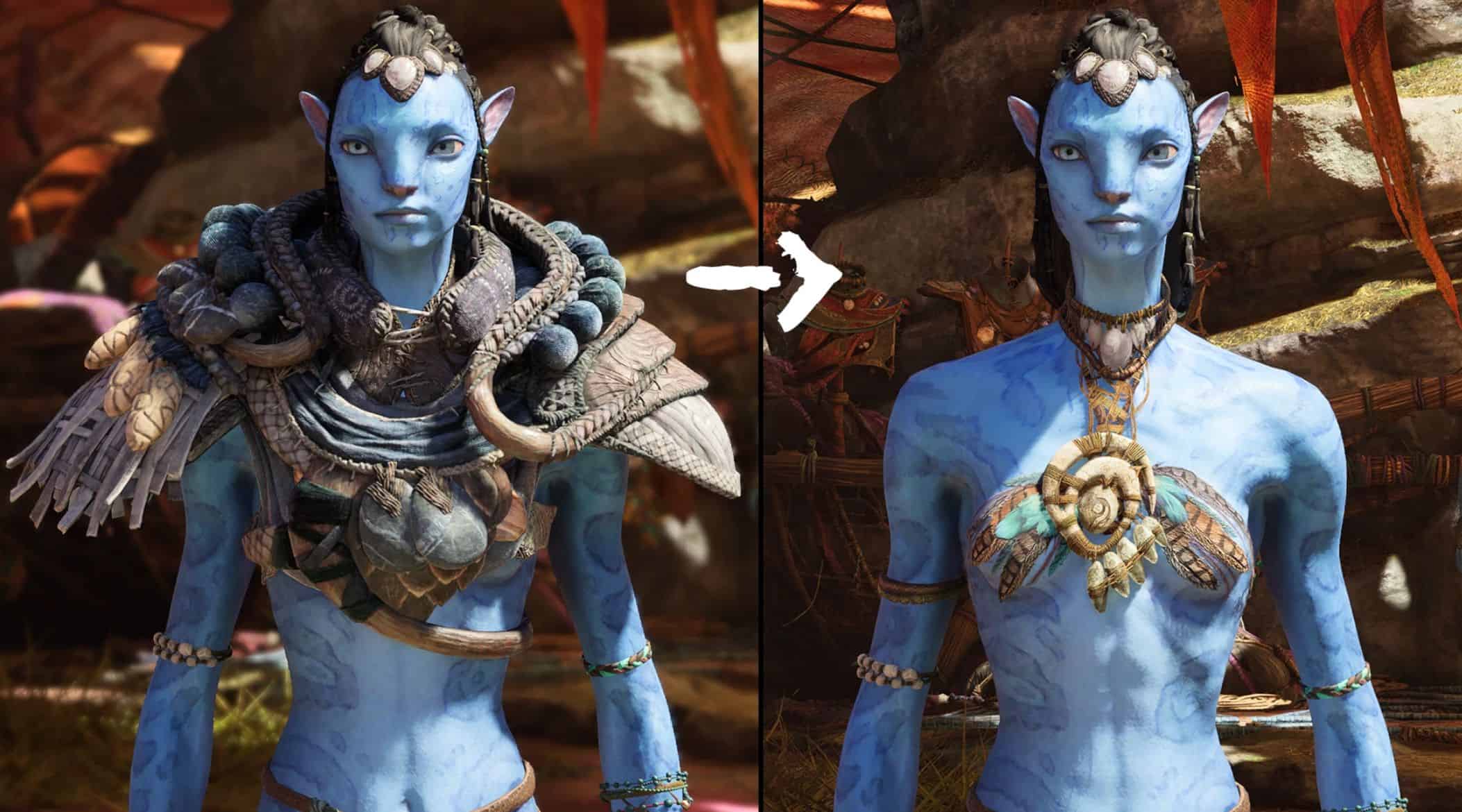
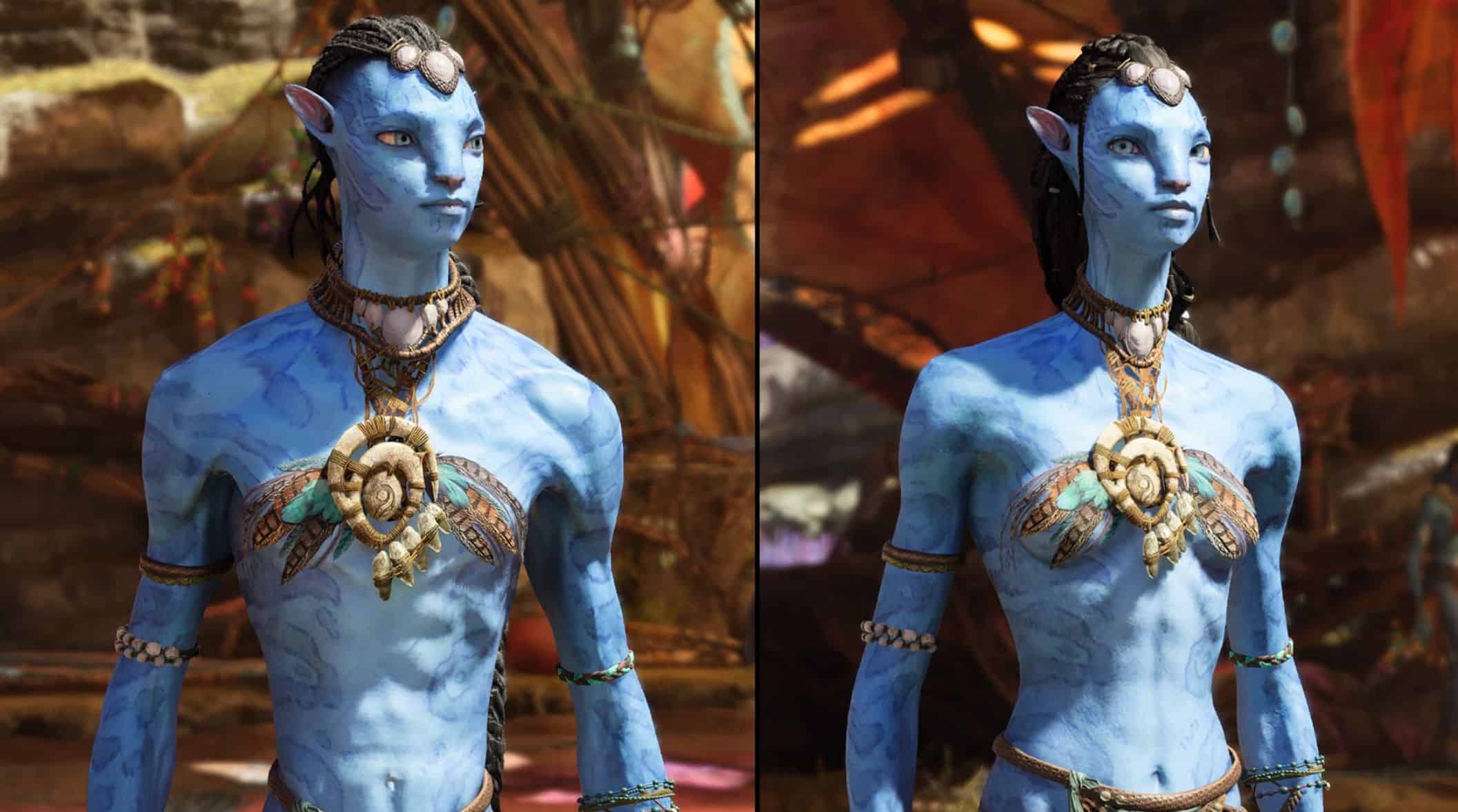
A feather and bone top replacing the Woodshaper Cape. It is a retexture of a Ke’awa chest piece, but due to custom texture paths should not conflict with other mods; it will remove fur from most other gear containing it.
To Install:
Unzip and move the “blue” folder to the following path:
if launching the game through Ubisoft Connect –> Ubisoft\Ubisoft Game Launcher\games\AFOP
if launching the game through Steam –> Steam\steamapps\common\AFOP
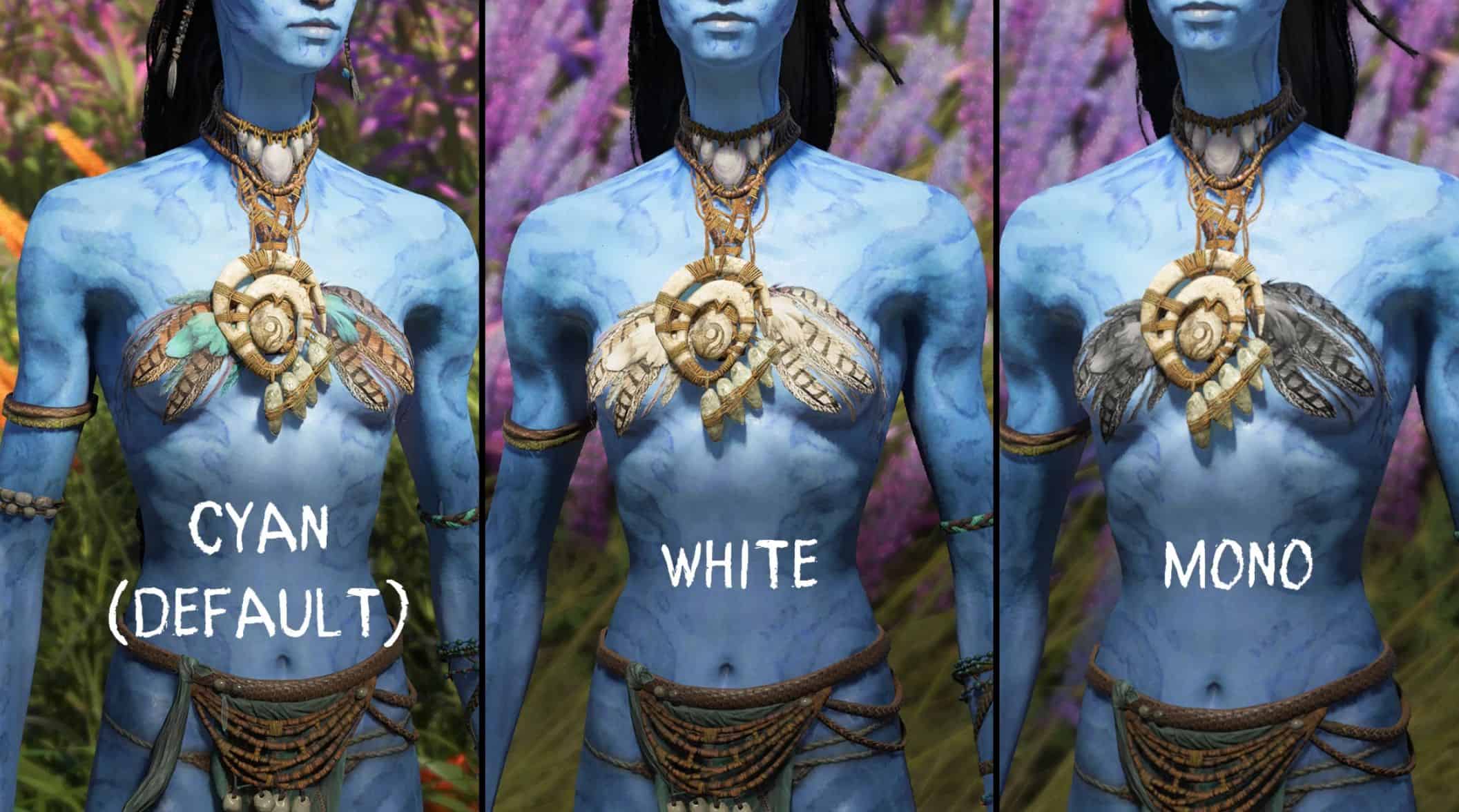
To use different colors:
1) install the mod
2) open the texture directory (click folders in order):
blue\baked\dlc_shared\gear\player\tmp\torso\part\g_tmp_torso_part_05\mmflyjar
3) rename the file with no brackets to something else (it is the default “cyan” texture)
4) choose the color you want to use and delete the brackets (leaving just the texture name ending at “…_d”)