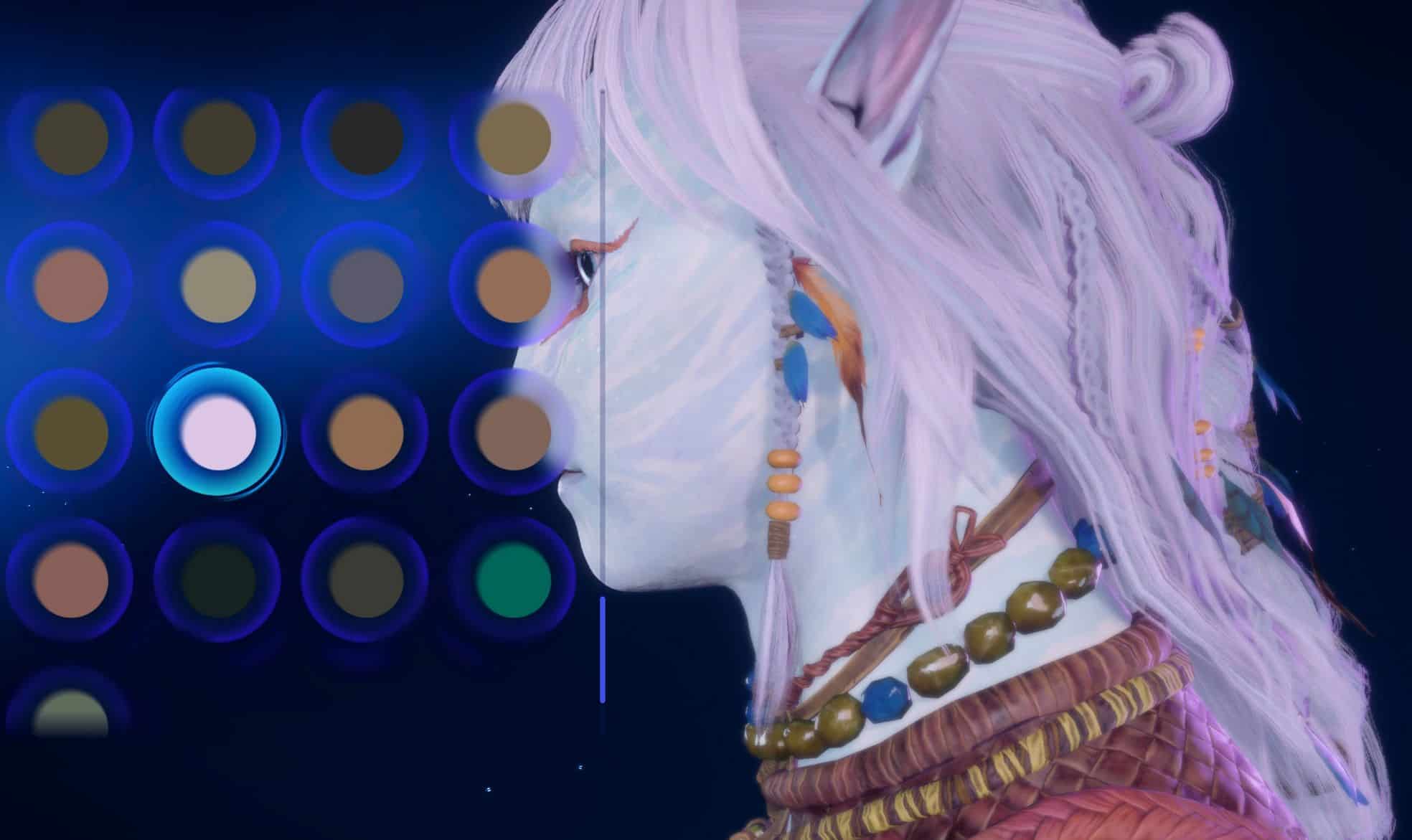
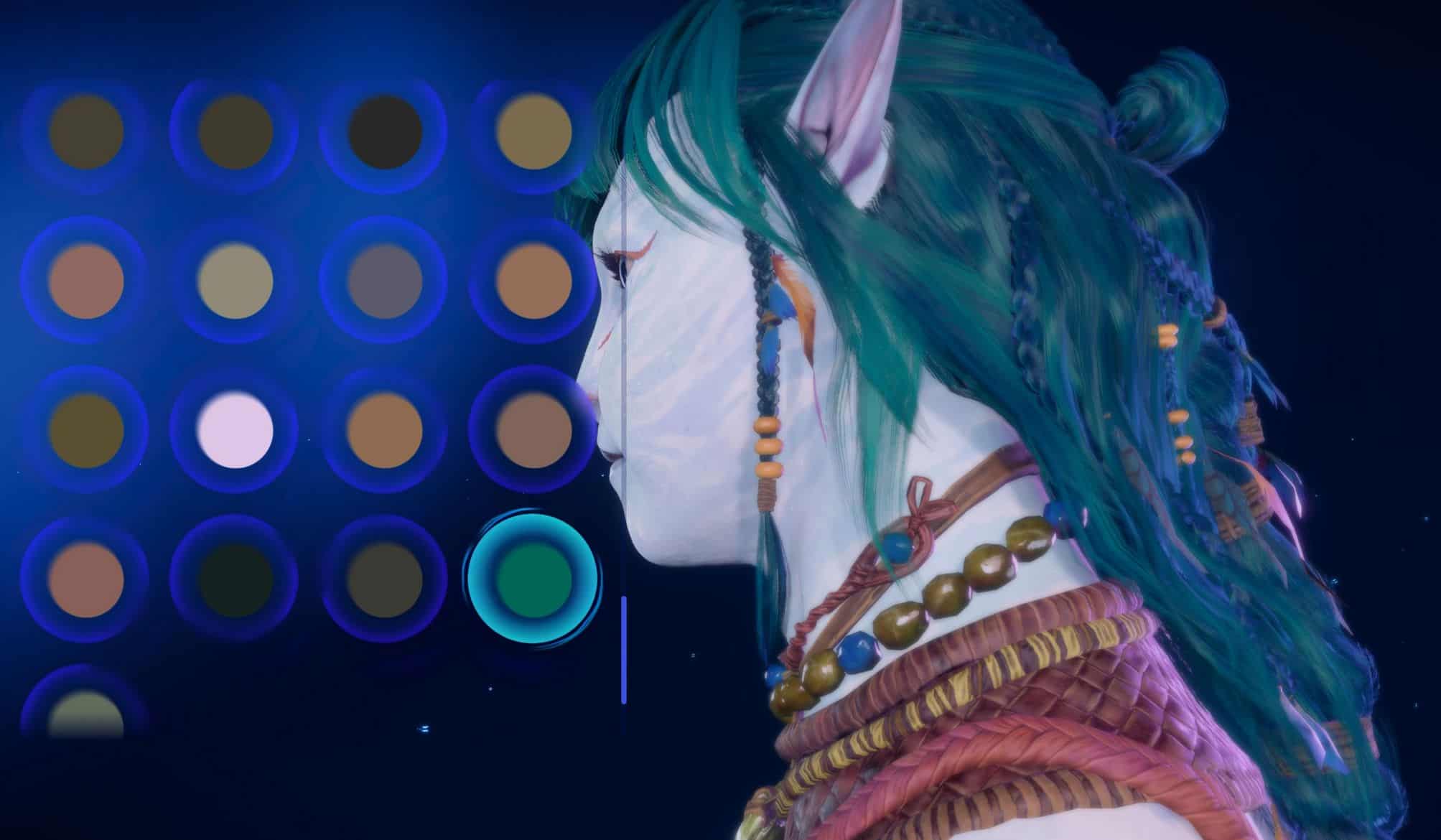
Slof’s Hair Colours v1.0
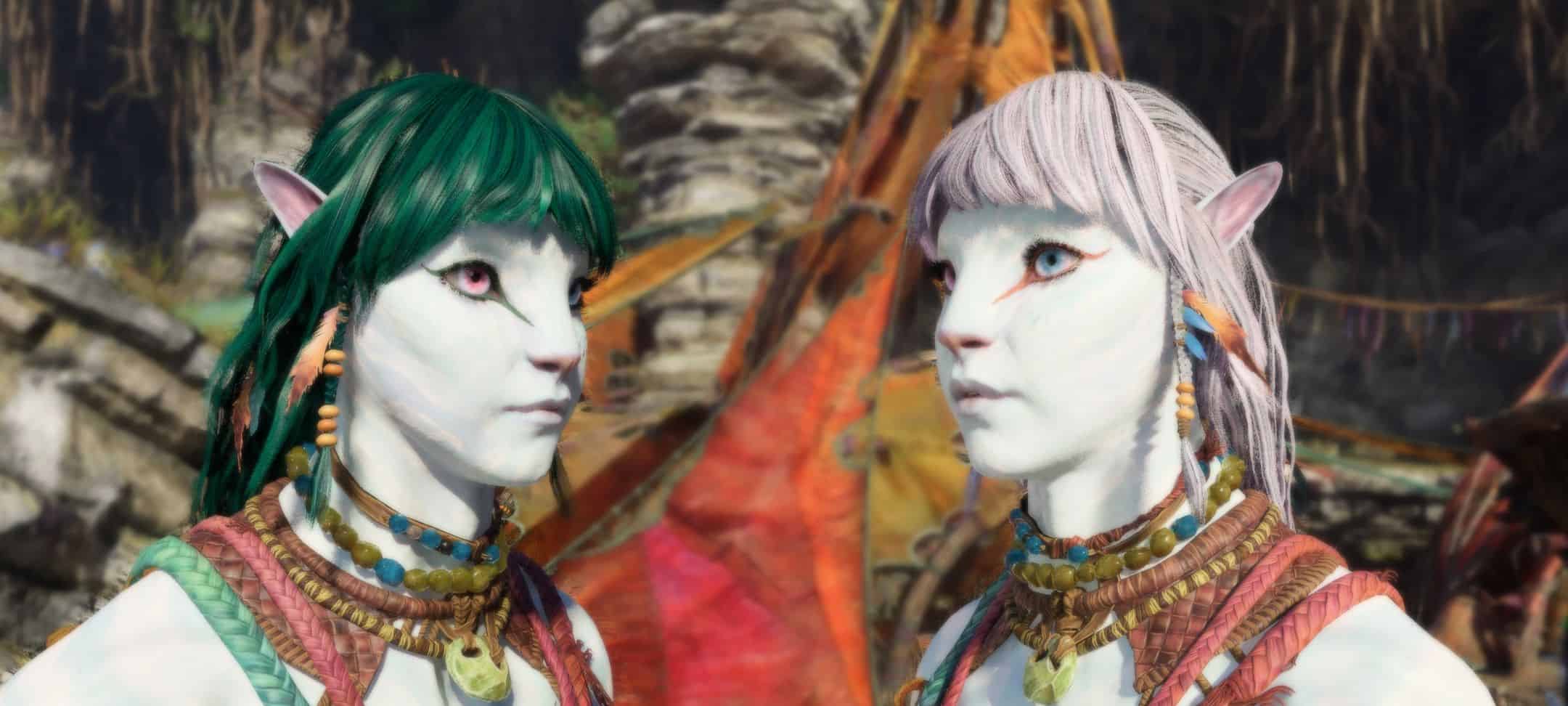
A small project to make the hair colours have more variety.
Required:
Universal Snowdrop Modloader
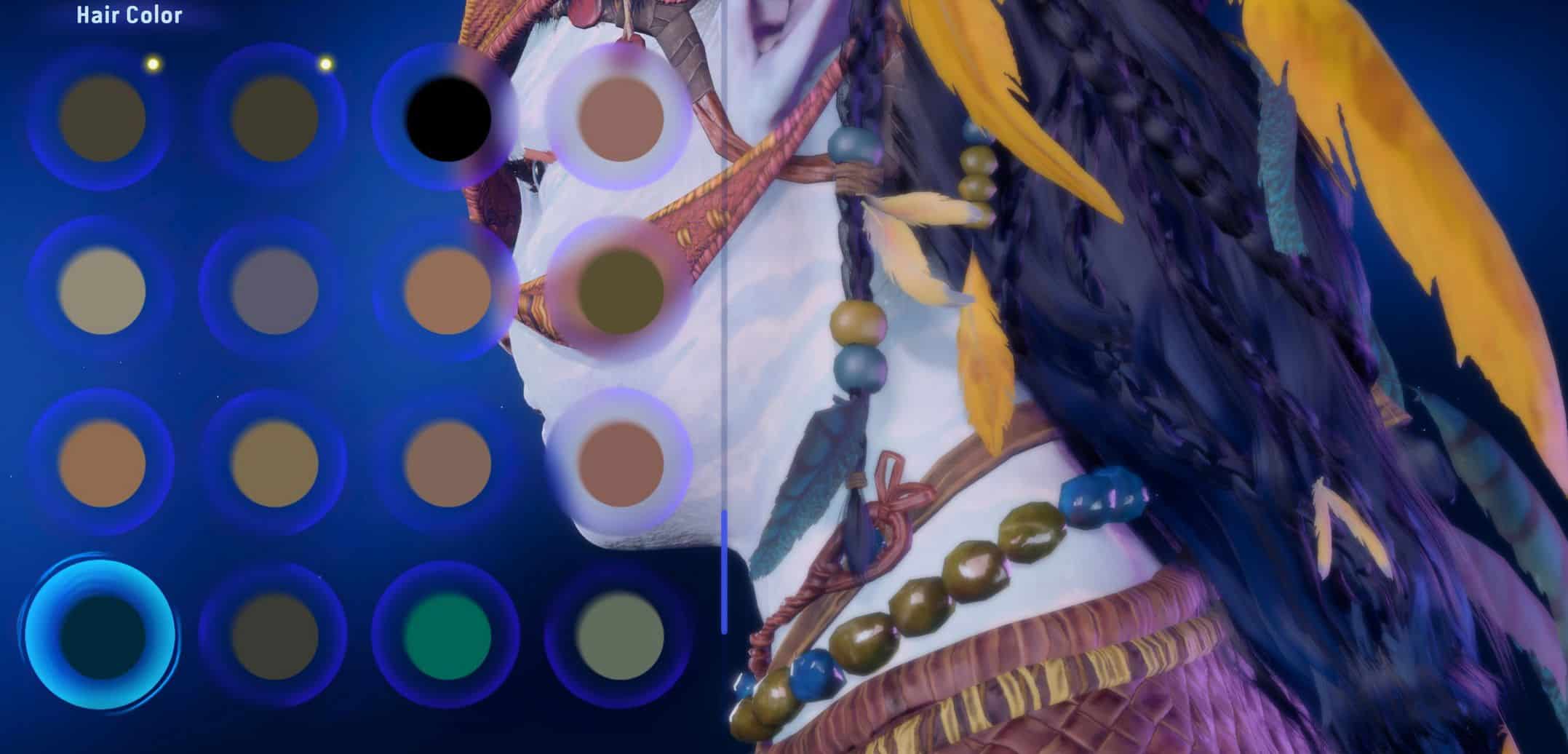
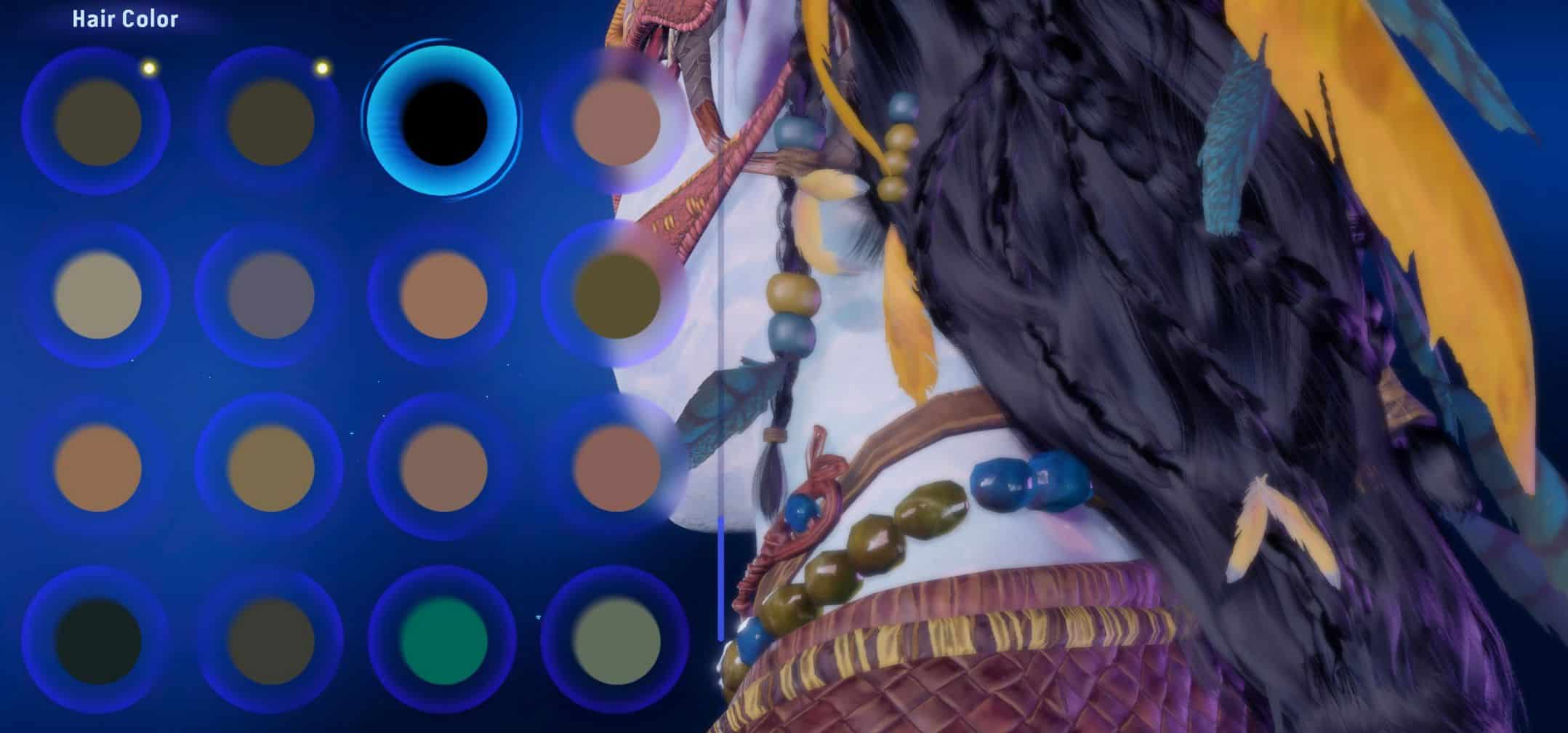
After setting my Na’vi lad on a quest to collect every hair and hair colour in the game, I noticed that many colours were so similar as to look too alike. Therefore, I am adding a little more variety while keeping to the basic colour description in the game. I want to be able to see an obvious difference between sunny brown and golden brown!
Many of these will have to be earned through gameplay; I’ve uploaded an image showing where to pick up the hair styles and hair colours. I’ve tried to make them more accurately match their names as some looked almost identical. They are acquired through clan contributions at certain Na’vi camps in the base game.
I’ve set these up as separate files so they can be mixed and matched to suit. They are also available in a single bundle if all are wanted.
Please be aware that these will affect NPC’s as well. Using just one will reduce this, but I rather enjoy the variety. I will be adding more as I go along.
File numbers correspond with which hair is in the list 1 – 18. There is no hair 8 or 19 – I think these are NPC only.
Requests considered. If you want a specific colour combo, please message me.
Installation:
1.Unzip the folder and then move the ‘blue’ folder to this path:
Ubisoft users: Ubisoft\Ubisoft Game Launcher\games\AFOP
Steam users: Steam\steamapps\common\AFOP
* Just drop it in, it will put things in the correct place *
To find the Ubisoft folder:
1. Go to your library and right click AFOP – select ‘manage’ > ‘properties’
2. Select installation in the list on the left – Installation directory is where your folder is, you can ‘open folder’ here too.
To find the Steam folder:
1. Go to your library and right click AFOP – select ‘properties’
2. Select ‘installed files’ in the list on the left
3. Click ‘browse’, it will open up your directory
I would like to thank Fe1eNinamu24 for the clear and easy-to-follow guide to changing colours.
Do whatever you like with this.