

Neytiri Inspired Leg Wraps (Na’VI Champion) v1.0
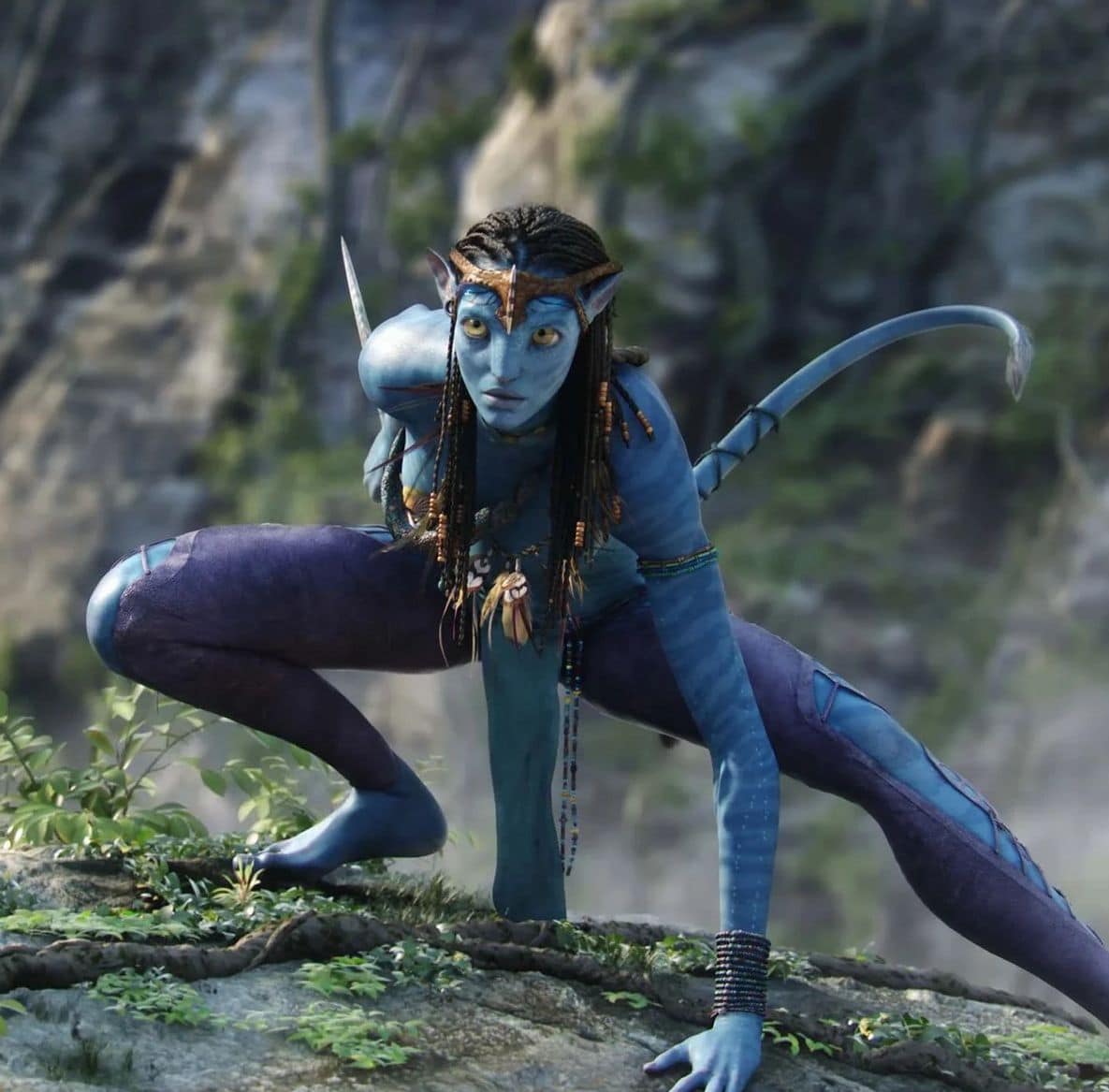
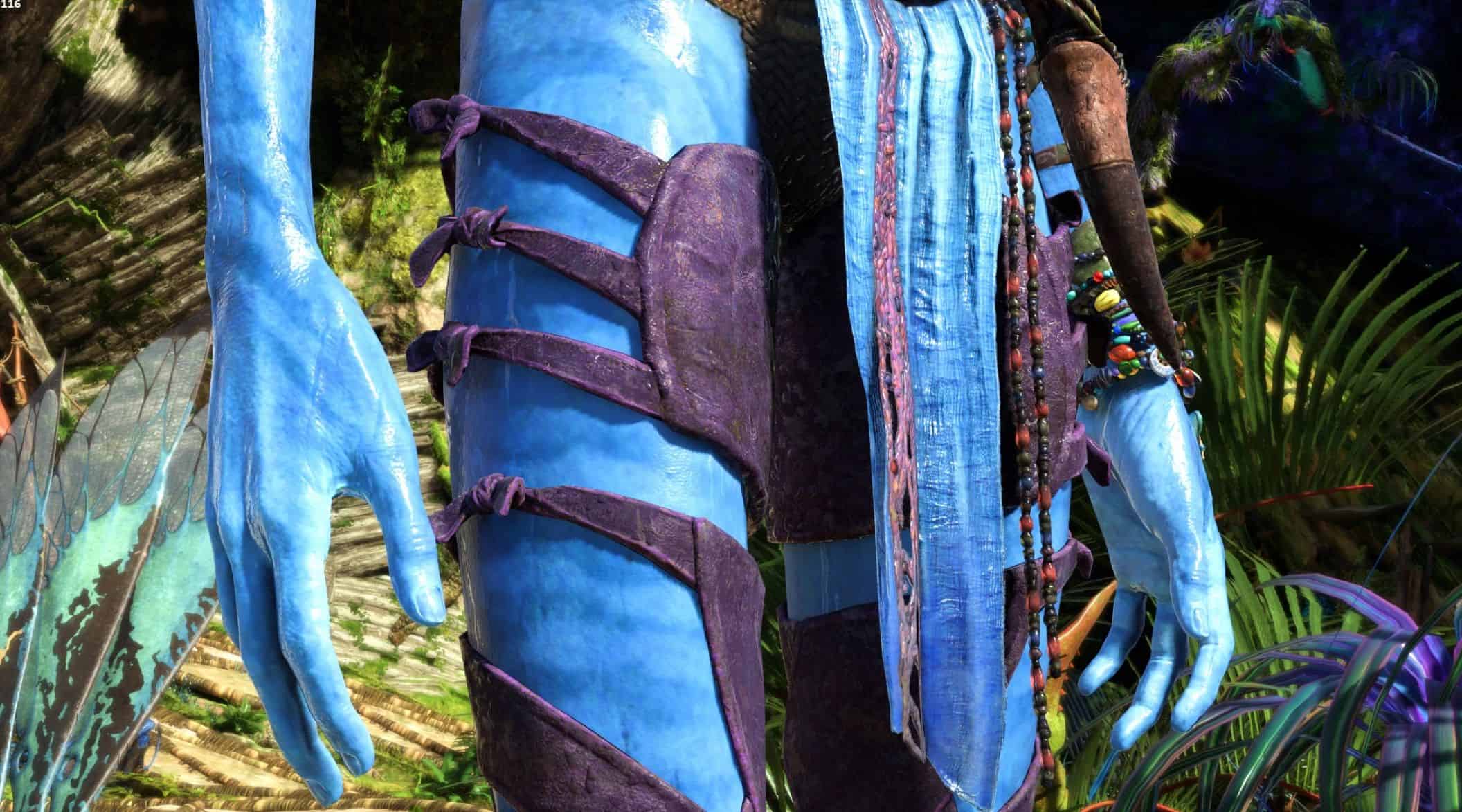
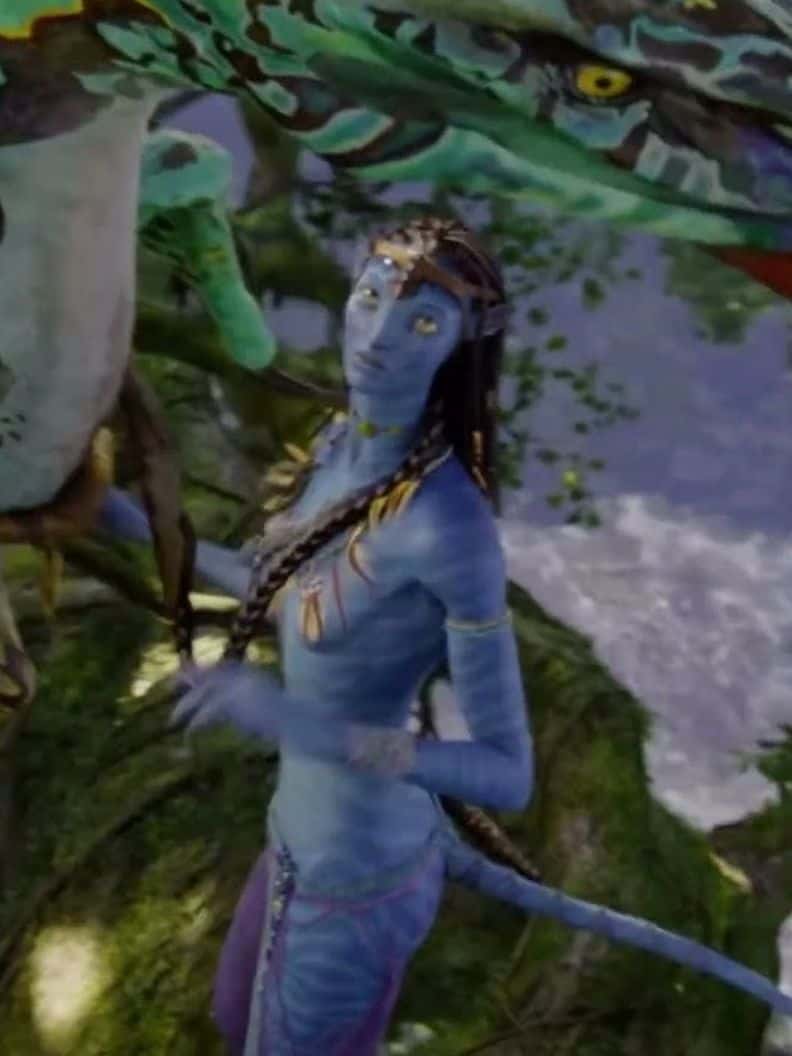
Movie-inspired recolor of Na’vi Champion leg wraps to match Neytiri’s purple wraps from Avatar. Created for fans who want their Na’vi to look as close to Neytiri as possible in Avatar: Frontiers of Pandora.
Required:
Universal Snowdrop Modloader
This mod was created especially for fans of Neytiri who want their Na’vi to look as close as possible to her appearance from Avatar — but directly in-game, in Avatar: Frontiers of Pandora.
If you want to complete your Neytiri-inspired look and wear the same style of wraps she does in the first Avatar movie, this mod is meant for you.
What This Mod Does?
This mod recolors:
– Na’vi Champion Leg Wraps
– Na’vi Champion Waist Wraps
from their original brown tones to the distinct purple color worn by Neytiri in Avatar.
The goal was to create a matching, cohesive set, allowing players to wear both leg wraps and waist wraps together as a single, movie-inspired outfit.
After receiving multiple requests from players asking for a matching waist wrap, I decided to expand the idea and complete the set.
This mod is the result — created so fans of Neytiri can finally wear a fully matching wrap set, just like hers, instead of mixing mismatched colors. Also improved the texture and colour.
Color Accuracy & Texture Work
This is not a flat recolor like my previous work.
– The entire texture was recolored to match Neytiri’s purple tone from the first Avatar movie
– The original fabric and skin texture details were carefully preserved
– Shading, depth, and material variation were maintained so the wraps look natural, worn, and realistic
– No plastic or artificial look
The goal was to make the wraps feel as if they belong in the game, while still staying faithful to the movie design.
This mod is visual only and does not affect gameplay, stats, or mechanics.
Installation
Ubisoft: To install the mod, simply place the provided folder into the main game directory where Avatar: Frontiers of Pandora is installed (the “blue” folder).
Steam: the path is: AFOP\blue\baked\characterart\gear\player\mtx\legs\mtx_g_a2_legs_skin_uncommon_01 or mtx_g_a2_waist_skin_uncommon_01\textures\mtx_g_a2_legs_skin_uncommon_01_d or mtx_g_a2_waist_skin_uncommon_01_d
The difference between the Ubisoft and Steam path is that there is a characterart folder between baked and gear