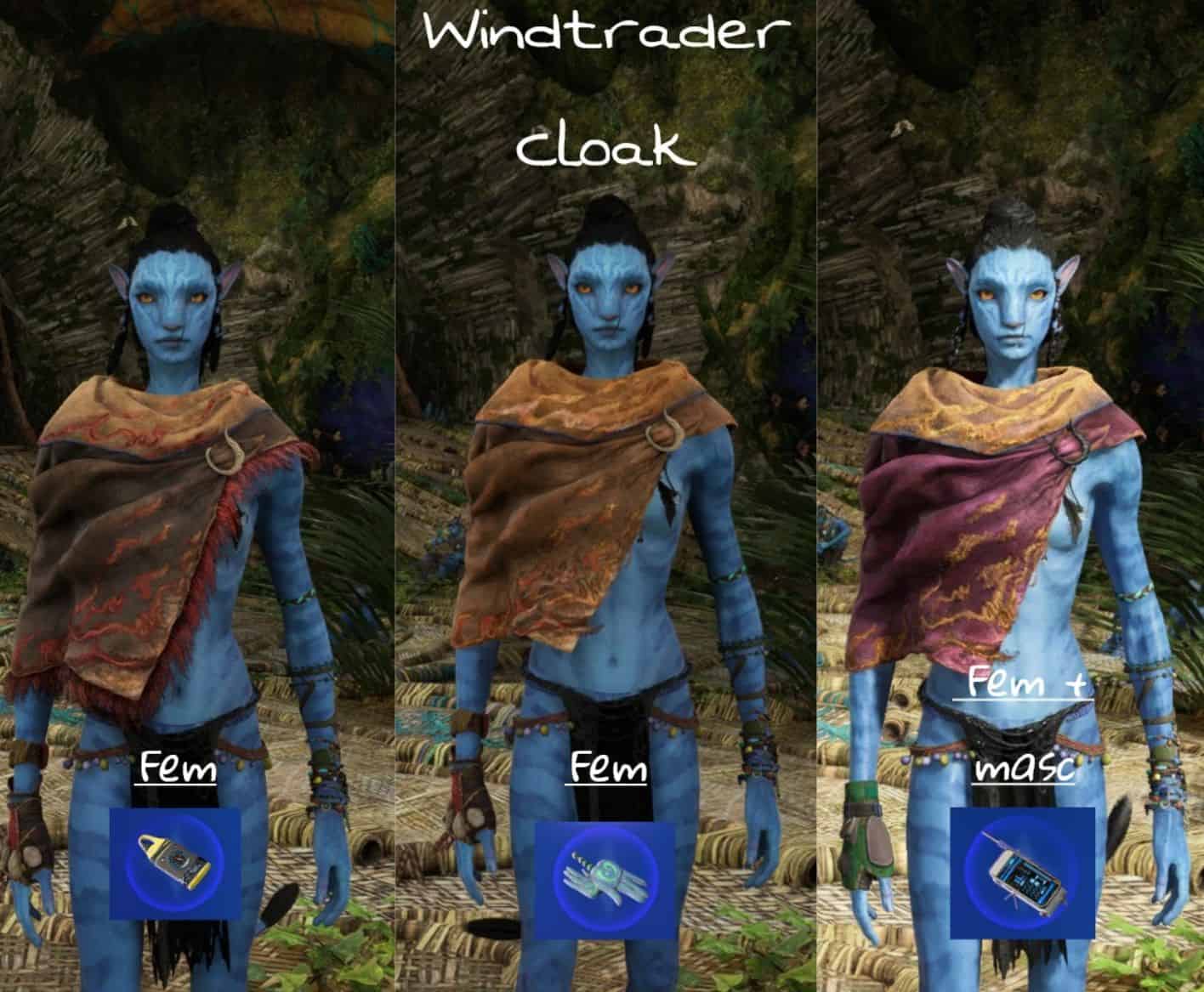
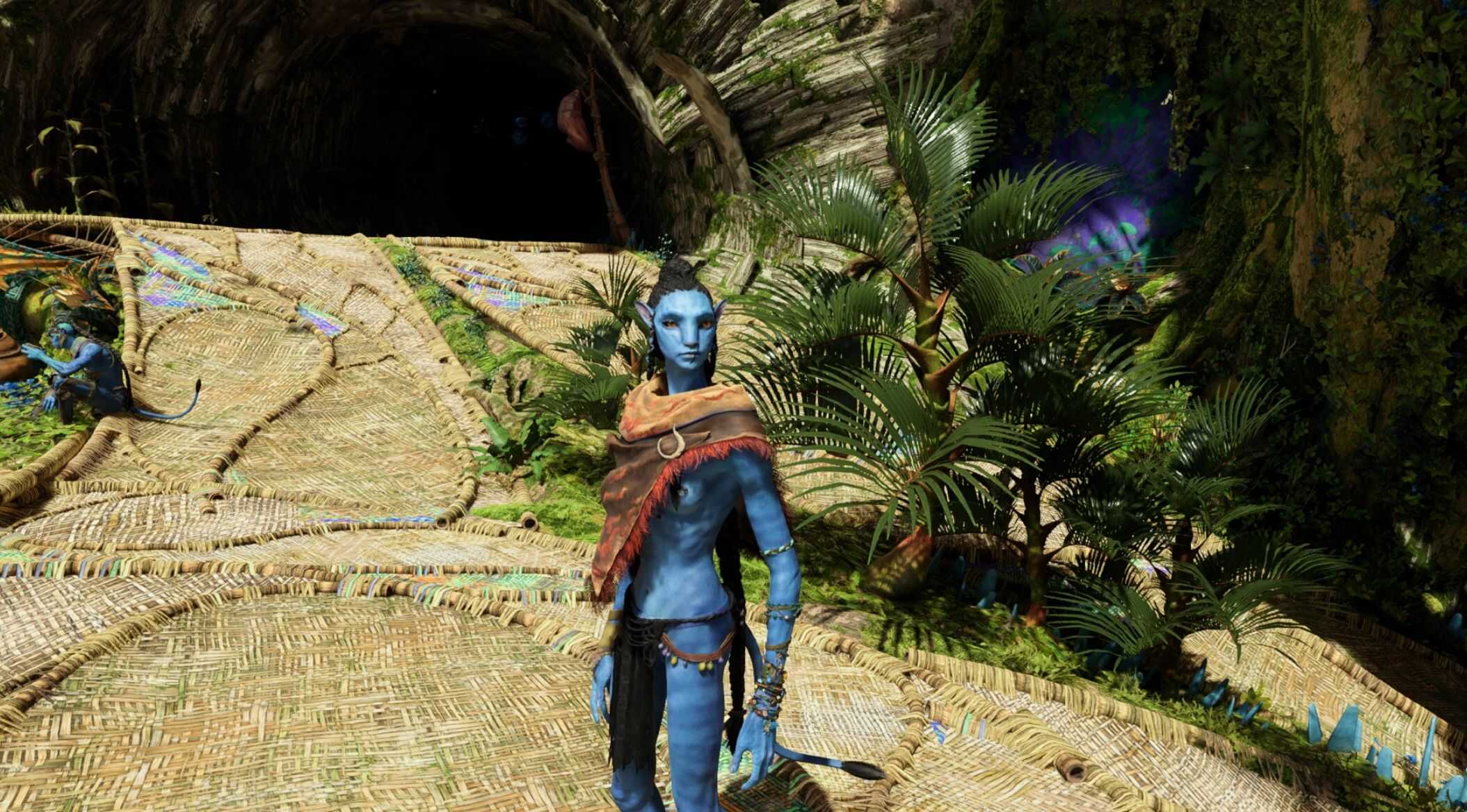
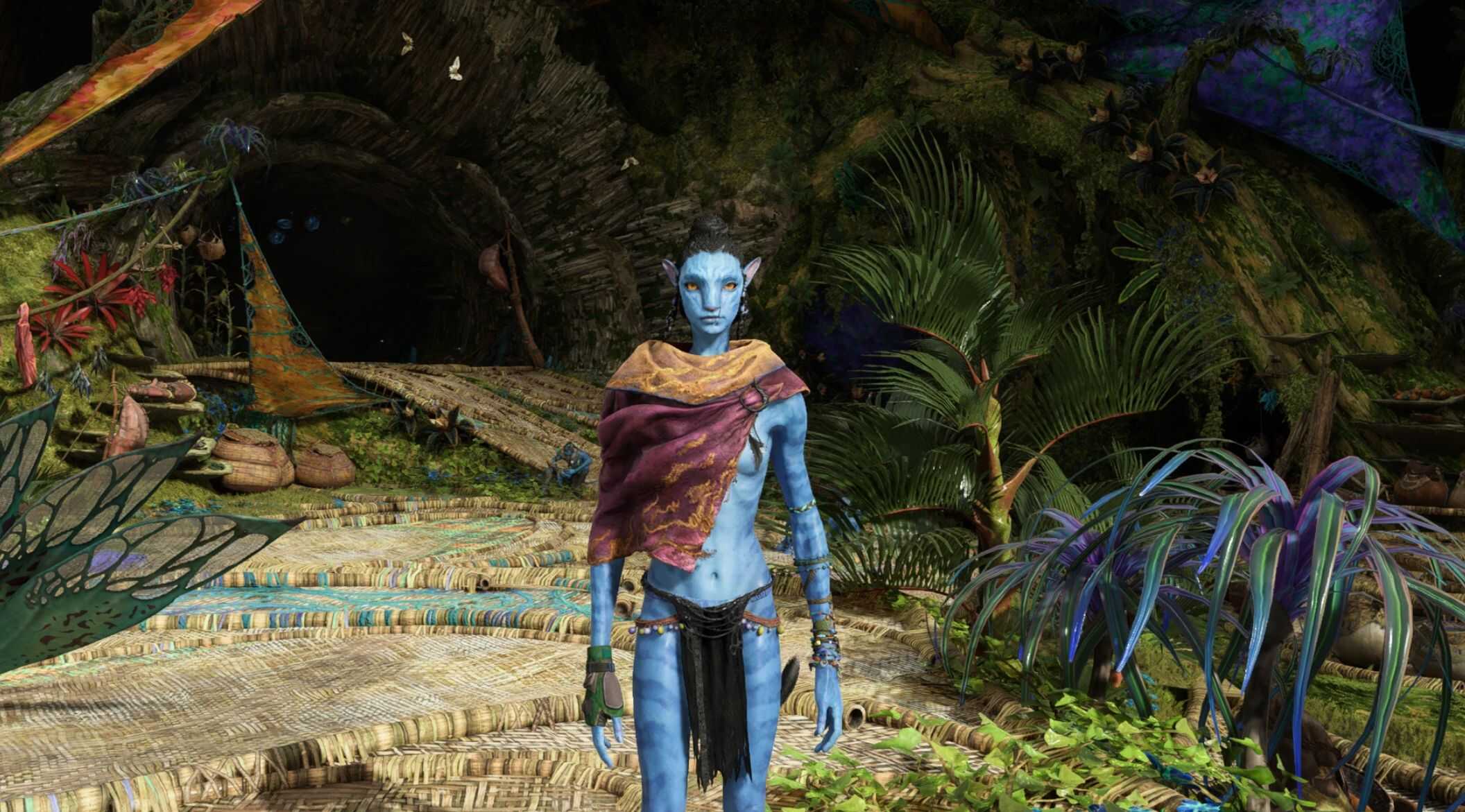
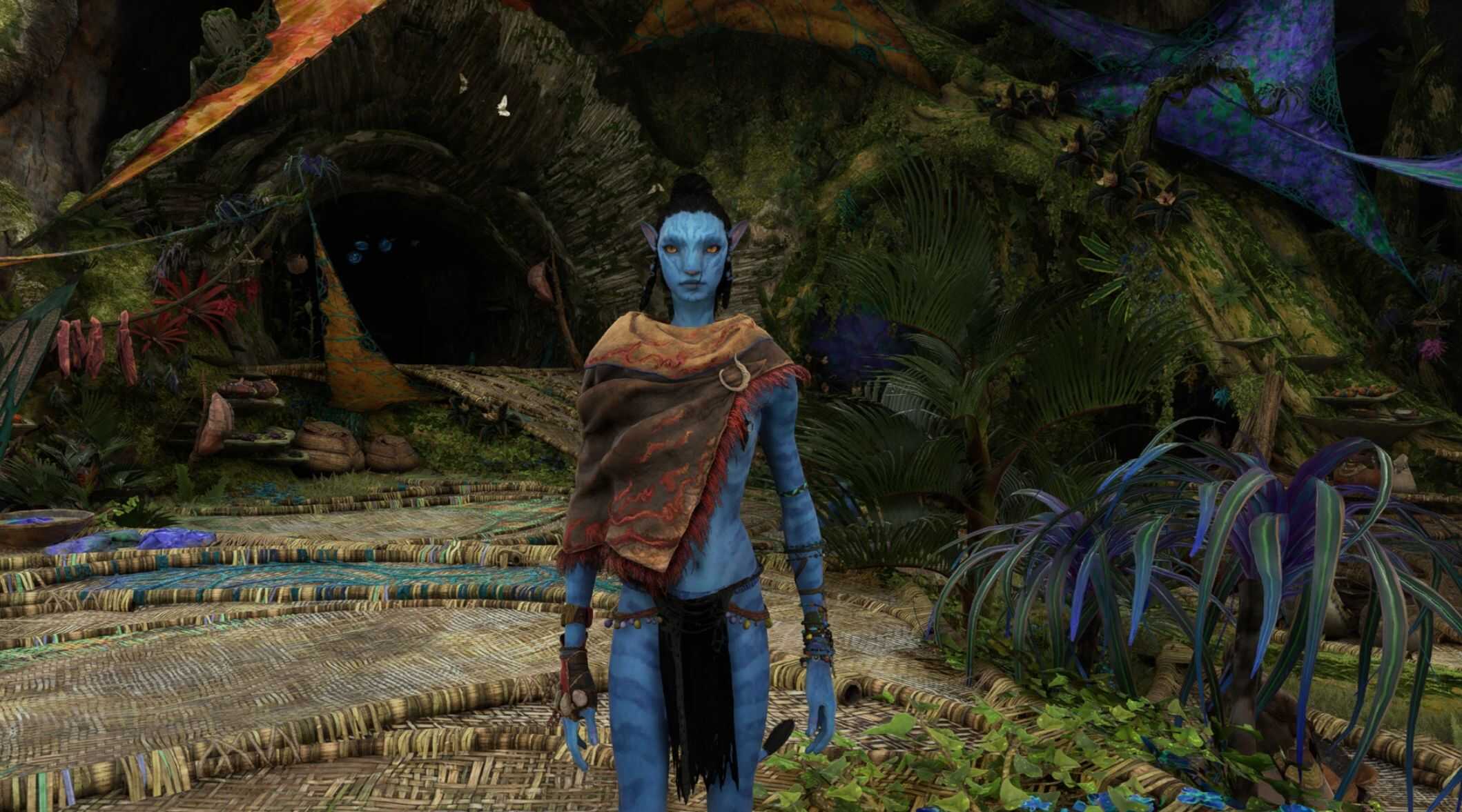
Windtrader cloak v1.0
A mod for swapping arm utility’s with windtrader cloak
Please note that these are NPC clothing, which is why the
collisions do not always work like the kuru can glitches through the clothing.
The DLC ‘From the Ashes’ is not needed for this mod but in case you have
an ‘18%’ bug where the game won’t load past it or the mod itself works but it won’t show up in game, please
check if you have the ‘DLC3’ Folder, which is in the same filepath as the blue folder.
If there is no folder, or its empty,you may need to reinstall the game, cause this means you’re
missing an important update and no FTA related mod will work.
Installation
Open the folder & move ‘blue’ to this path:
Ubisoft: Ubisoft/Ubisoft Game Launcher/games/AFOP
Steam: Steam/steamapps/common/AFOP
For Ubisoft Connect:
Move the ‘blue’ folder into the ‘AFOP’ section, drag & drop it there.
If you already have a blue folder, that’s fine. There won’t be two ‘blue’ folders,
the files will put themself in place & should work the same way, since the usual
mods contain the baked/characterart folders as well.
For Steam launcher:
Go to your library & right click AFOP – select ‘properties’.
Select ‘installed files’ in the list on the left. Click ‘browse’,
it will open up your directory.
Move the folder the same way there, like with Ubisoft.
Required:
Universal Snowdrop Modloader